> ## Documentation Index
> Fetch the complete documentation index at: https://kb.snagr.co.uk/llms.txt
> Use this file to discover all available pages before exploring further.
# Was ist "Aufeinanderfolgenden Aktionspunkt hinzufügen"?
 **App**
Durch das anschließende Hinzufügen eines Aktionspunkts können Sie Details zu einem Aktionspunkt hinzufügen, die auf ein Problem hinweisen, das nach dem Lösen des ersten Problems deutlich wird.
Als Beispiel: Wenn eine Wand beschädigt wird und erneut seziert werden muss, führt dies letztendlich zu einem Folgeproblem in Form einer Sanierung.
**App**
Durch das anschließende Hinzufügen eines Aktionspunkts können Sie Details zu einem Aktionspunkt hinzufügen, die auf ein Problem hinweisen, das nach dem Lösen des ersten Problems deutlich wird.
Als Beispiel: Wenn eine Wand beschädigt wird und erneut seziert werden muss, führt dies letztendlich zu einem Folgeproblem in Form einer Sanierung.
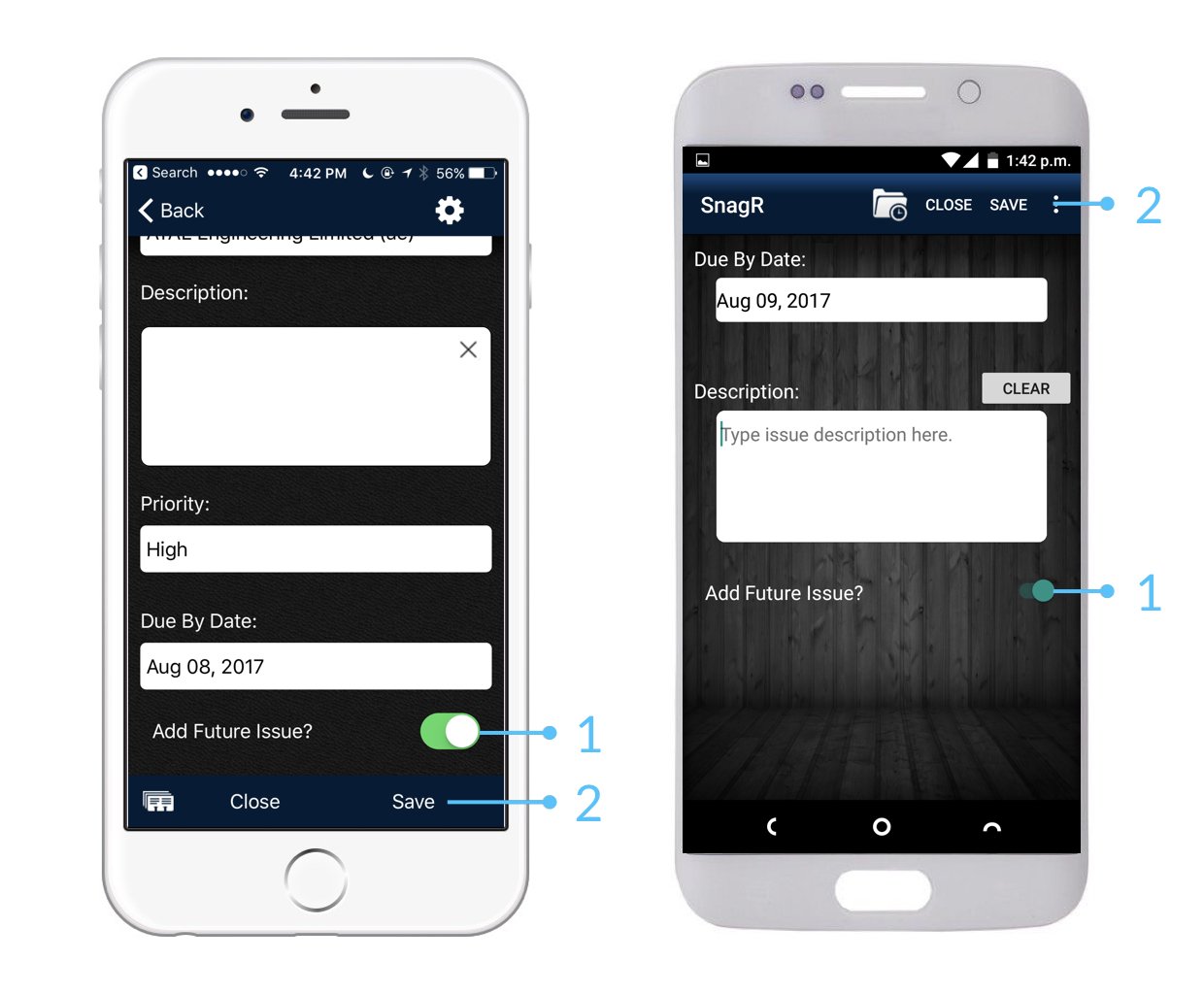
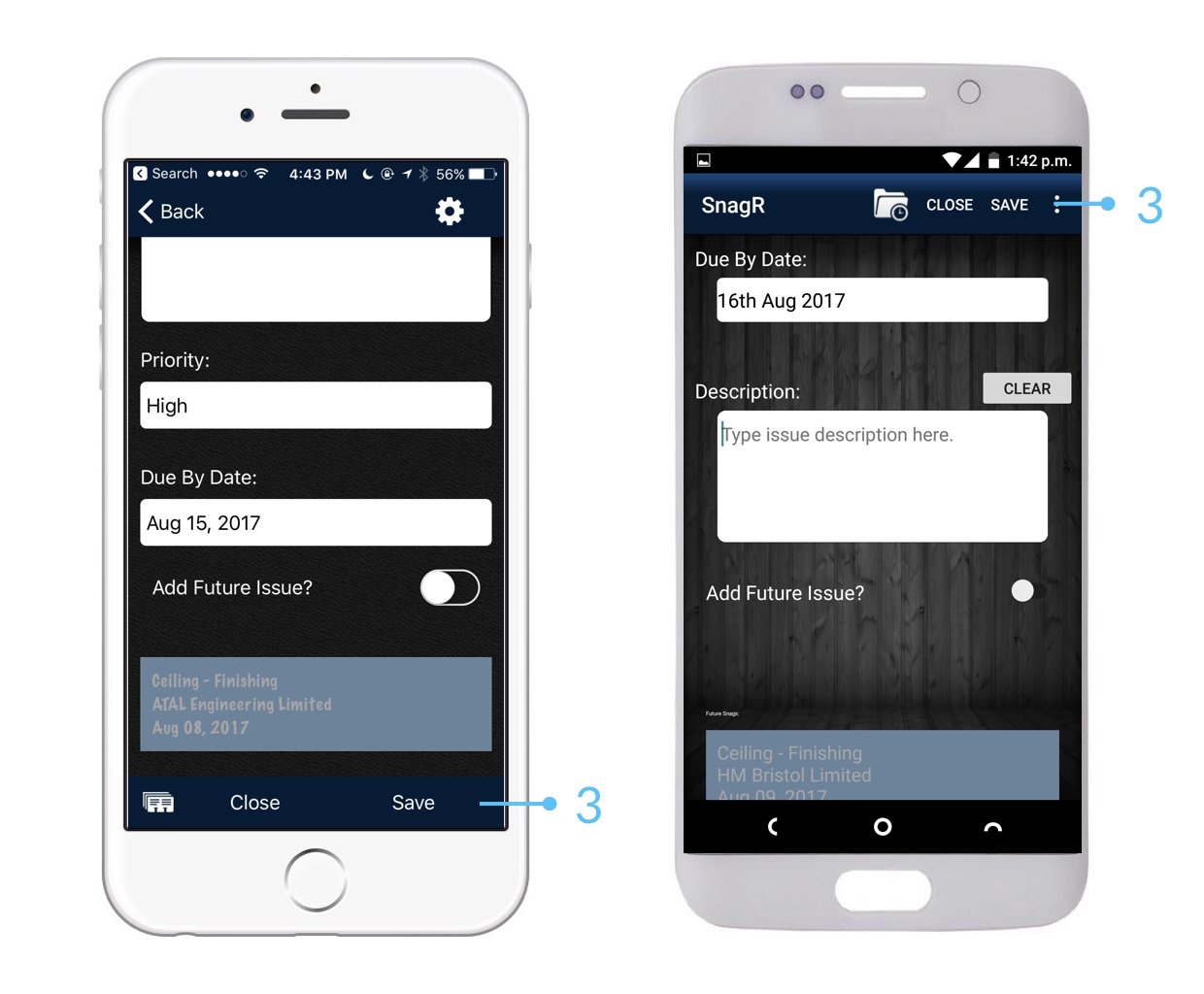
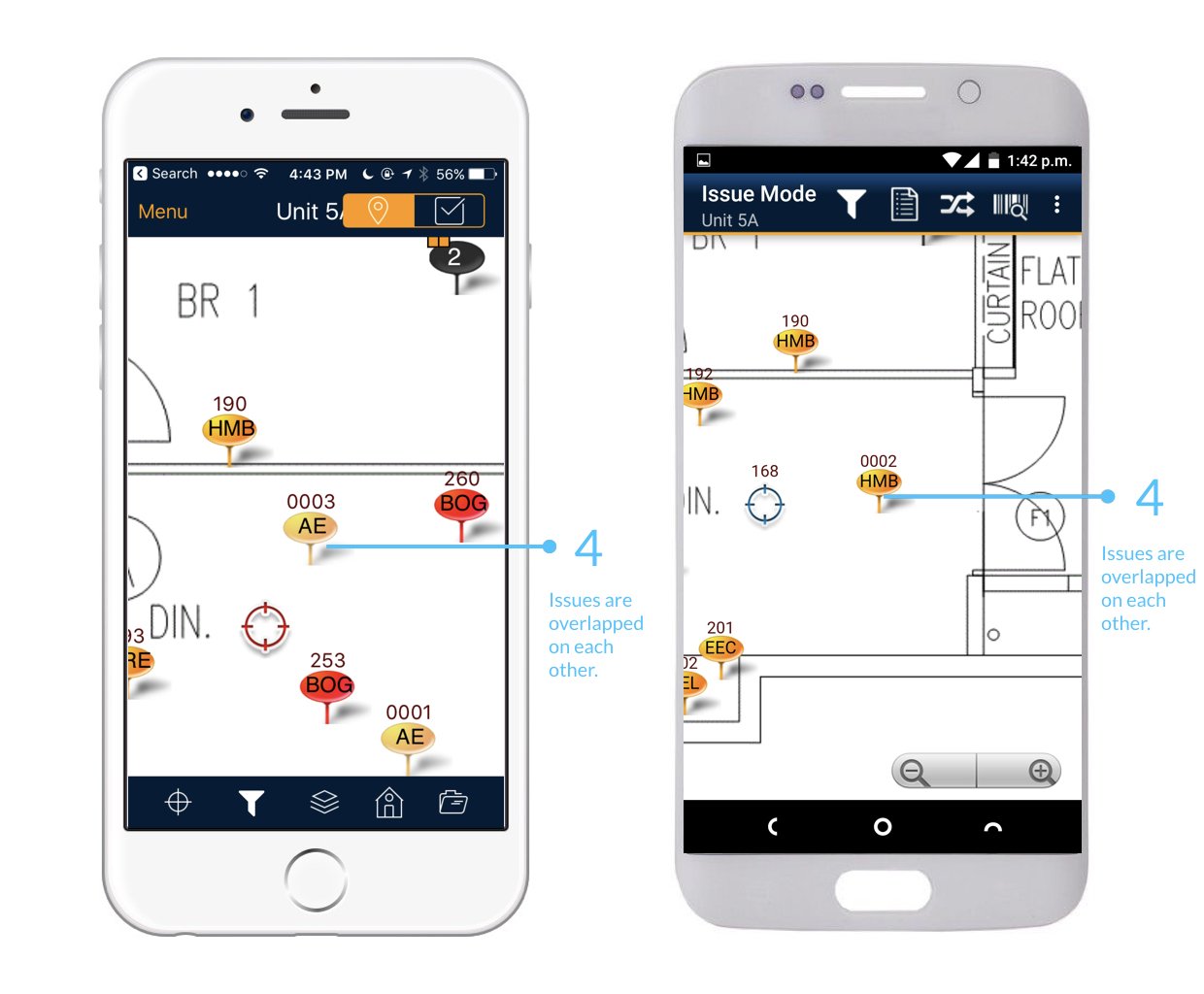
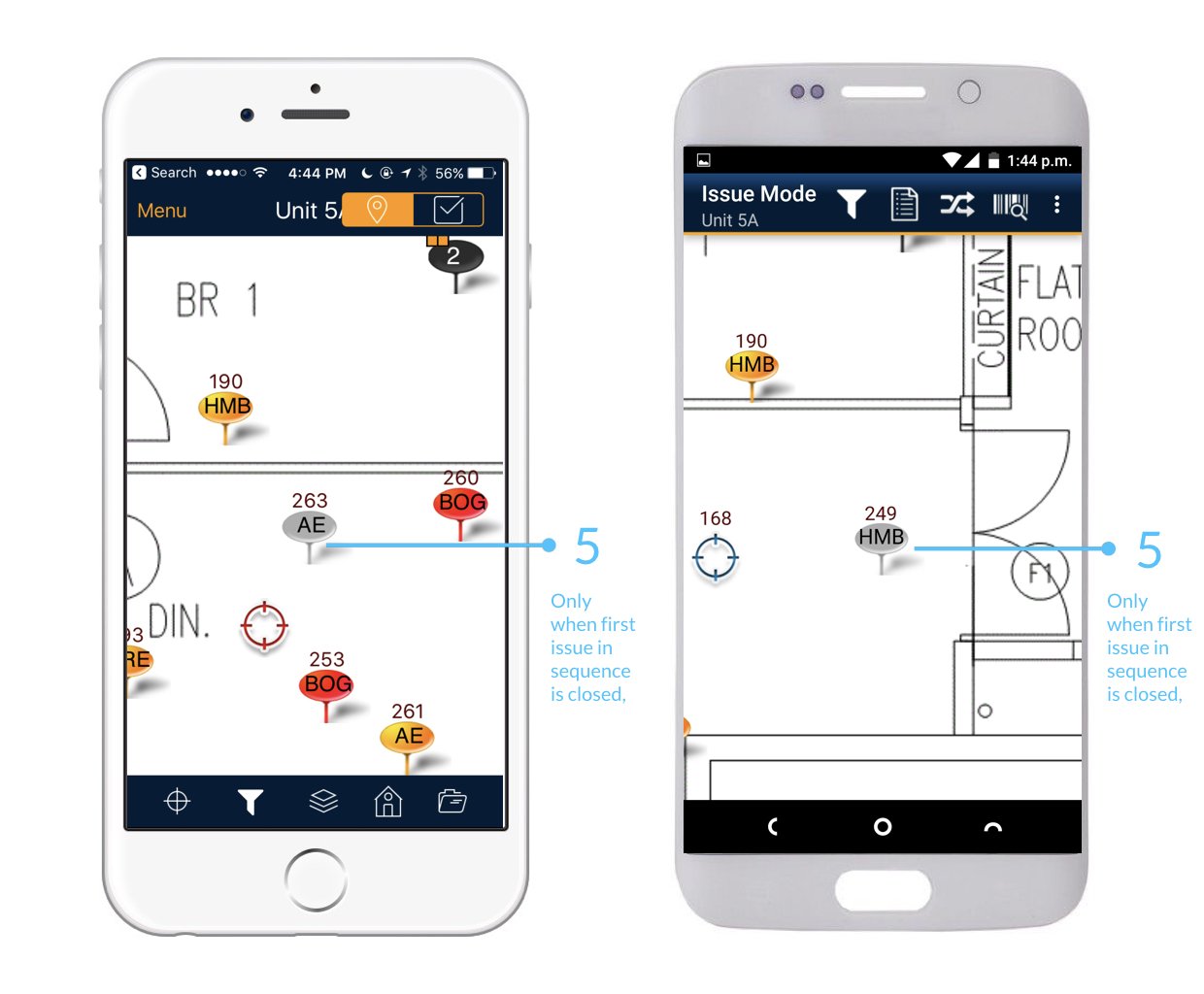
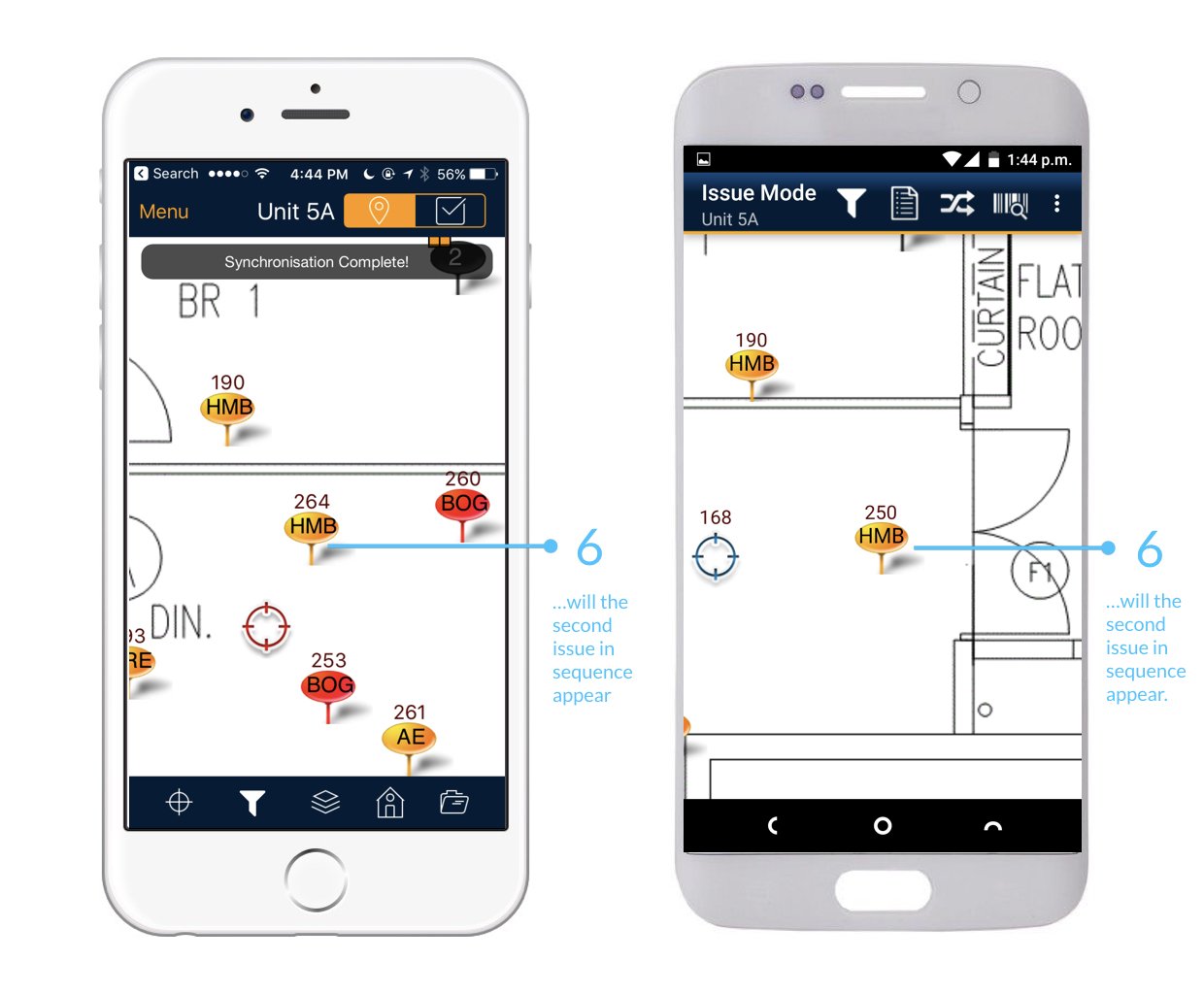
 Nachfolgende Aktionspunkte werden erst sichtbar, nachdem der erste Aktionspunkt aufgelöst wurde. Wenn Sie bei nachfolgenden Aktionspunkten sofort sehen möchten, klicken Sie [hier](/nl/ga-van-start/startgids-hoe-ga-ik-met-actiepunten-om/kan-ik-meerdere-actiepunten-toevoegen-op-een-plek), um zu sehen, wie Sie dies am besten tun können.