> ## Documentation Index
> Fetch the complete documentation index at: https://kb.snagr.co.uk/llms.txt
> Use this file to discover all available pages before exploring further.
# I can login on website, but I can't on mobile app. What is wrong?
There may be a few reasons this is happening.
**1. Did you change your password on website earlier?**
Since your device works offline, when you update your password on website, **your** **credentials on the device do not get to update.**
**What should I do?**
* When you attempt with the new password, the app should prompt a message "**re-sync users**". Click that and afterwards it should allow you to login again.
* Login to the device with someone's else account and password, sync, log out and login with your new password.
* Remove project and re-add it on your device. Click [here](/en/faq/troubleshooting-on-mobile/remove-and-re-add-project) to see the steps.
**2. Can you double check the URL you input?**
These are likely related to a mistaken URL input. Please be sure to have the correct URL.
Tip: The URL should not end with a slash (/).
E.g., [http://demo40.snagr.com.hk/training/](http://demo40.snagr.com.hk/training/) will prompt an error. [http://demo40.snagr.com.hk/training](http://demo40.snagr.com.hk/training) will work.
Alternatively, simply pull up the QR code scanner so SnagR imports the project URL and your username for you. The QR code is provided on the welcome email from SnagR. If you have never received it, simply click "I forgot my password" on the project login page, and this should trigger an email notification to you.
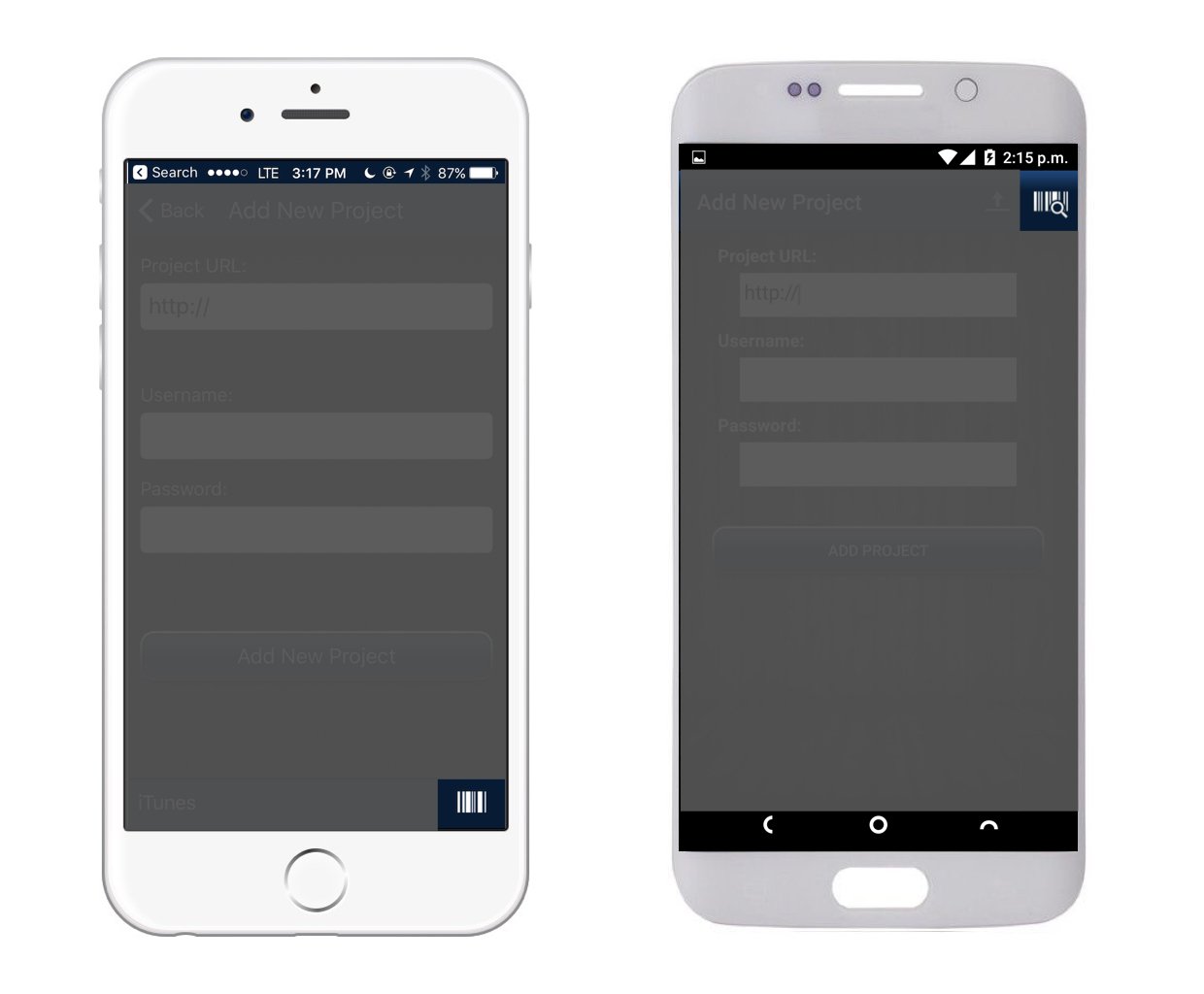
You will find the QR code scanner here:
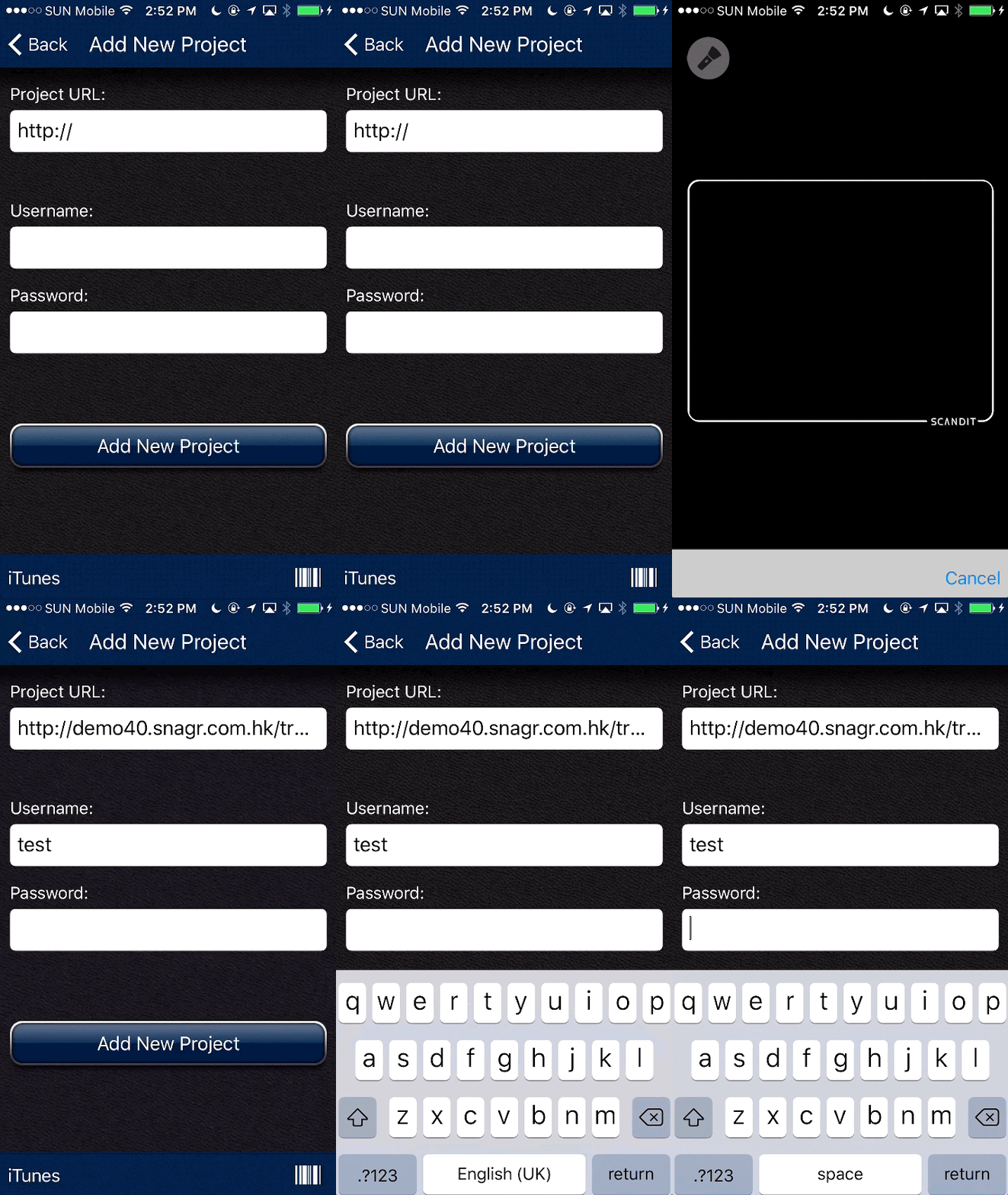 Simply type your password to proceed. You are good to go!