> ## Documentation Index
> Fetch the complete documentation index at: https://kb.snagr.co.uk/llms.txt
> Use this file to discover all available pages before exploring further.
# How can I remove a form template from an inspection template?
This is a company level feature.
To delete a form from an inspection you have to login to the company level.
 **Website**
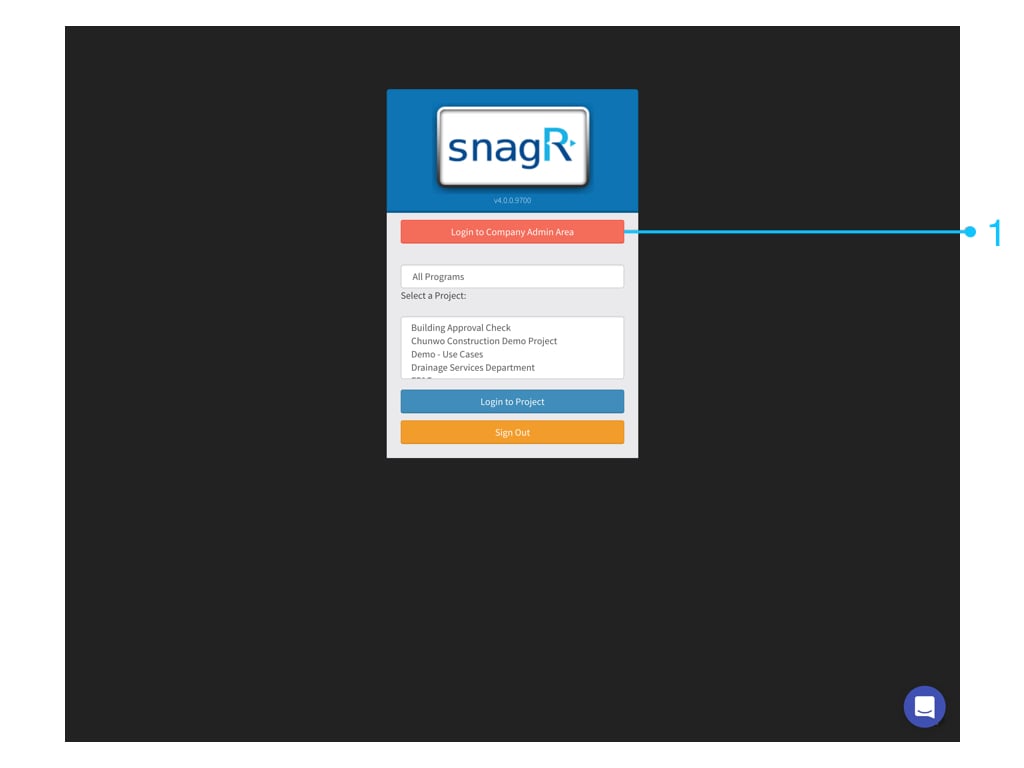
First, login to the **Company Admin Area**. Only Company admin can see this button.
**Website**
First, login to the **Company Admin Area**. Only Company admin can see this button.
 ### Go to **Company Inspections > Inspections**.
Click on the "Edit" button from the inspection you want to edit.
You see the different forms that are used in this inspection
To remove a form, click on the remove button.
Click "Remove" in the warning pop-up if you are sure that you want to delete this form from this inspection.
### Go to **Company Inspections > Inspections**.
Click on the "Edit" button from the inspection you want to edit.
You see the different forms that are used in this inspection
To remove a form, click on the remove button.
Click "Remove" in the warning pop-up if you are sure that you want to delete this form from this inspection.