> ## Documentation Index
> Fetch the complete documentation index at: https://kb.snagr.co.uk/llms.txt
> Use this file to discover all available pages before exploring further.
# Import/Export Inspection Form Templates
It is possible to import and export inspection template from one project to another in SnagR.
Why would you need it?
You may use this feature to test inspection forms set up at a training domain, without affecting set up on your production site. You can make as many changes as you want, and test the process sufficiently before you export the inspection template and import to the actual site for others to administrate and use it.
 **Website**
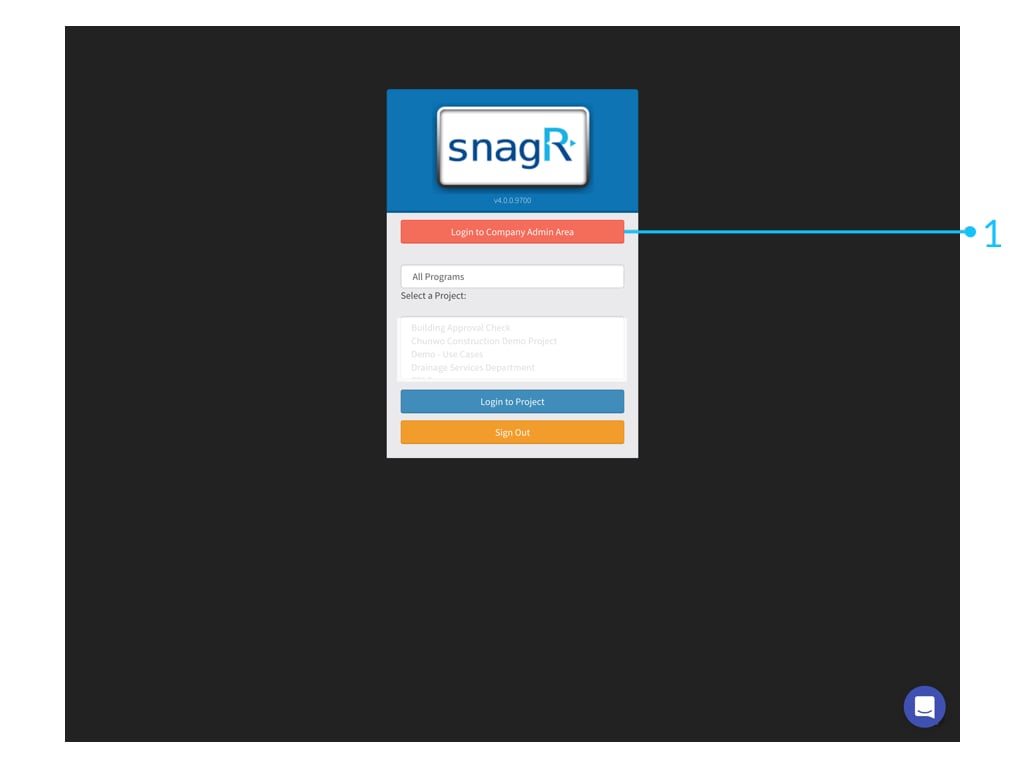 First, go the project which you need to clone the inspection form from, let's say Company environement A.
Login to **Company Admin Area**. (Only Company admin can see this button.)
First, go the project which you need to clone the inspection form from, let's say Company environement A.
Login to **Company Admin Area**. (Only Company admin can see this button.)
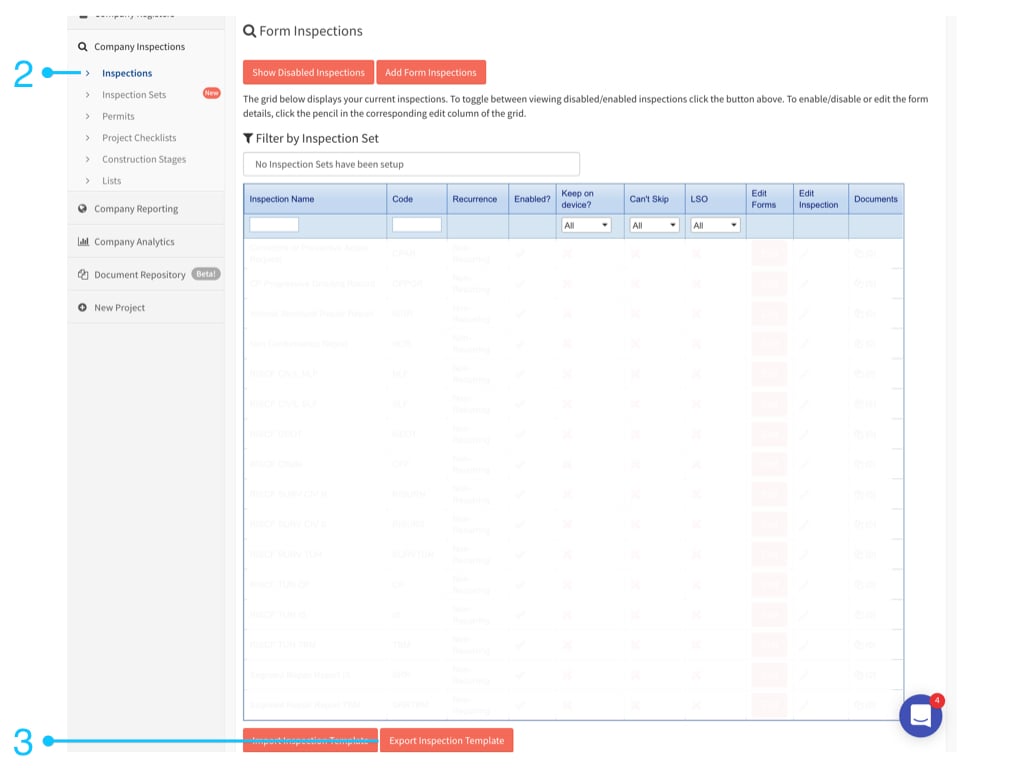 Go to **Company Inspections** > **Inspections,** scroll to the bottom of the page then you can see **Export Inspection Template** button.\
Click to proceed.
Go to **Company Inspections** > **Inspections,** scroll to the bottom of the page then you can see **Export Inspection Template** button.\
Click to proceed.
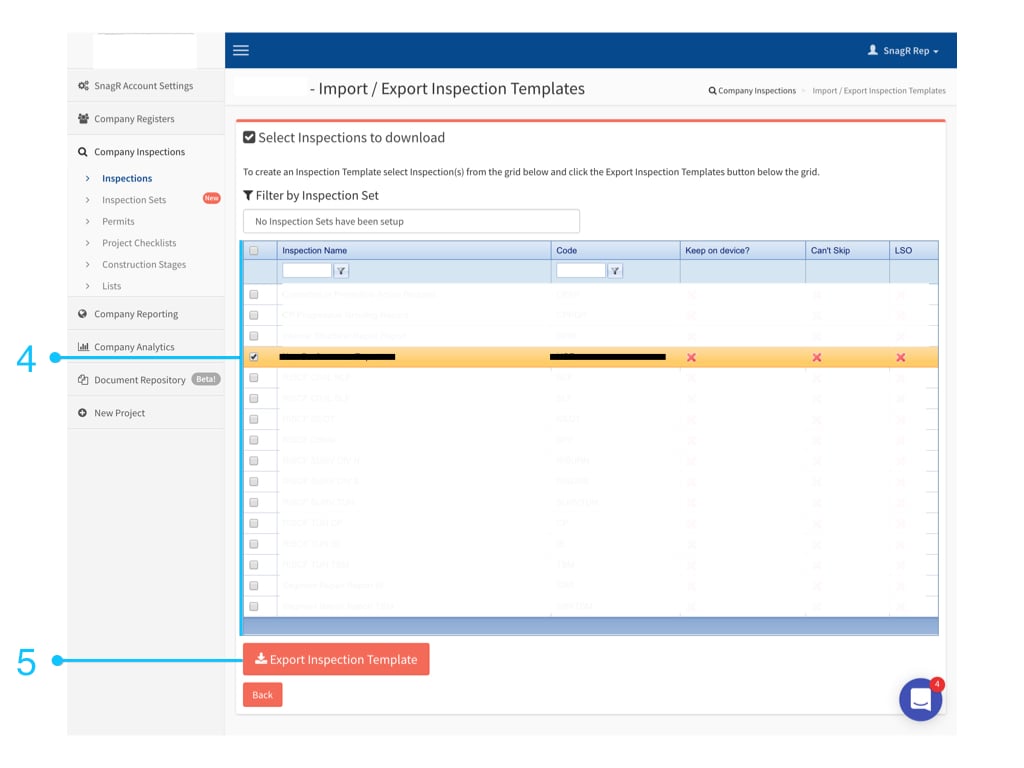 Select the inspection you want to export and click **Export Inspection Template**.
Great, we are now halfway through!
Next, go to the project where you want to import the inspection template, let's say Company environment B.
Select the inspection you want to export and click **Export Inspection Template**.
Great, we are now halfway through!
Next, go to the project where you want to import the inspection template, let's say Company environment B.
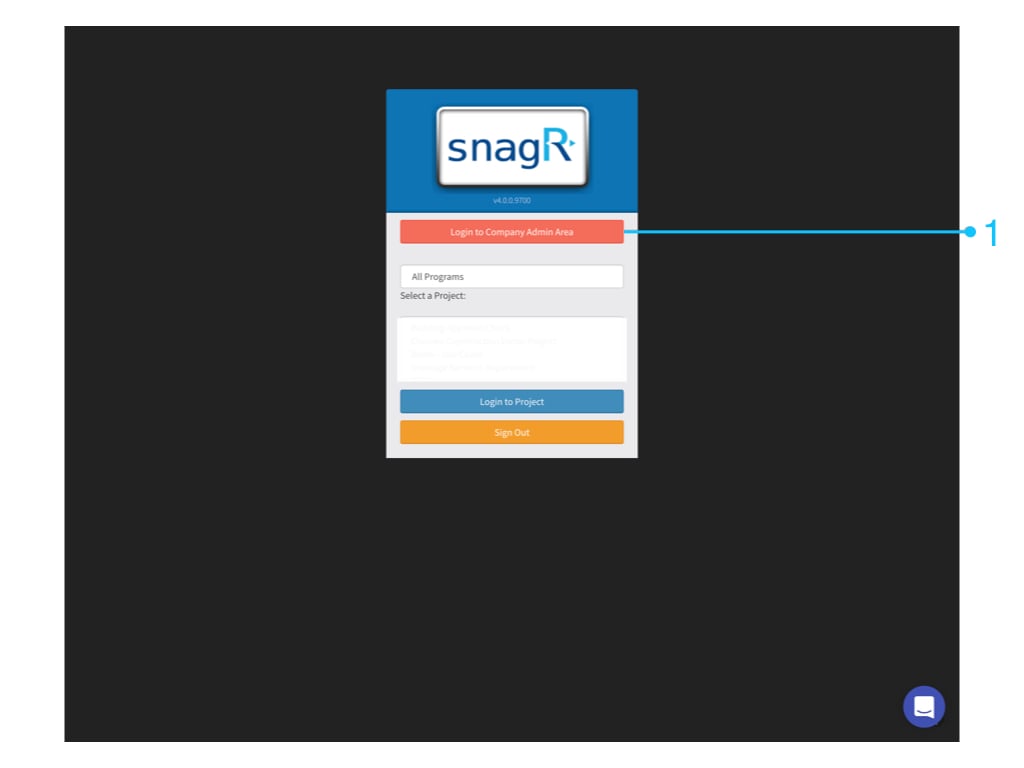
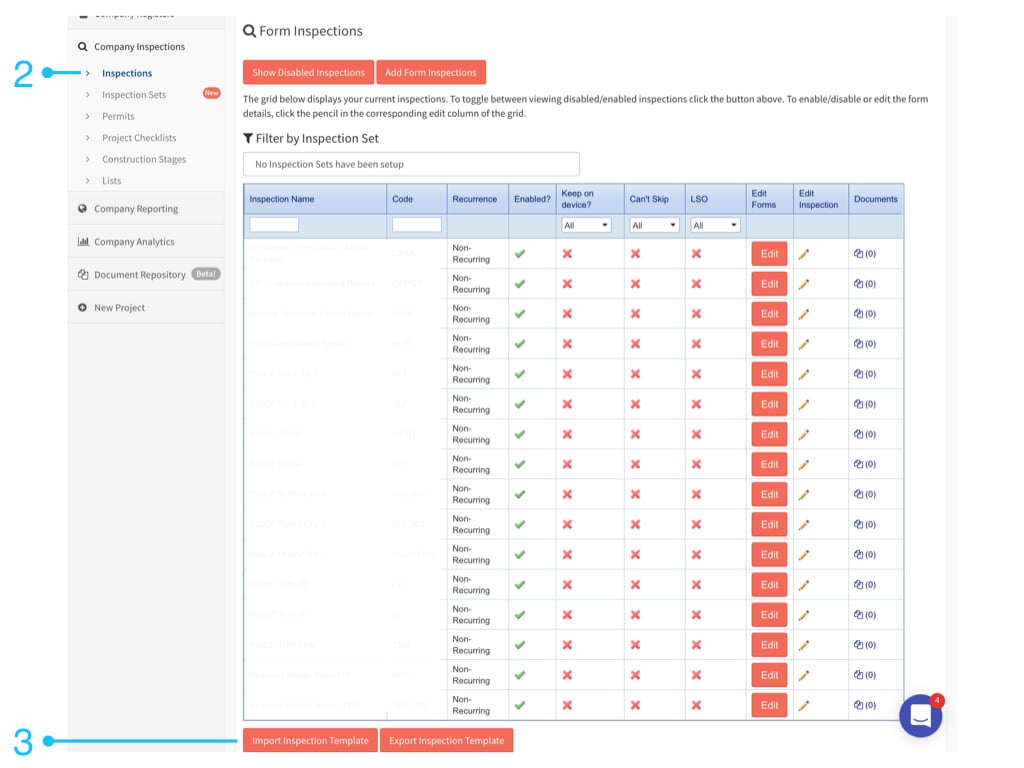 Go to **Company Inspections** > **Inspections,** scroll to the bottom of the page then you can see **Import inspection template** button.\
Click to proceed.
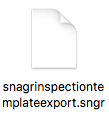
This is the Inspection Template file you export from Company environment A :
Go to **Company Inspections** > **Inspections,** scroll to the bottom of the page then you can see **Import inspection template** button.\
Click to proceed.
This is the Inspection Template file you export from Company environment A :
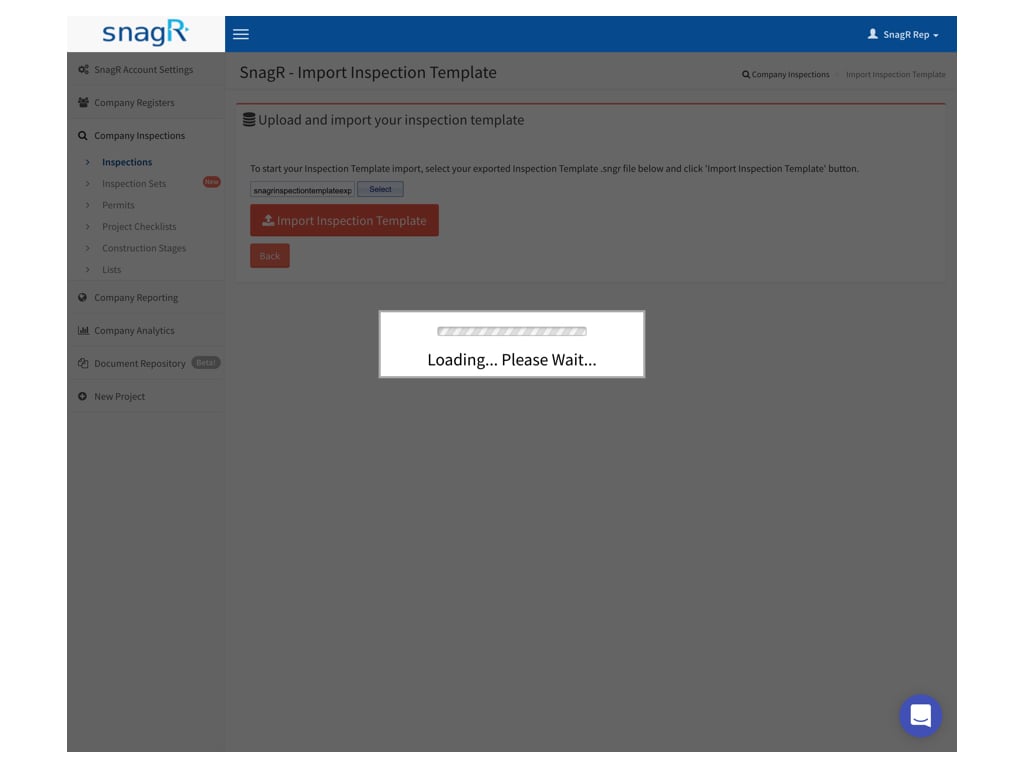
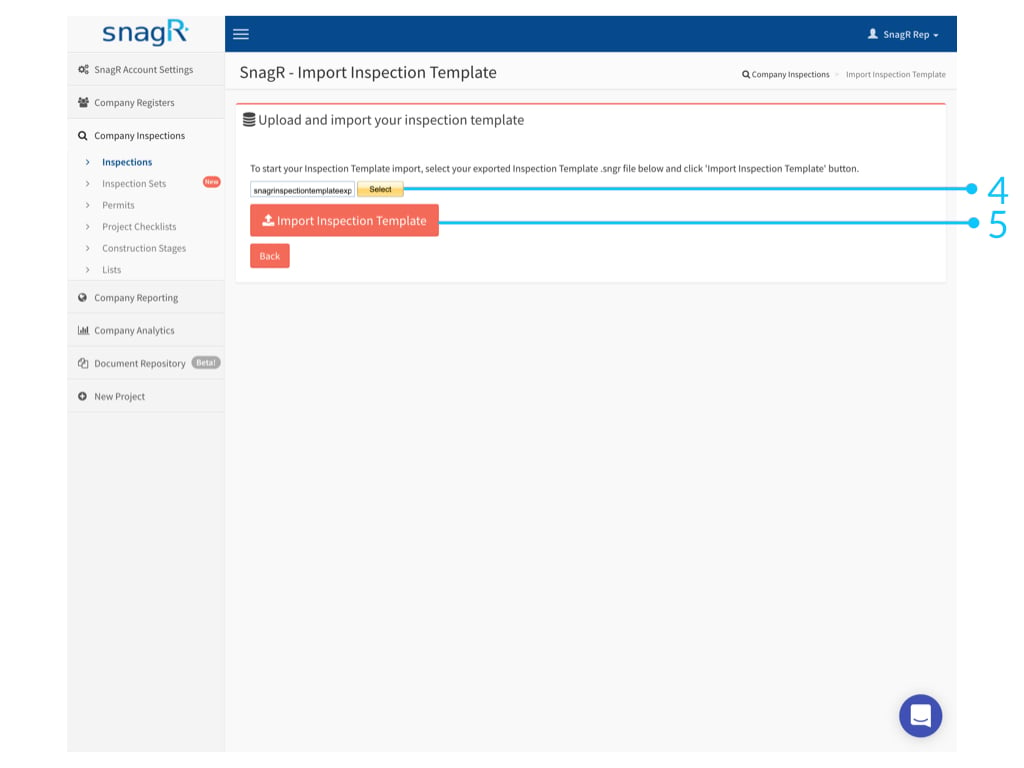 Upload the file and click **Import Inspection Template**.
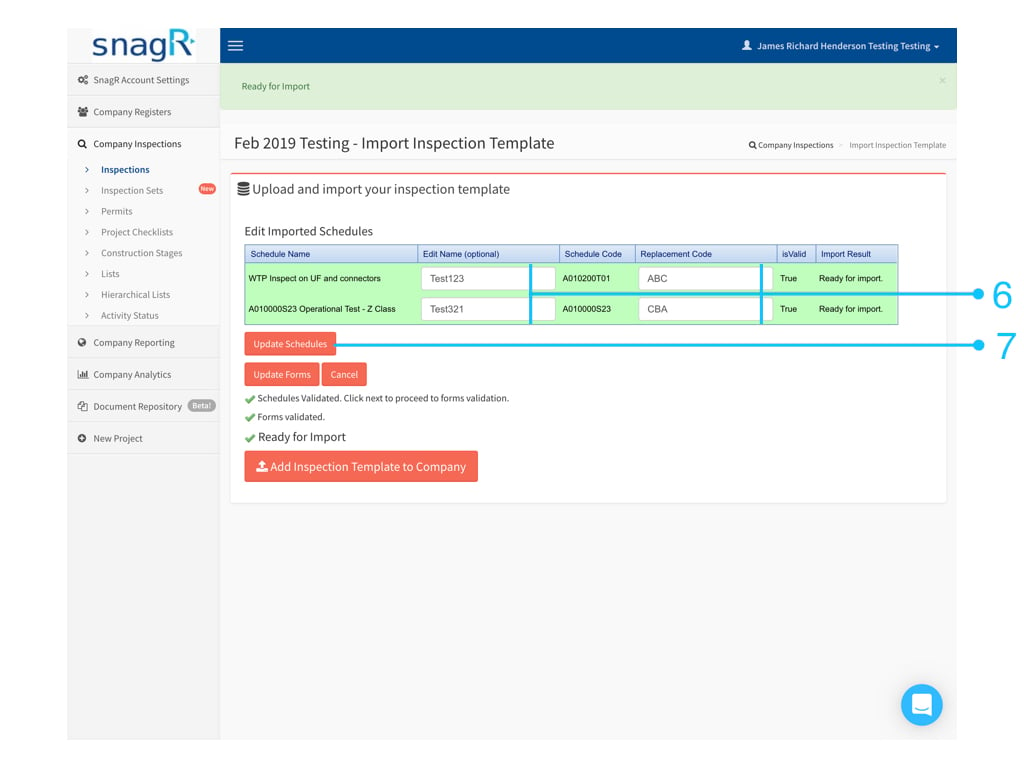 Input the replaced inspection name & code, click **Update Schedules** if needed.
Or you can leave it blank to use the original.
Input the replaced inspection name & code, click **Update Schedules** if needed.
Or you can leave it blank to use the original.
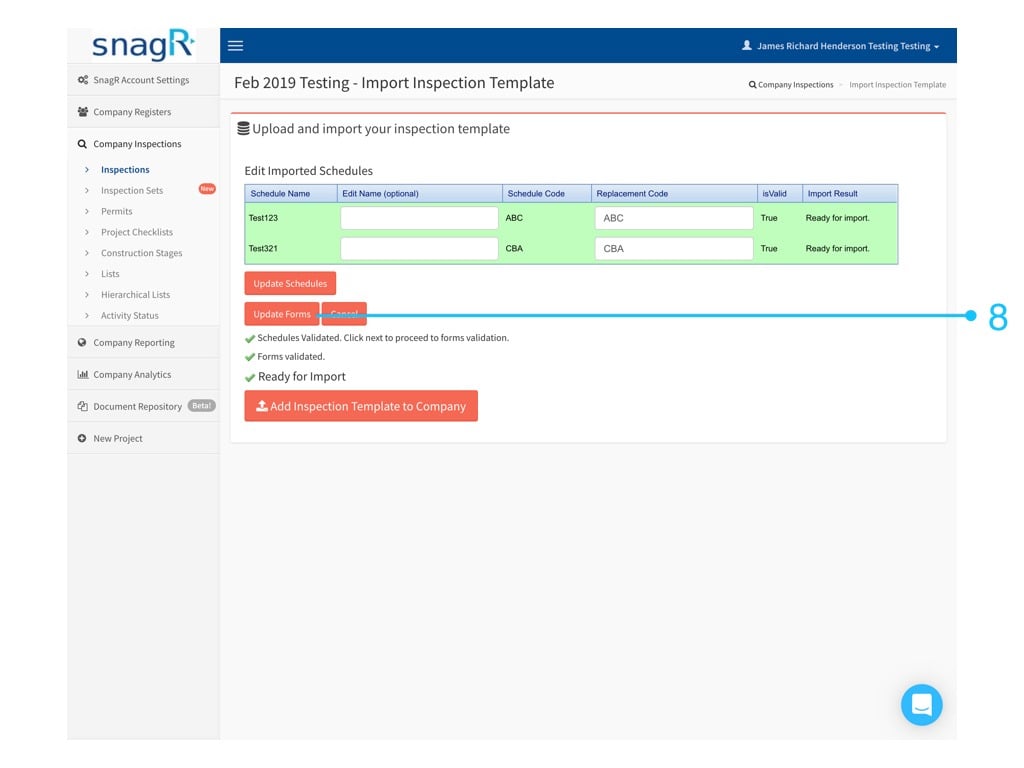 Click **Update Form** to swap to the form preview.
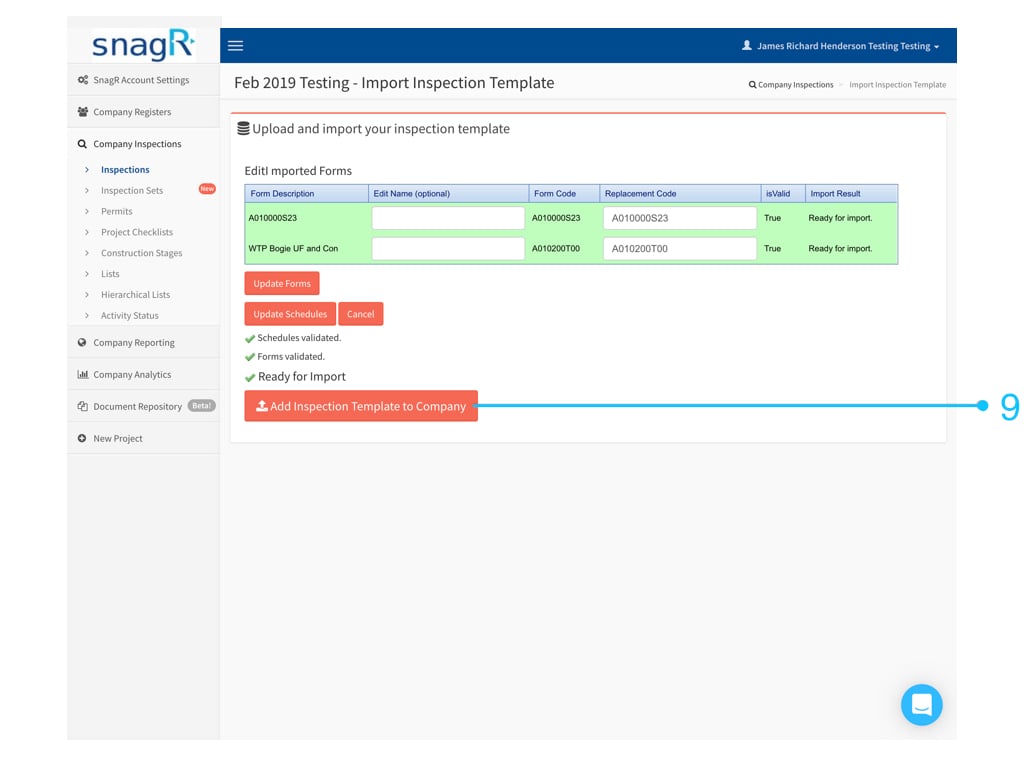 Input the replaced form name & code, click **Update Schedules** if needed.
Or you can leave it blank to use the original.
Confirm these are the inspection templates you want to import, Click **Import Template to Company Inspection** button to finish.
Inspection template(s) are now successfully imported.
Note: This feature does not support versioning. This means that if you have imported the inspection template from Company environement A to Company environement B before, you will not be able to import the same inspection template again if you make any changes to the template in either projects. This is because the inspection codes and form codes remain the same, and they will appear as duplicate and cause an error. Importing changes is not recommended, as this can make your set up environment less maintainable.
Input the replaced form name & code, click **Update Schedules** if needed.
Or you can leave it blank to use the original.
Confirm these are the inspection templates you want to import, Click **Import Template to Company Inspection** button to finish.
Inspection template(s) are now successfully imported.
Note: This feature does not support versioning. This means that if you have imported the inspection template from Company environement A to Company environement B before, you will not be able to import the same inspection template again if you make any changes to the template in either projects. This is because the inspection codes and form codes remain the same, and they will appear as duplicate and cause an error. Importing changes is not recommended, as this can make your set up environment less maintainable.