 Website
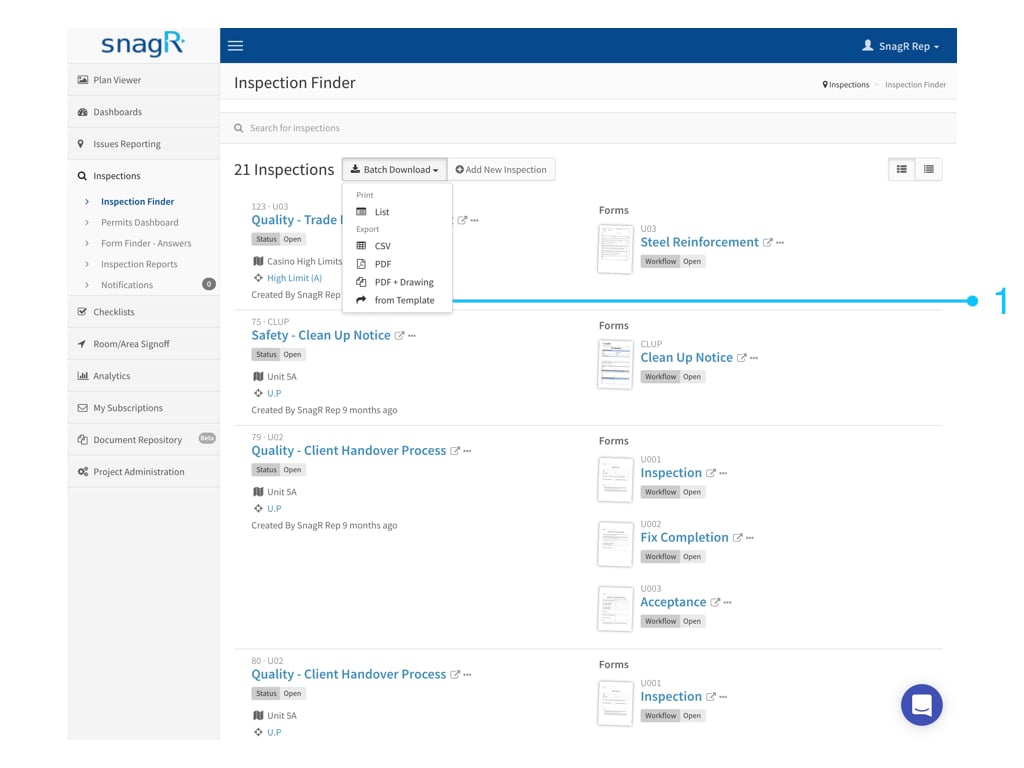
Login to a project.
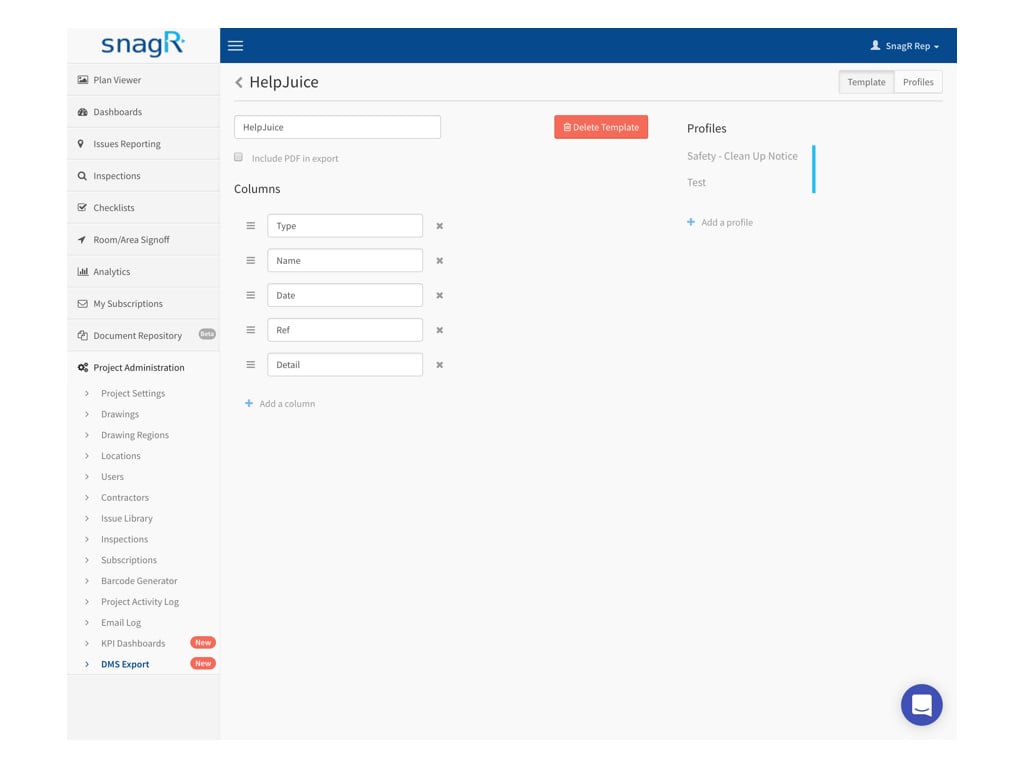
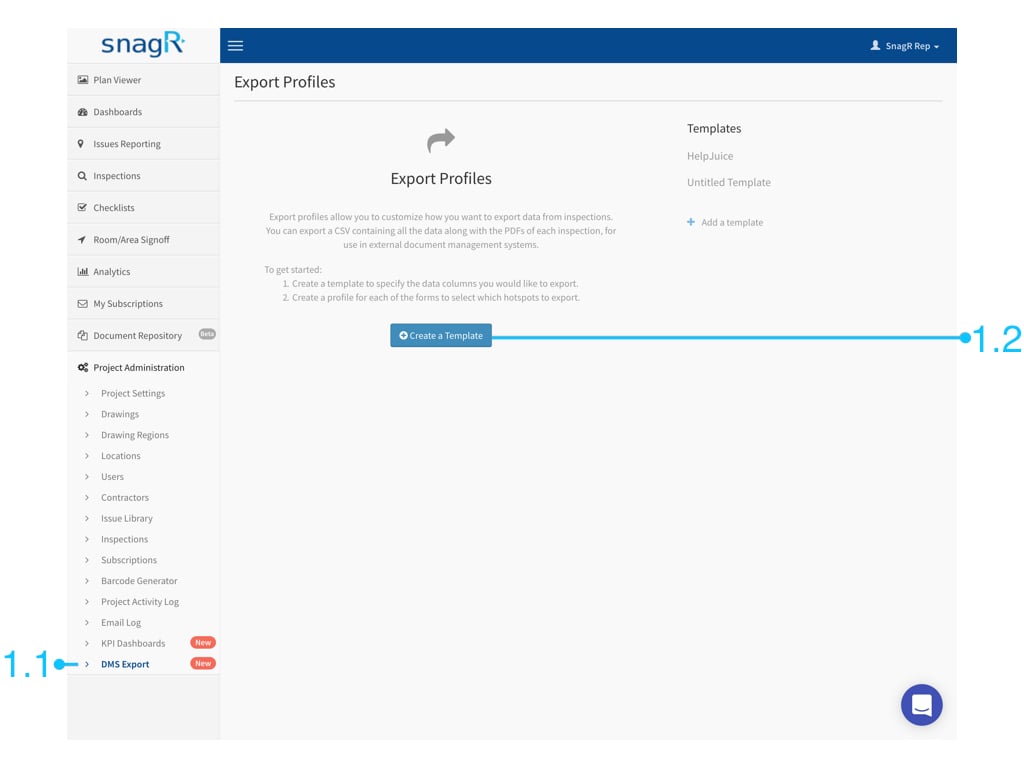
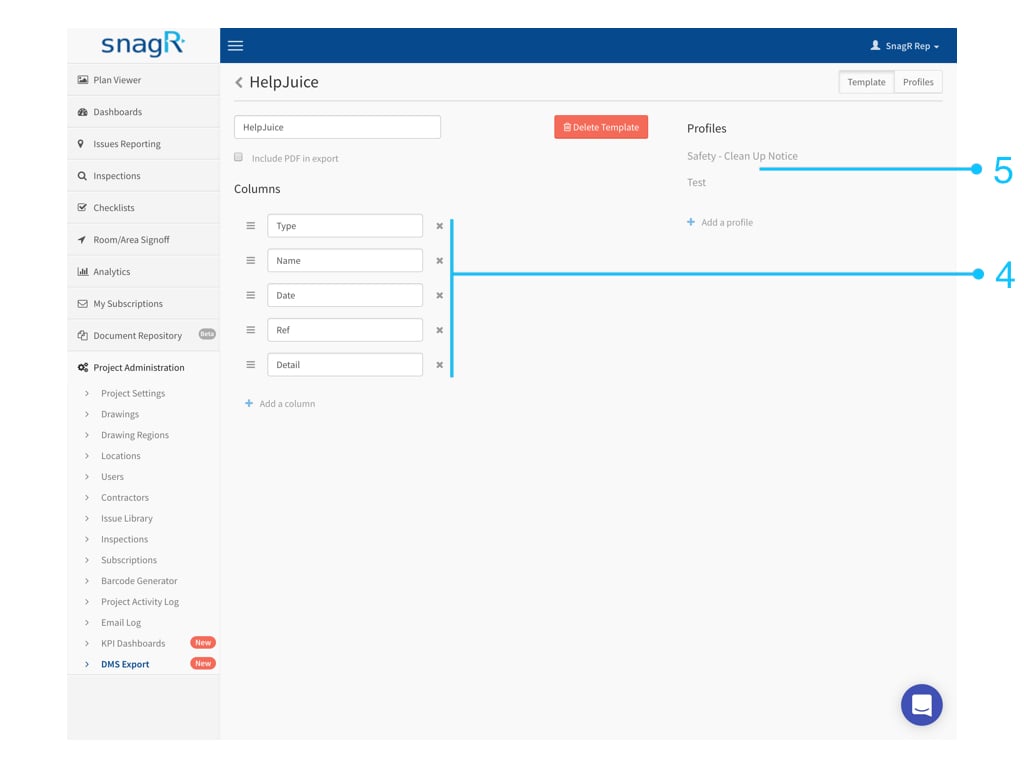
Go to Project Administration > DMS Export > Create a Template.
Website
Login to a project.
Go to Project Administration > DMS Export > Create a Template.

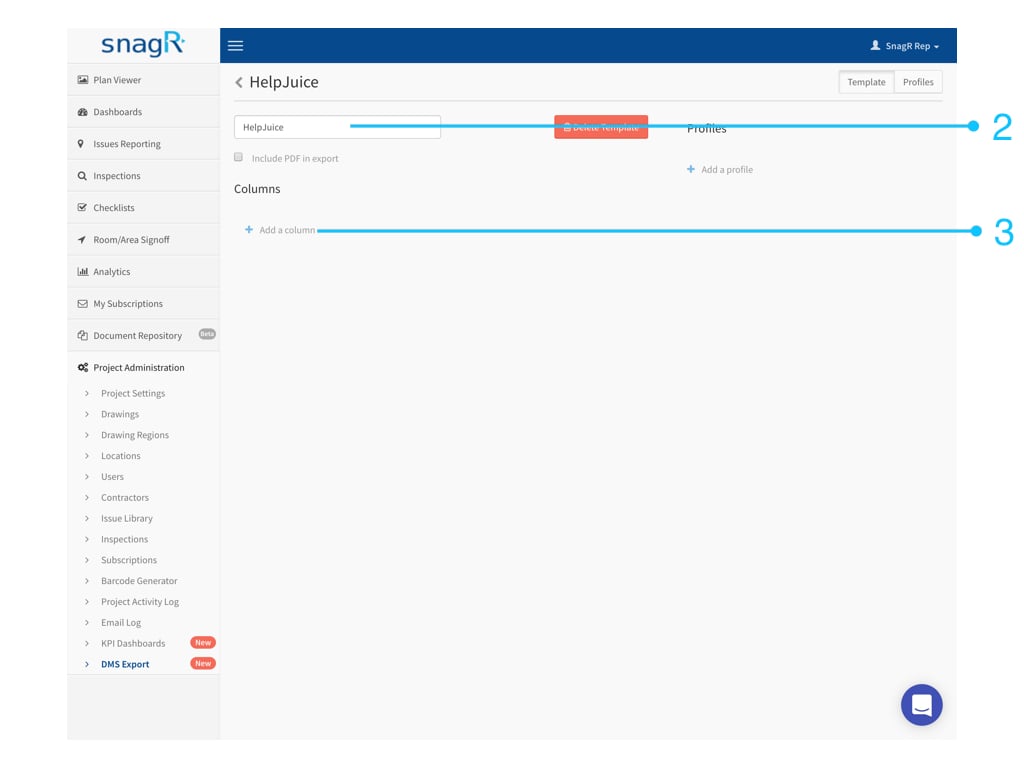

- Form fields
- Attributes
- Text
1. Form Fields
Form fields are the data filled into the form.Select a form.
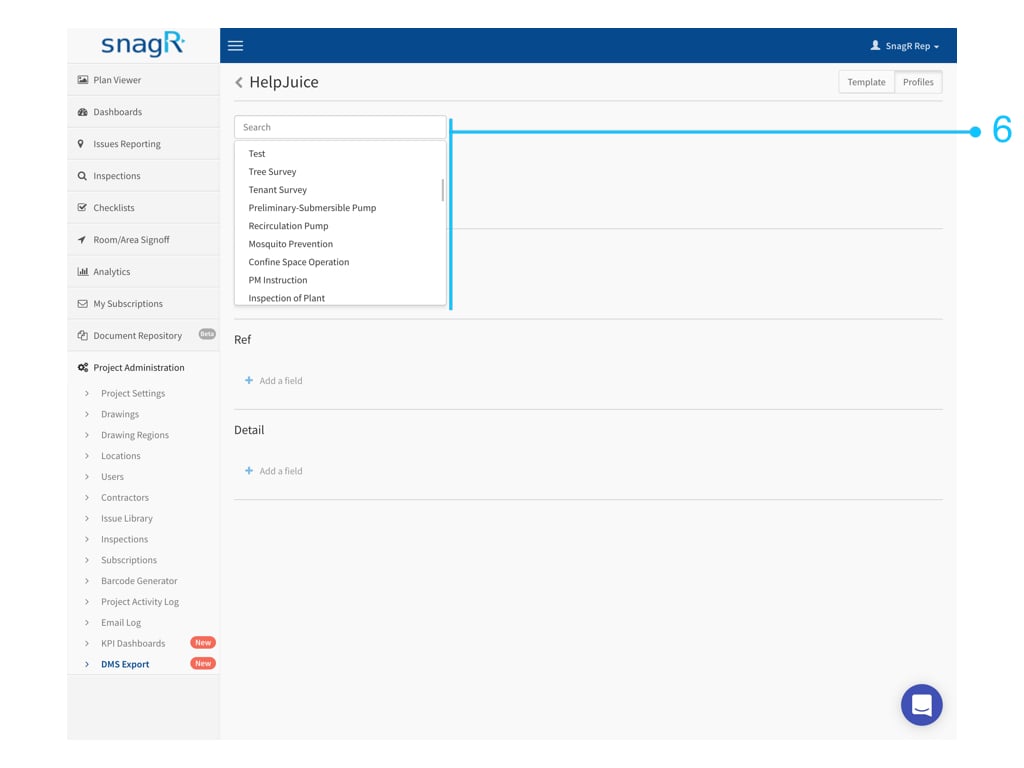
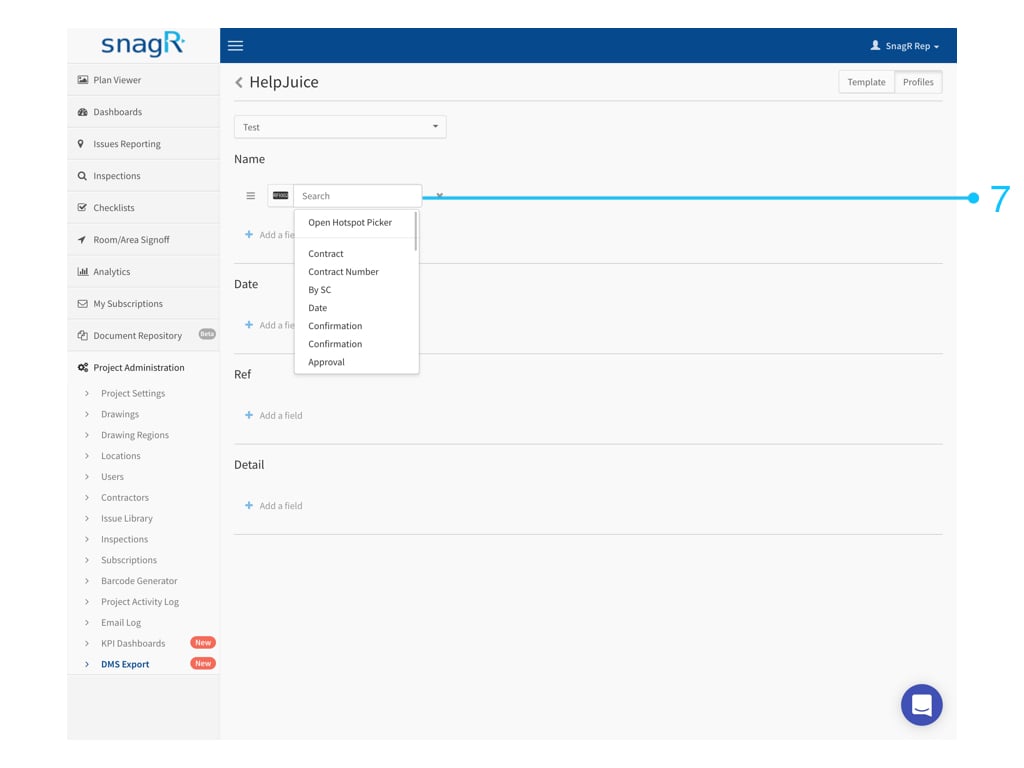
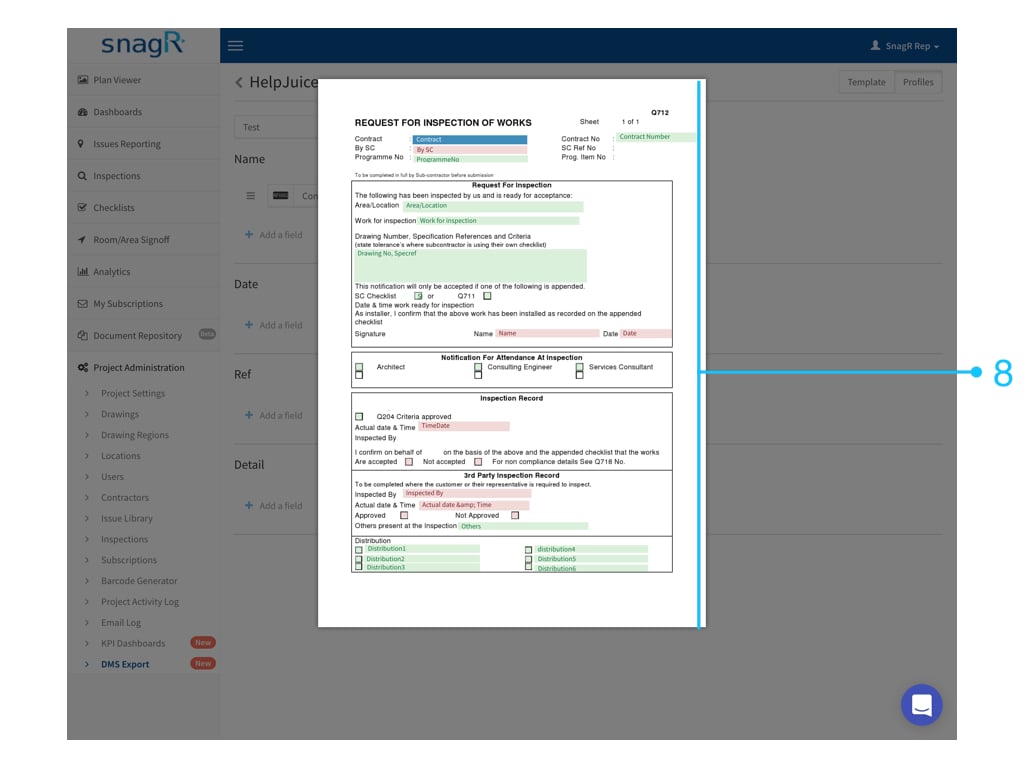
It is likely the form has not been set up with a title for each field. In this case, simply click Open Hotspot Picker to select the desired hotspot directly:
2. Attributes
Attribute is the information regarding the form, such as the drawing title of where the form is created, the project contract number, the user who created the form, etc. Choose Attribute.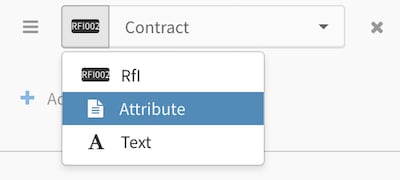

3. Text
Choose Text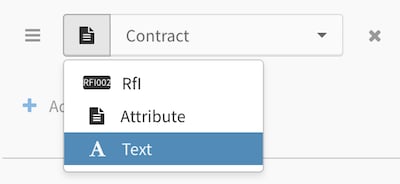
 What can I use text for?
There can be more than one field in a column. This means you can combine form fields and attributes with text. An example would be:
What can I use text for?
There can be more than one field in a column. This means you can combine form fields and attributes with text. An example would be: