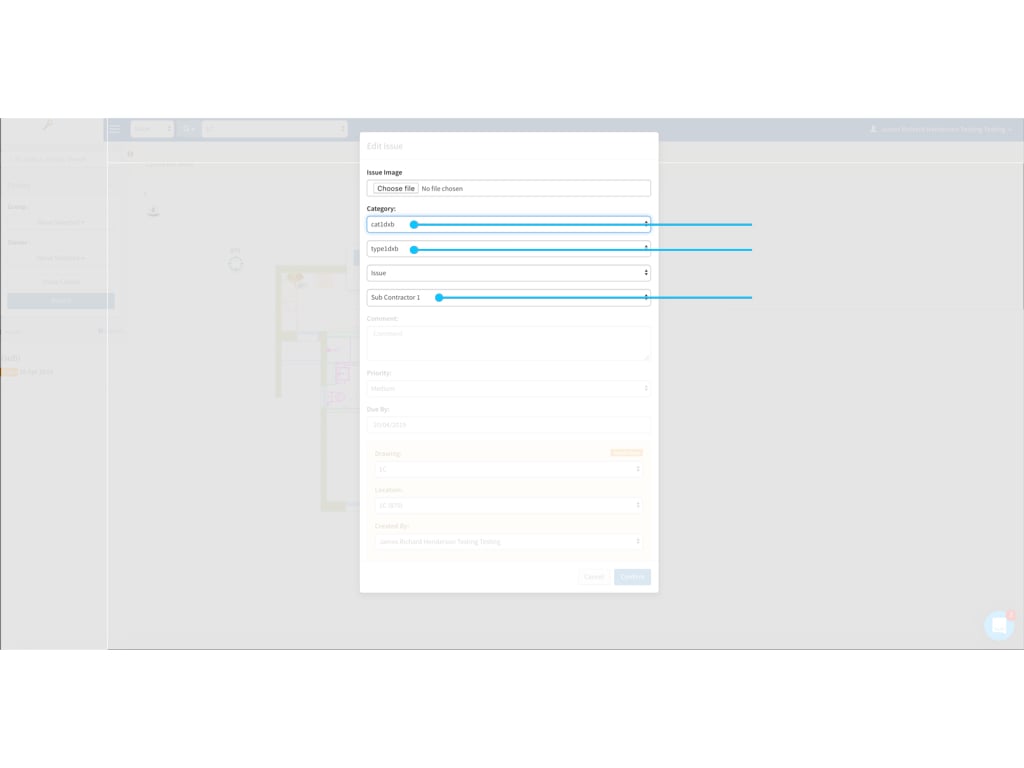
SnagR allows linking up issue category/type and contractor group.
Each issue type can be linked up to specific contractor group(s) in the project.
Project admin can fully utilise this function to save up the time for users to choose contractor from a long list and avoid mistake made during issue recording process.
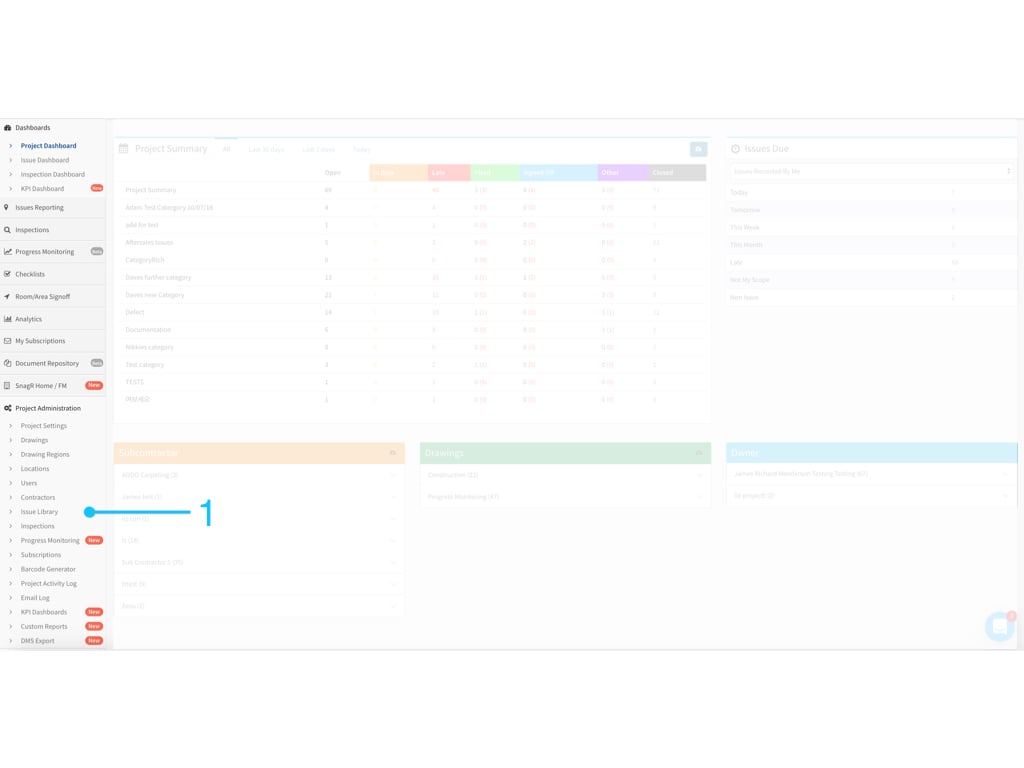
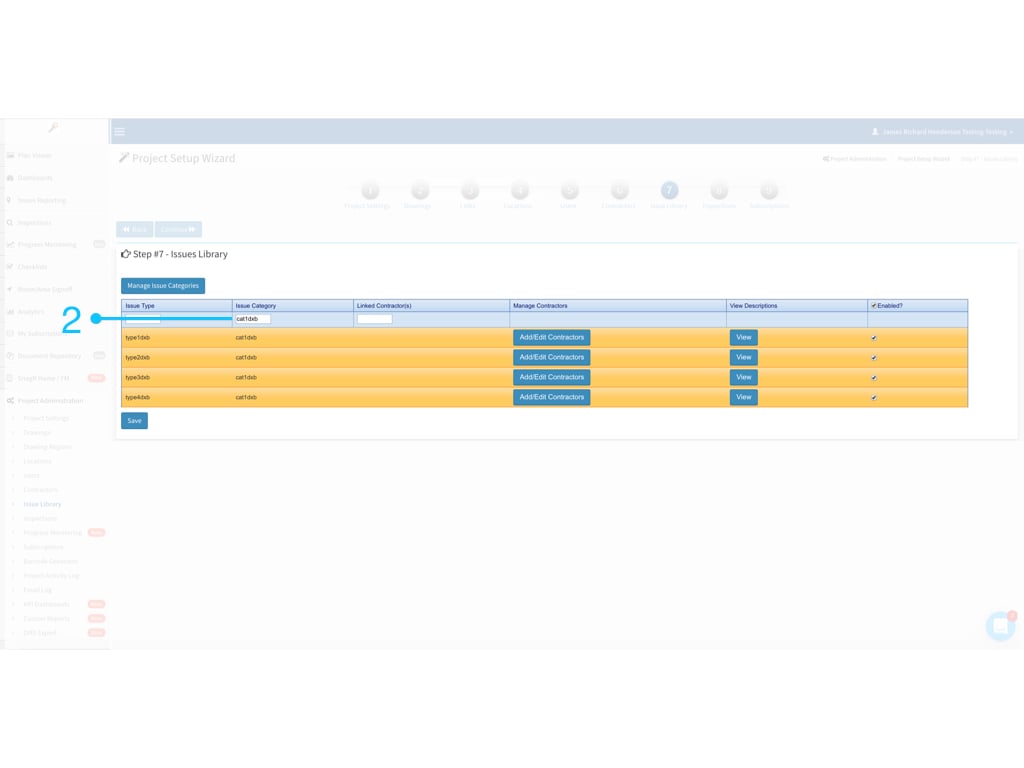
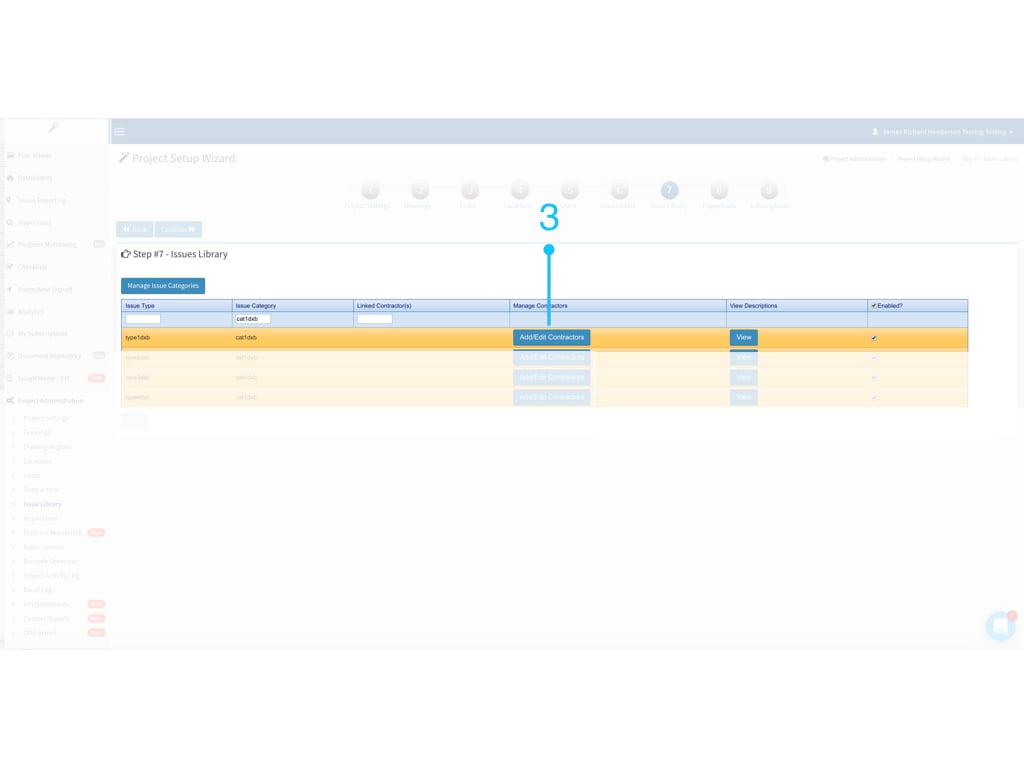
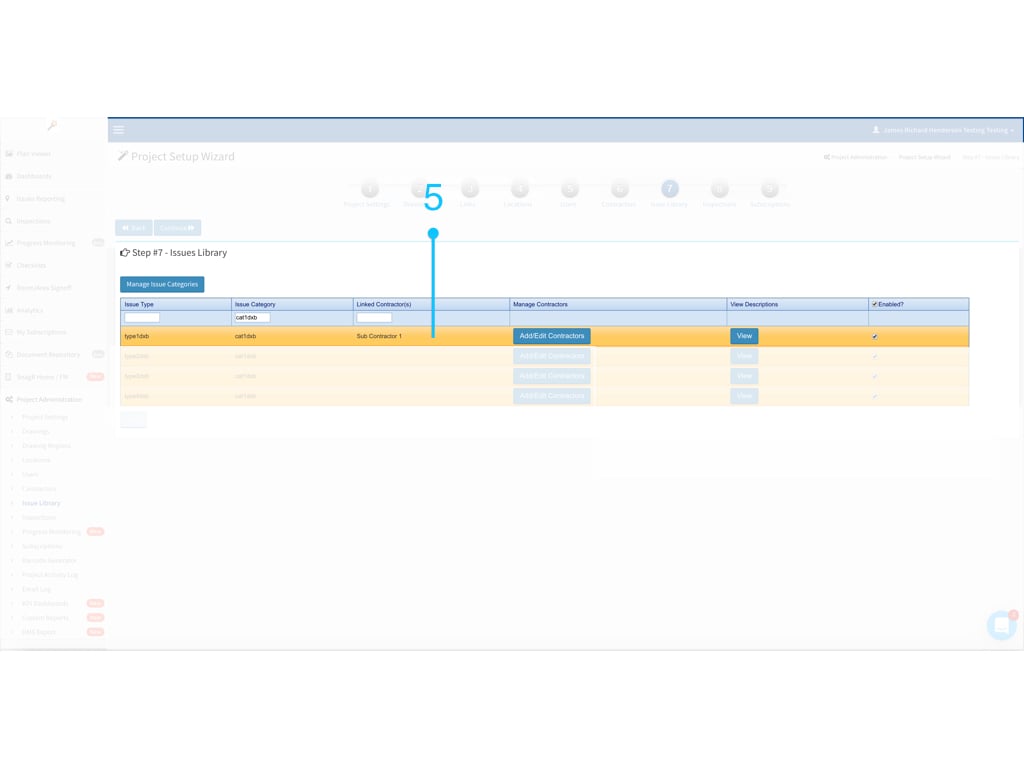
1554786731372 Website Go to Project Administration > Issue Library Document Website.001 Search for the issue category/type that you want to assign contractor group to Document Website.002 Click ” Add/Edit Contractors” Document Website.003 Choose the contractor that you would like to assign to the selected issue category/issue type and click “Save” Note: You can select more than one contractor from the project contractor list here. For example, if you choose 2 contractors from the project contractor list, the items available for selection will be limited to those two contractors instead of a full project contractor list during issue recording process. Document Website.004 Contractor is assigned to the issue type “type1dxb” under issue category “cat1dxb”. Document Website.005 Here is how it works, it automatically assign to corresponding contractor group during issue recording: Document Website 1.001