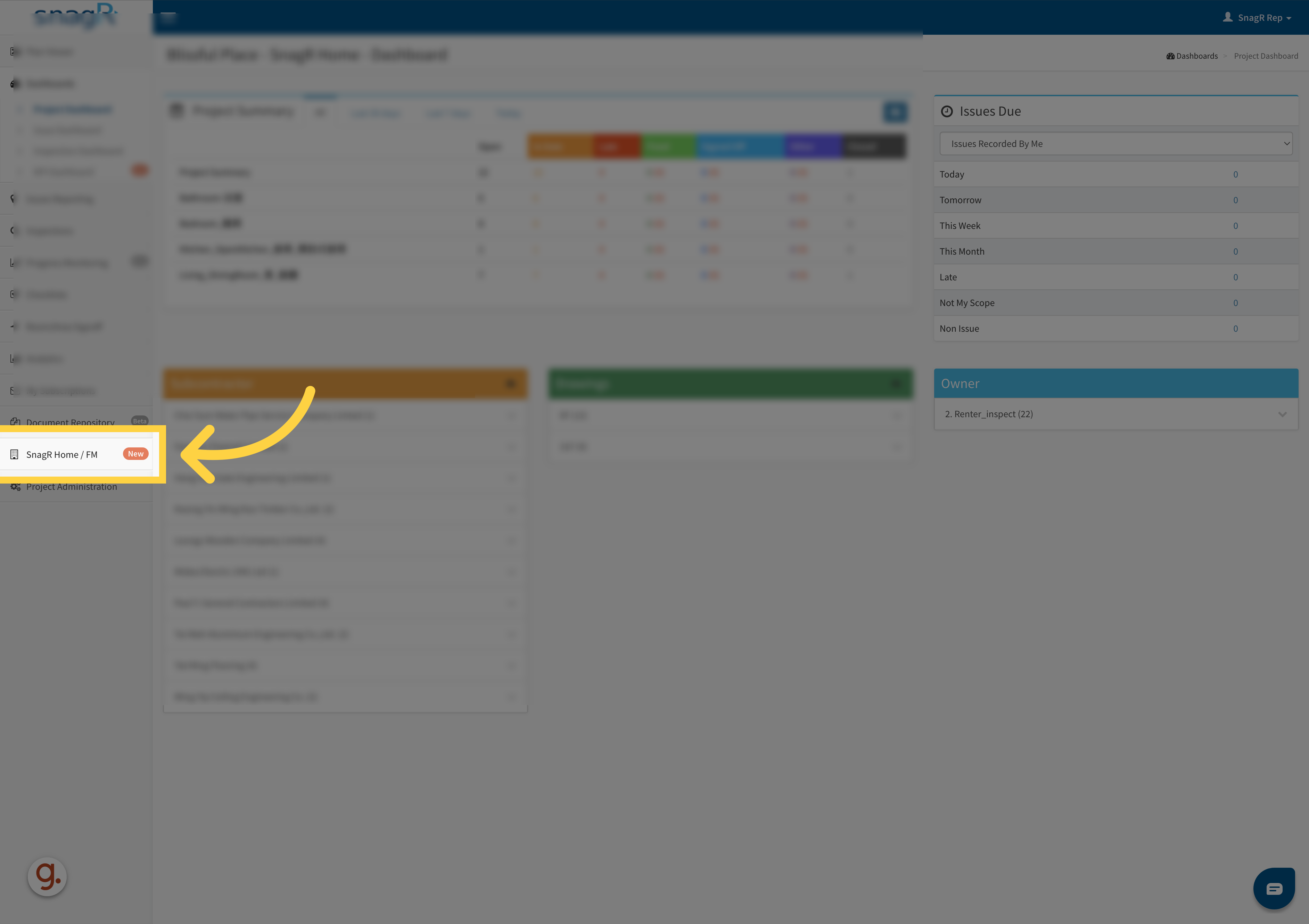
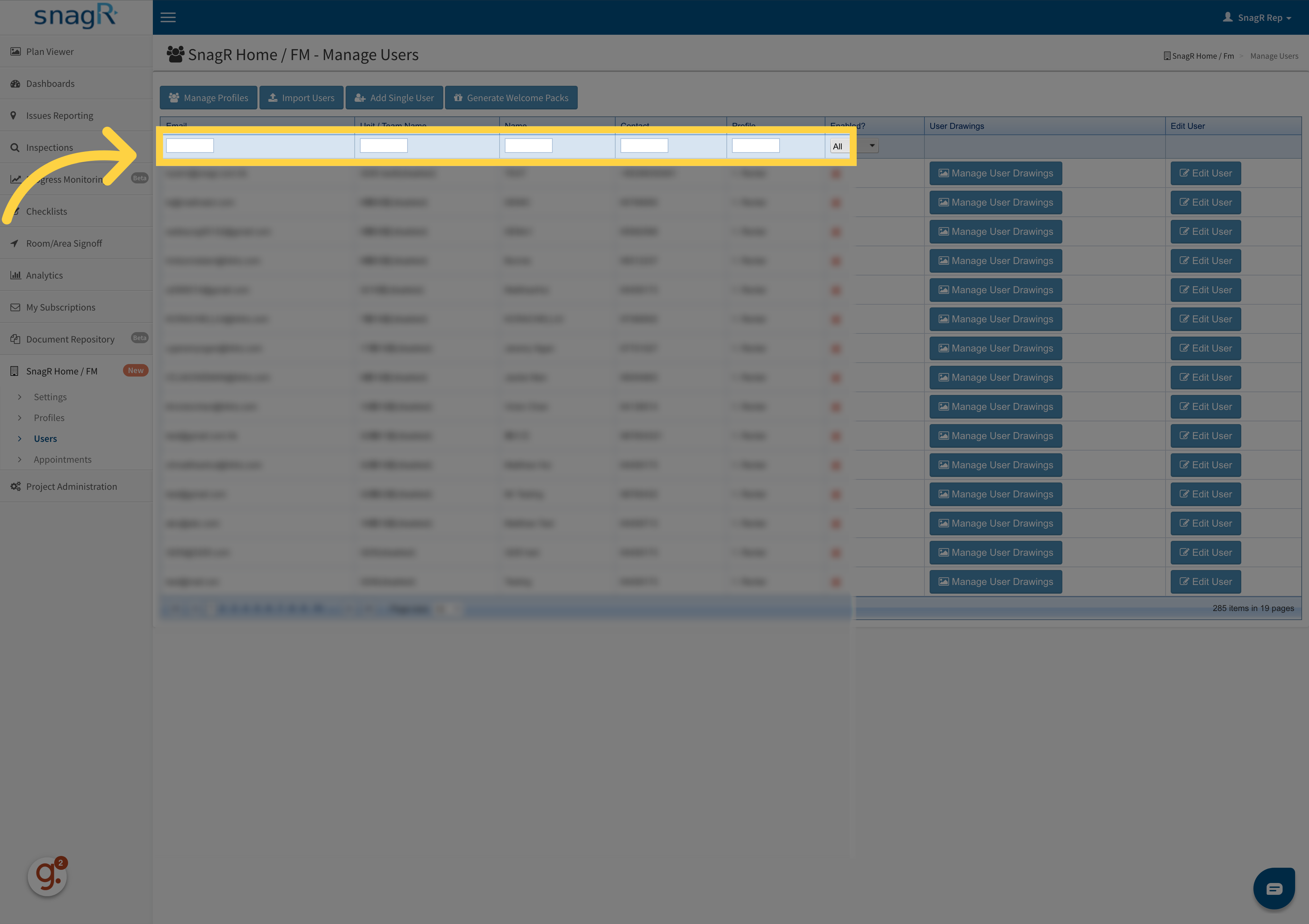
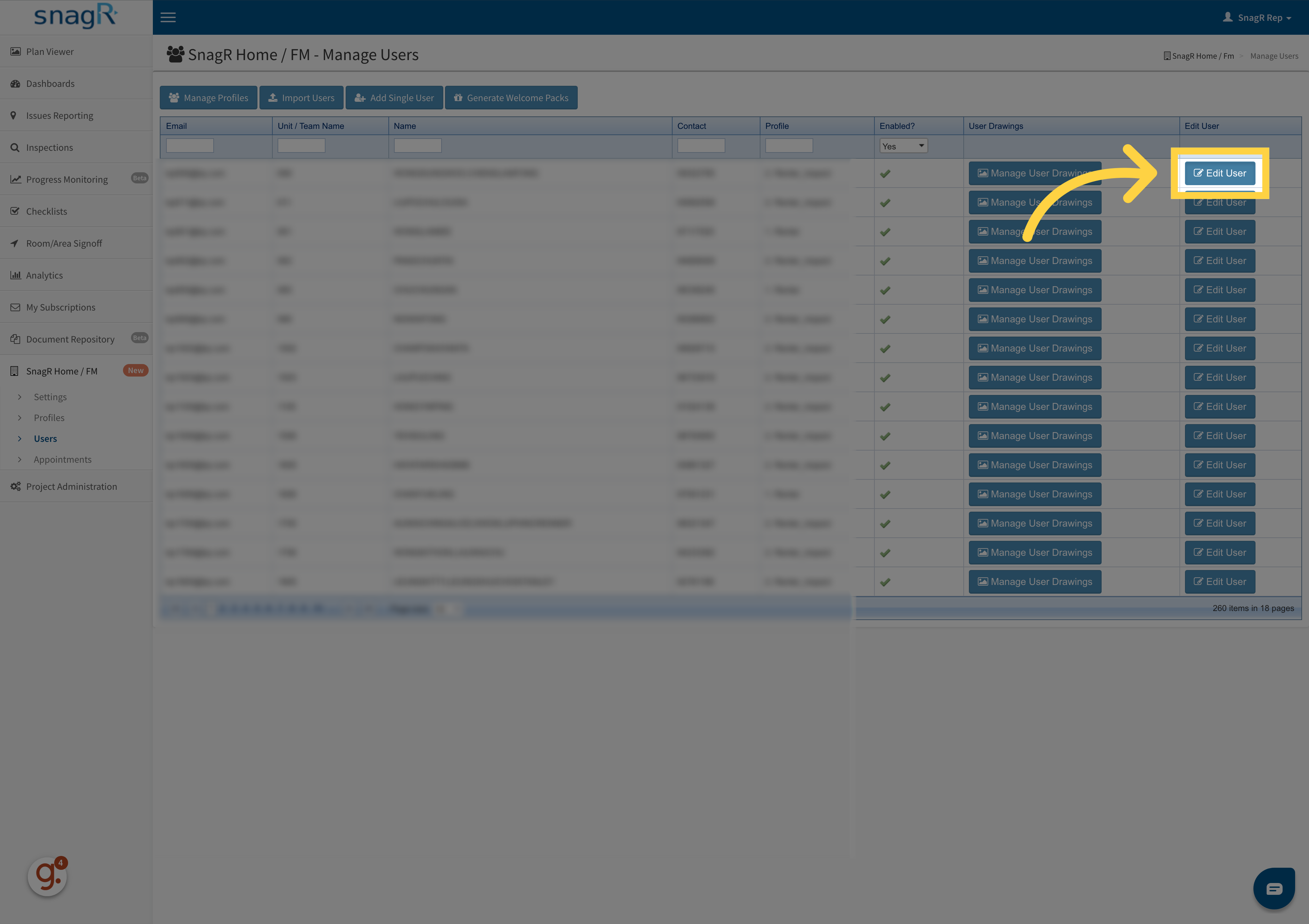
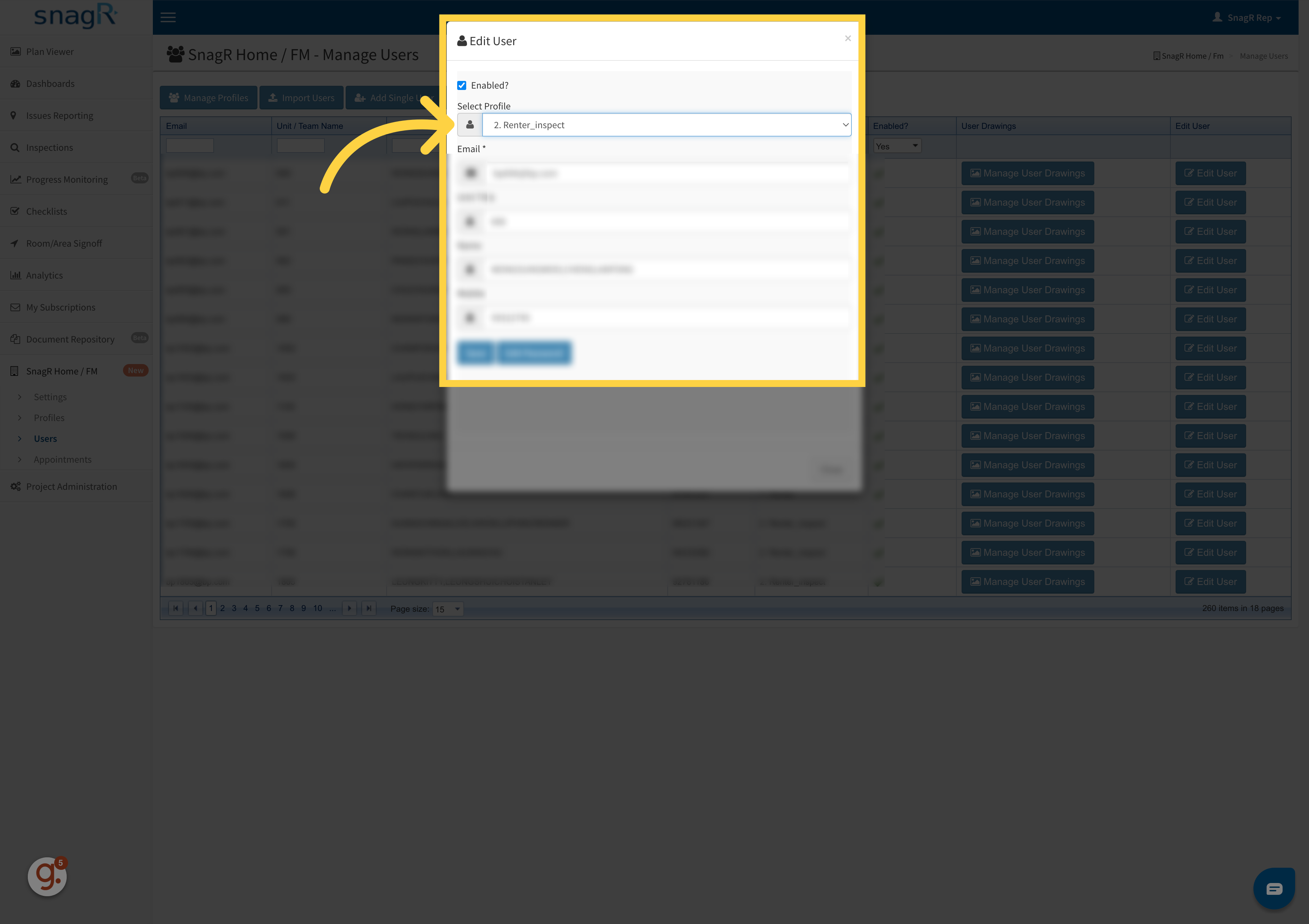
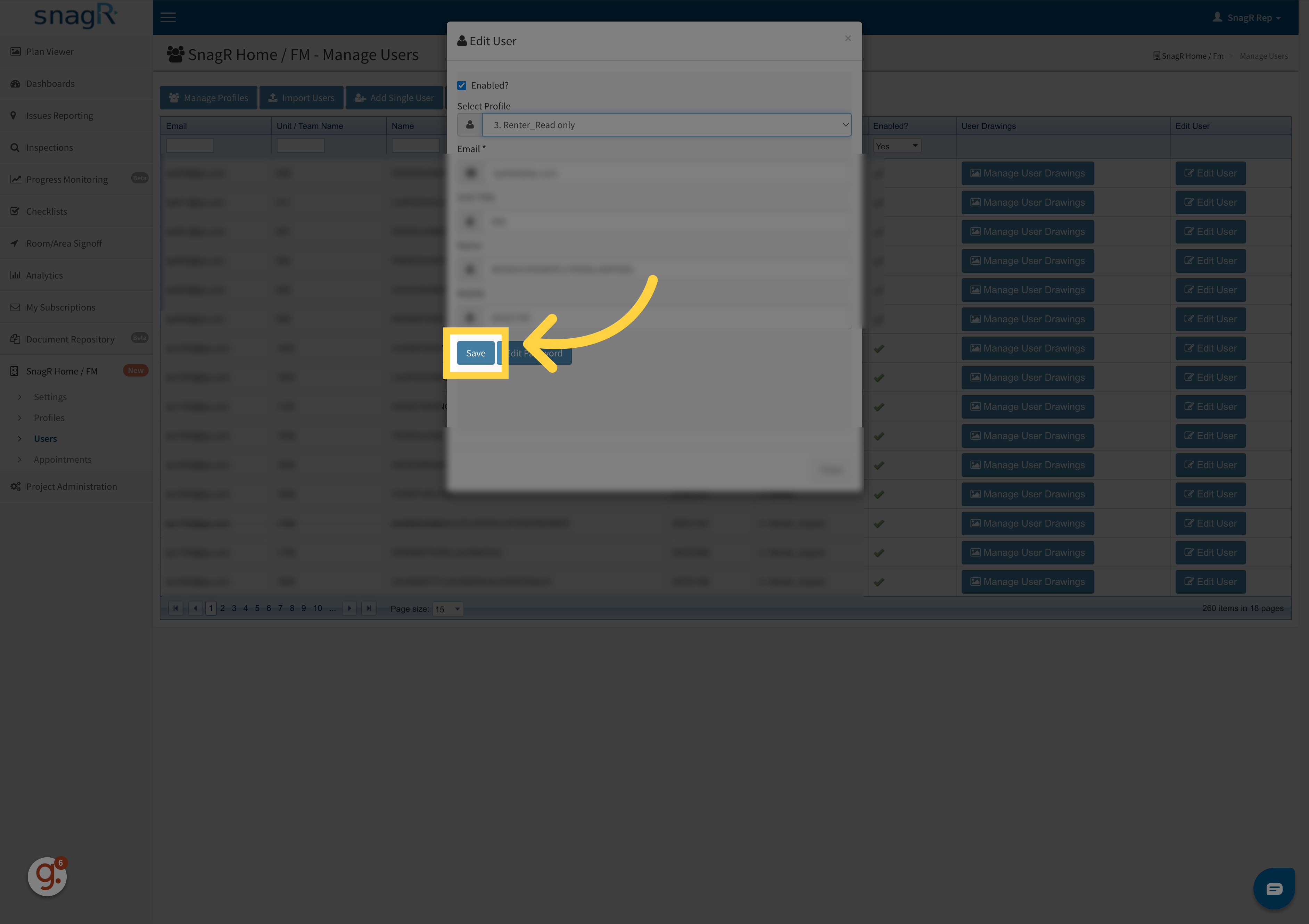
Click “SnagR Home / FM”Access the SnagR Home / FM New page.02Click “Users”Navigate to the Users section.03Apply filterSelect the All option.04Click “Edit User”Open the Edit User page.05Click to edit the detailEdit detail.06Click “Save”Save the changes to the user profile.
Updating the user email or password would also affect the QR code on the welcome pack.The QR code generated before changes will be invalid.Please regenerate.
Assistant
Responses are generated using AI and may contain mistakes.