

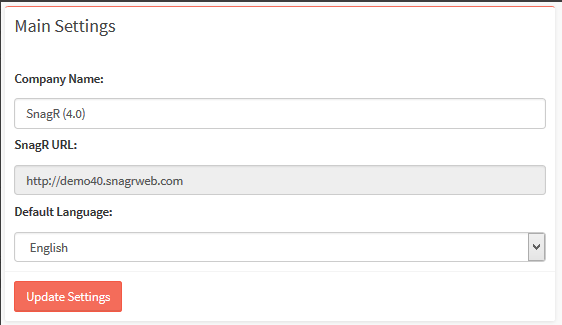
Login to the Company Admin Area You will see the Main Settings page Screen Shot 2018 09 26 at 4.29.48 PM Here you find the Company name, the main URL and the default language. The Name and default language can be changed. Click on “Update Settings” to save the changes. Below this, you will find the Company Logo Settings. These logos will be used on the projects unless they are changed at the project level. To change the logos, select the file you want to upload Click on “Update Logo(s) to save the logo(s).