Device
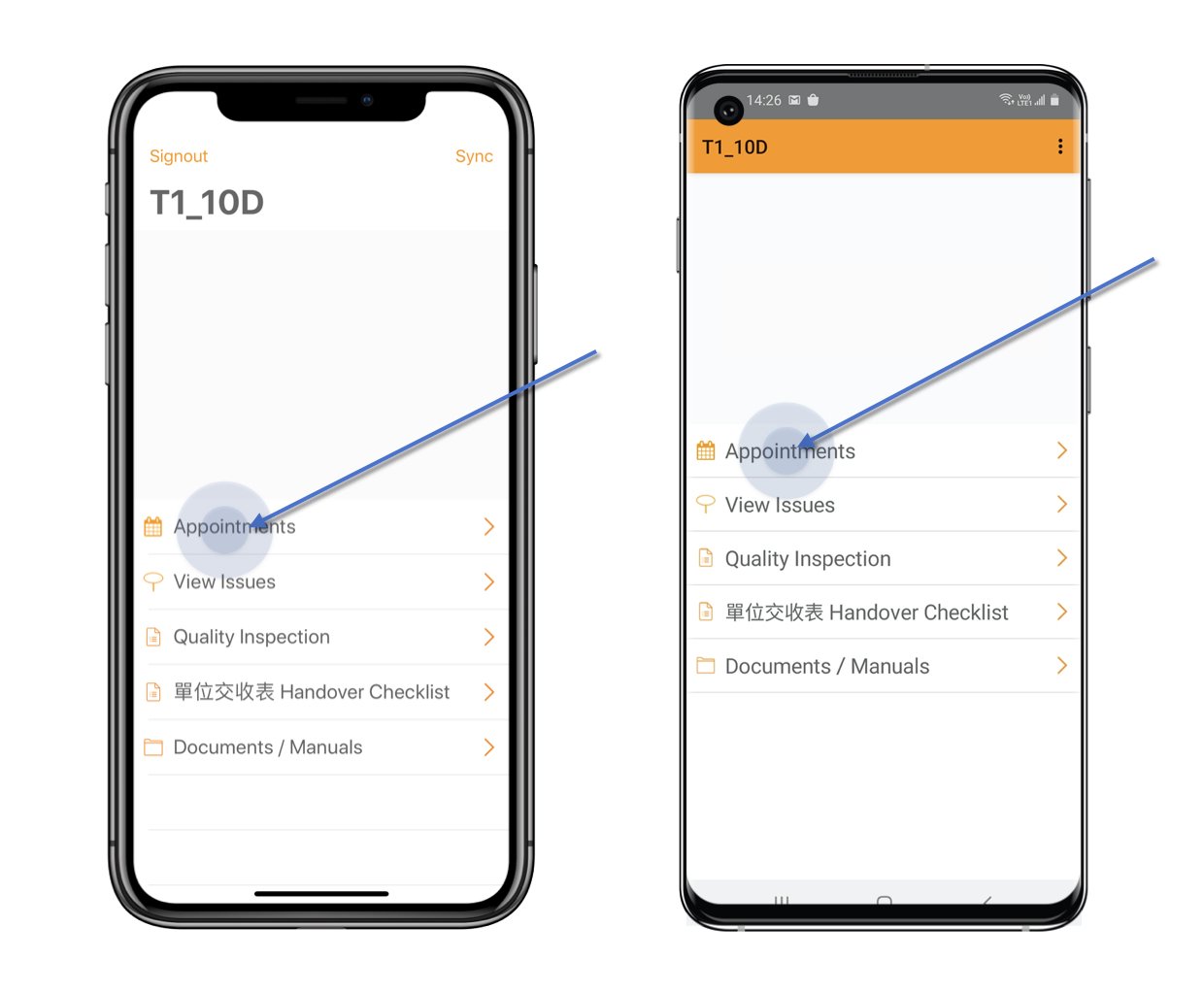
Click Appointment from the main menu.
Device
Click Appointment from the main menu.
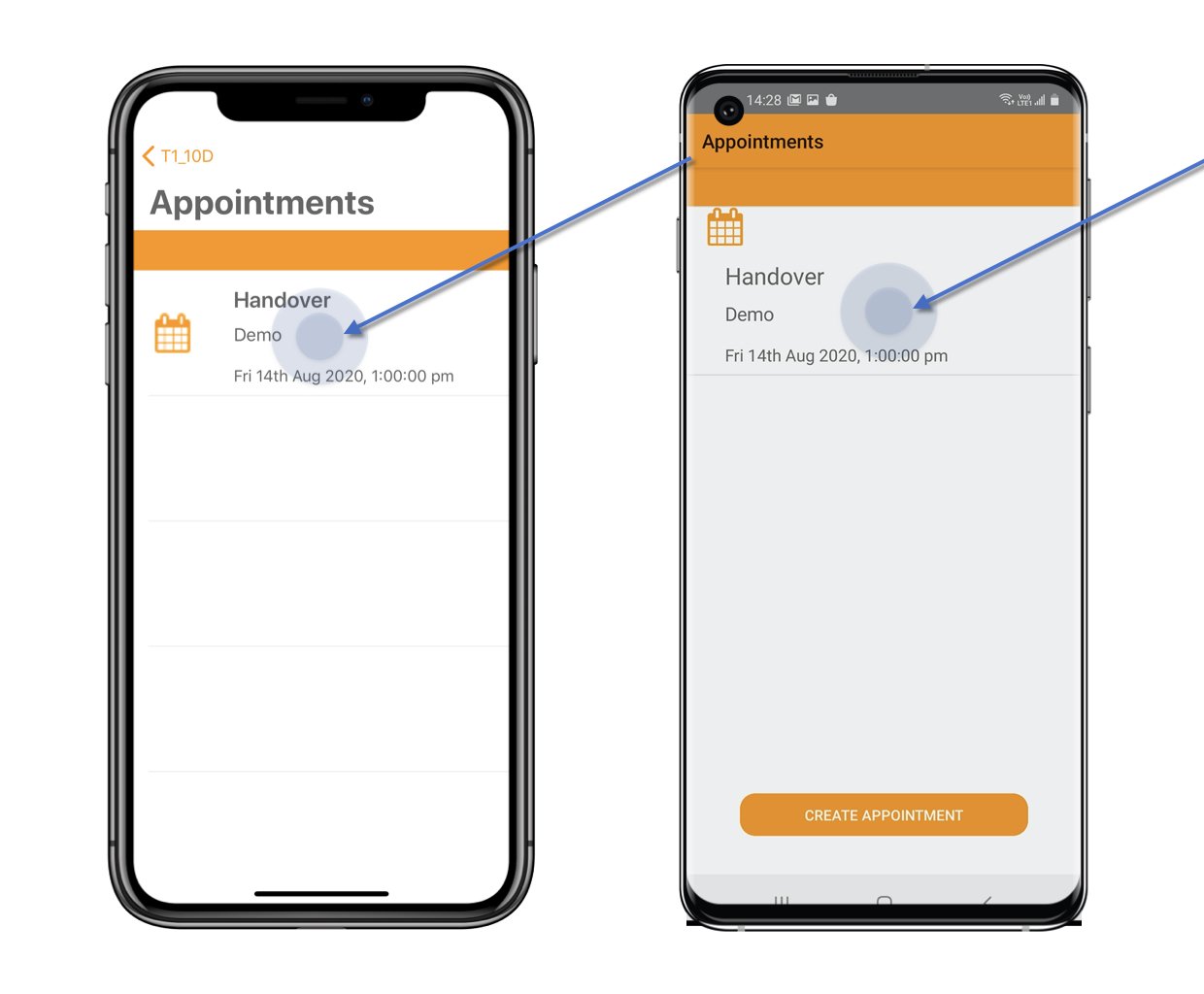
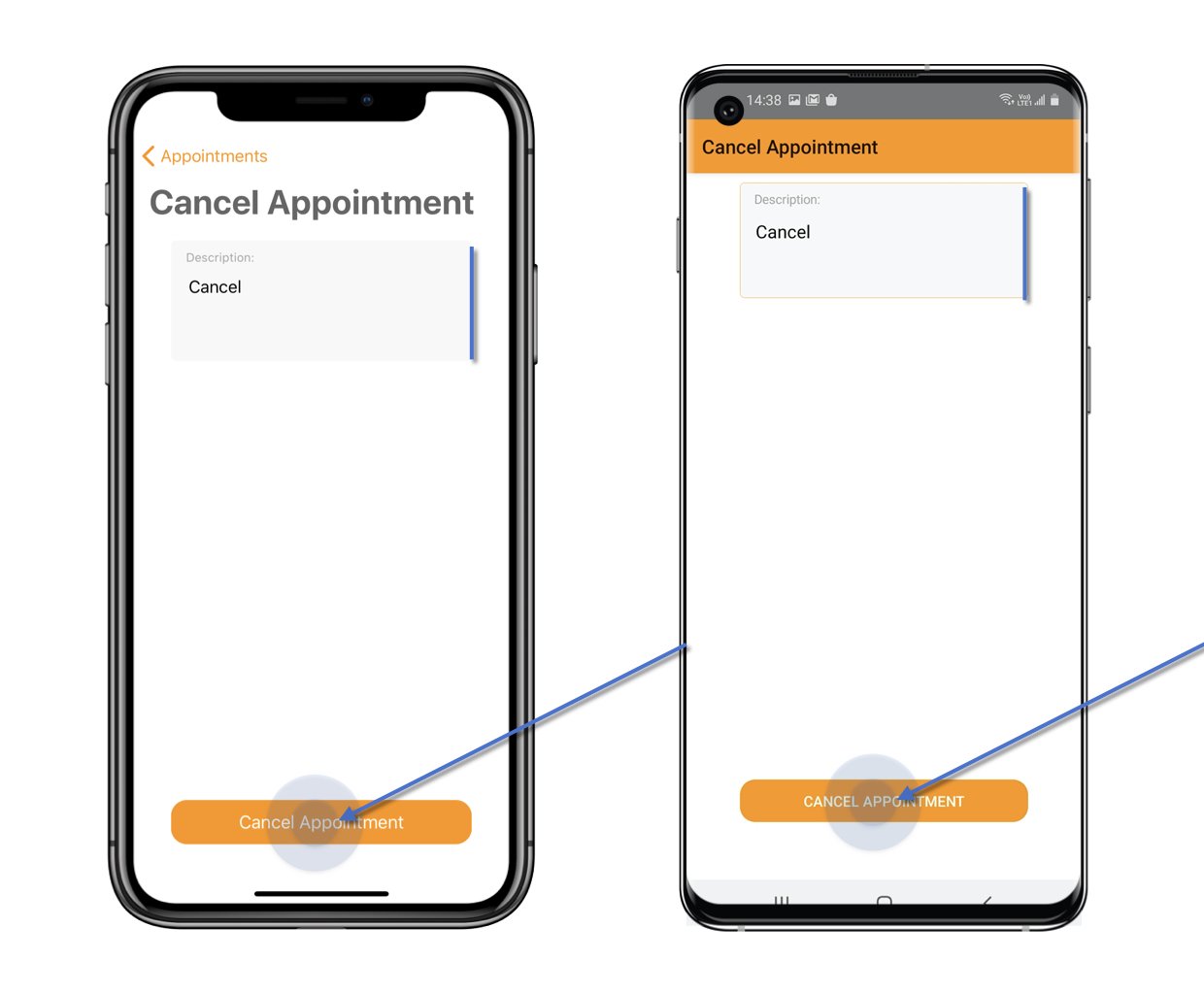
 Enter the cancel description and click the Cancel Appointment button to confirm.
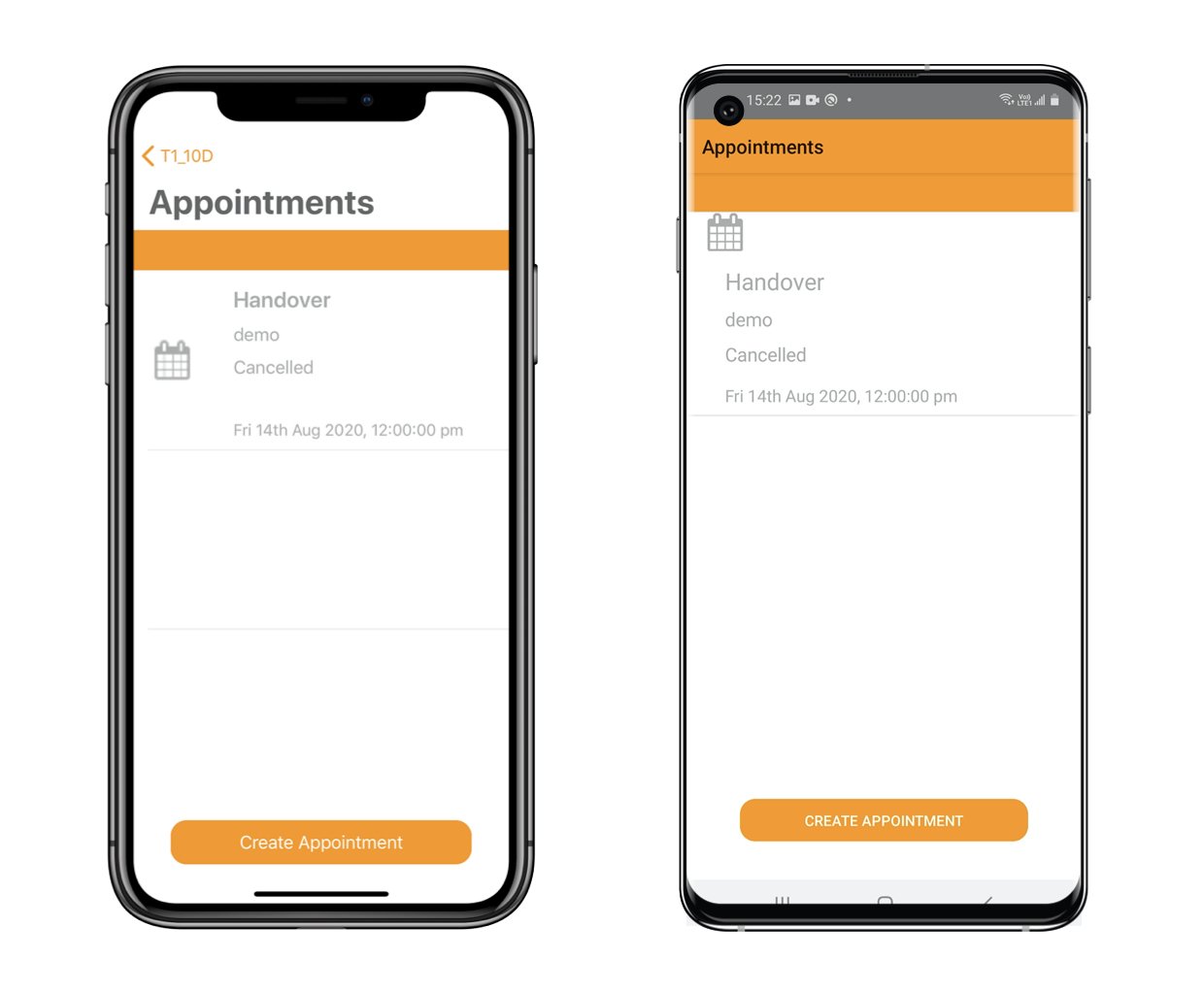
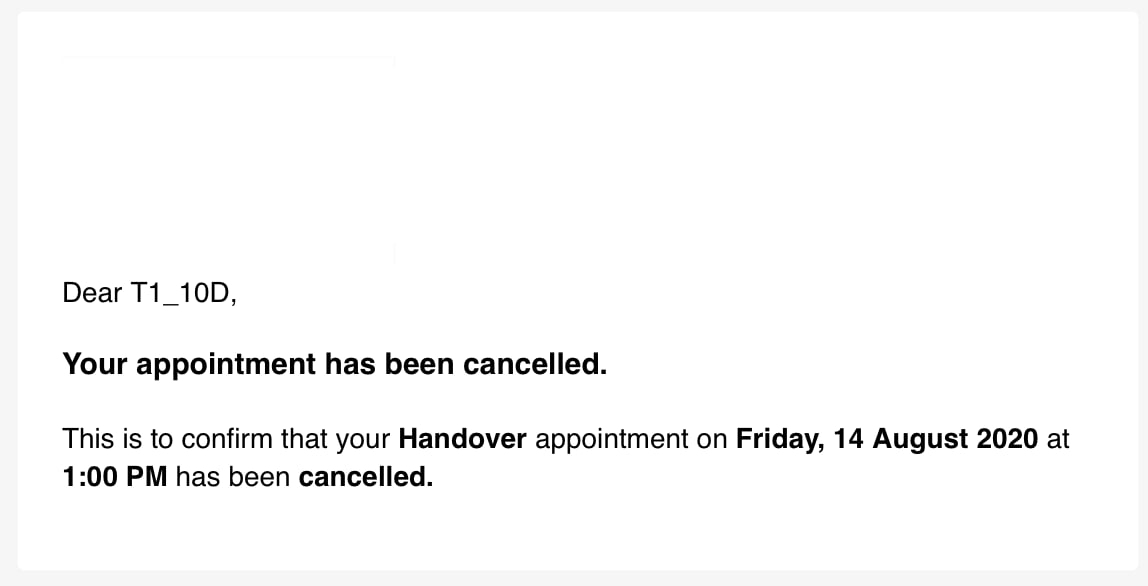
The appointment has been cancelled, you could request another appointment if need. The appointment cancelled email will send to you for reference.
Sample as below.