Device
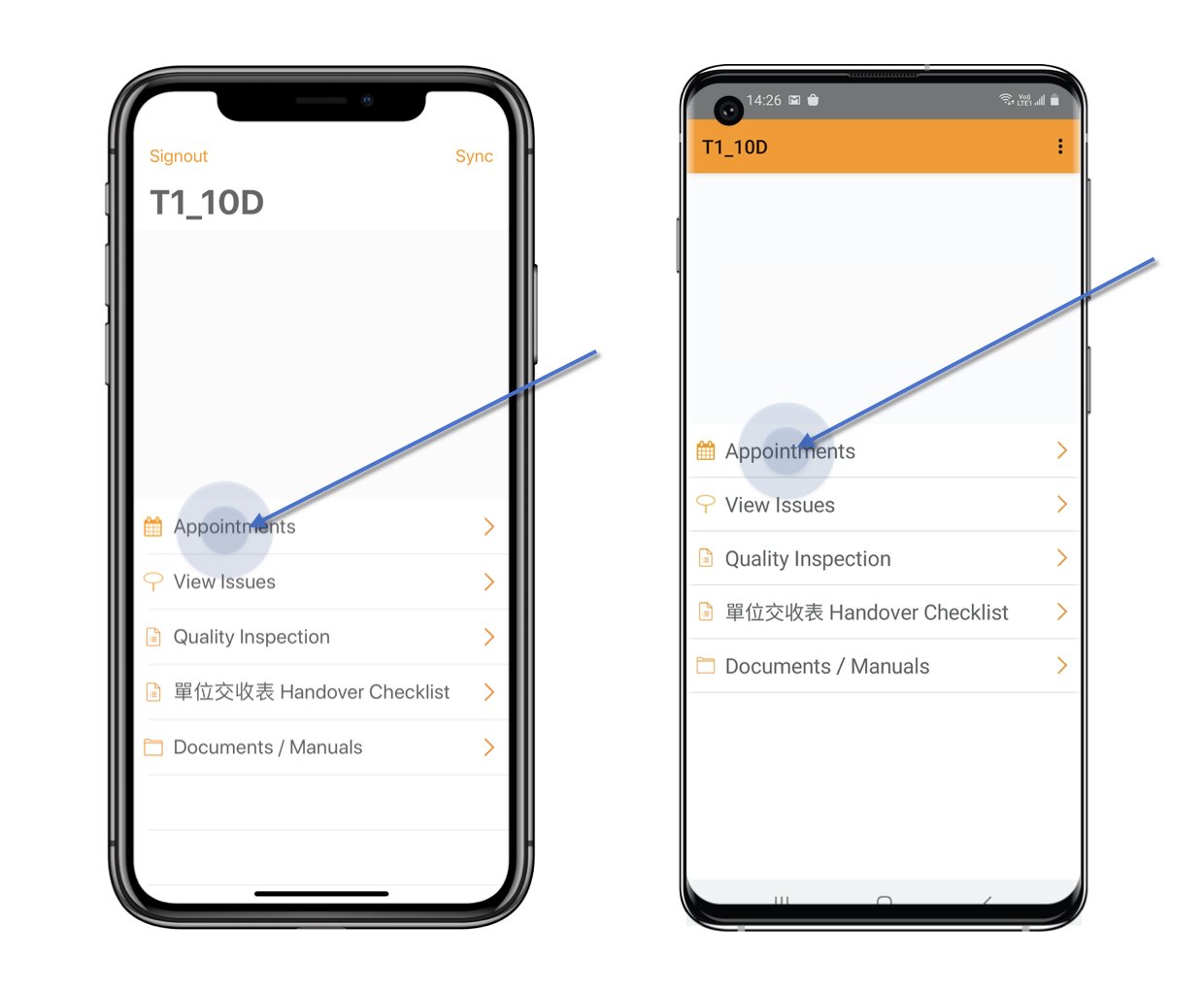
Click Appointment from the main menu > Create Appointment.
Device
Click Appointment from the main menu > Create Appointment.
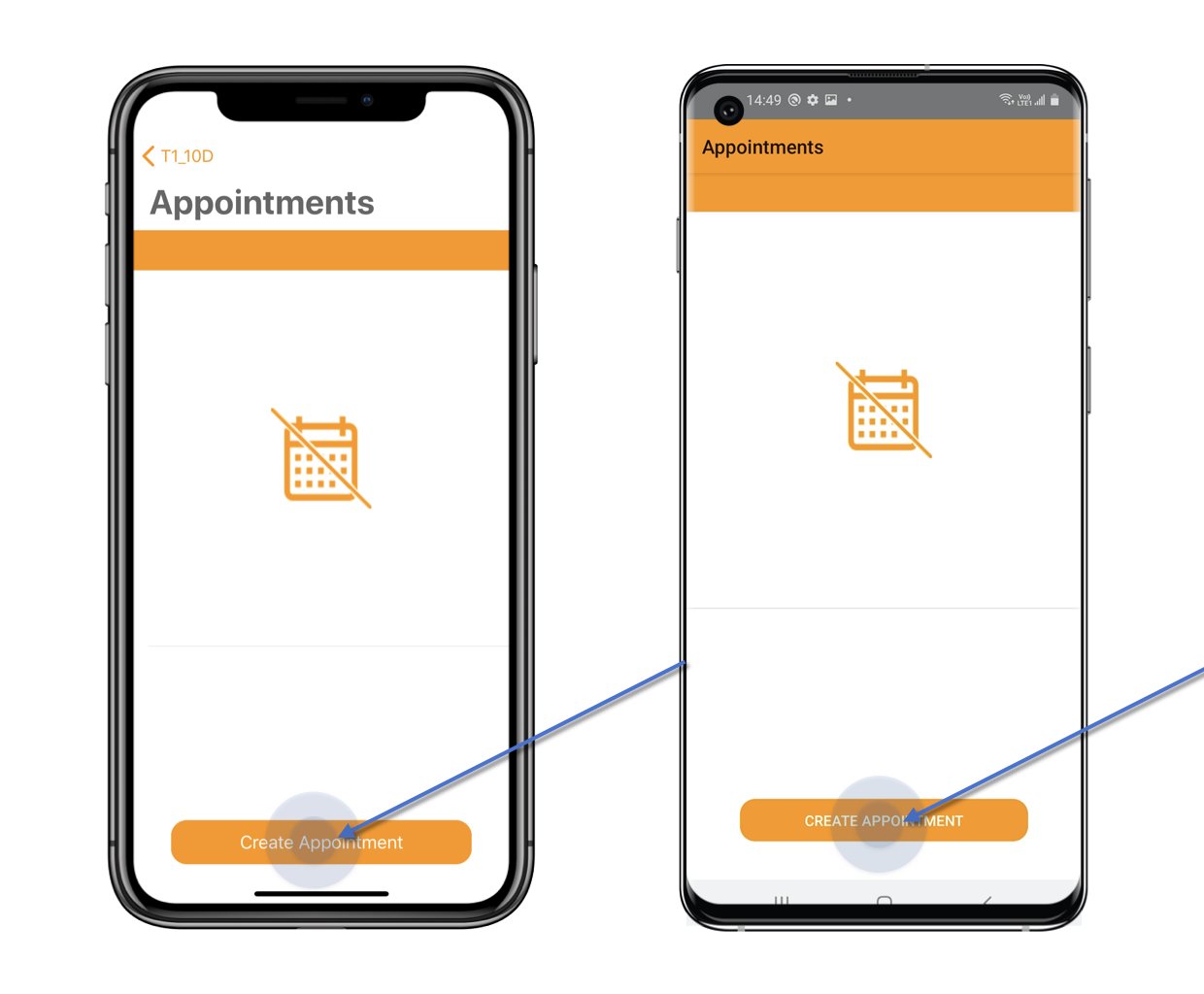
(You are able to request the appointment in a month, the time slot is controlled by the project admin.)
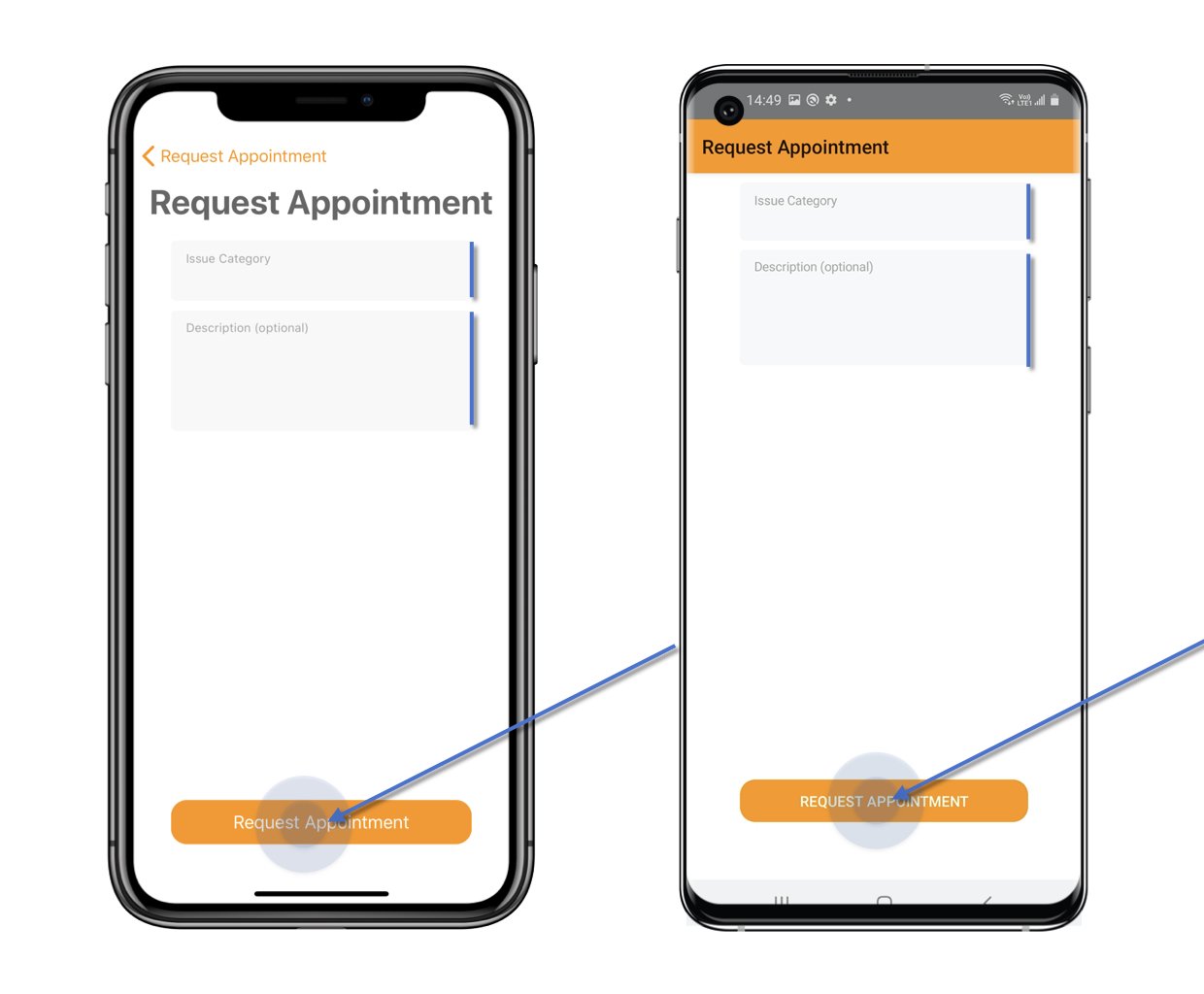
 Select Category and enter the Description if need.
Then click Request Appointment.
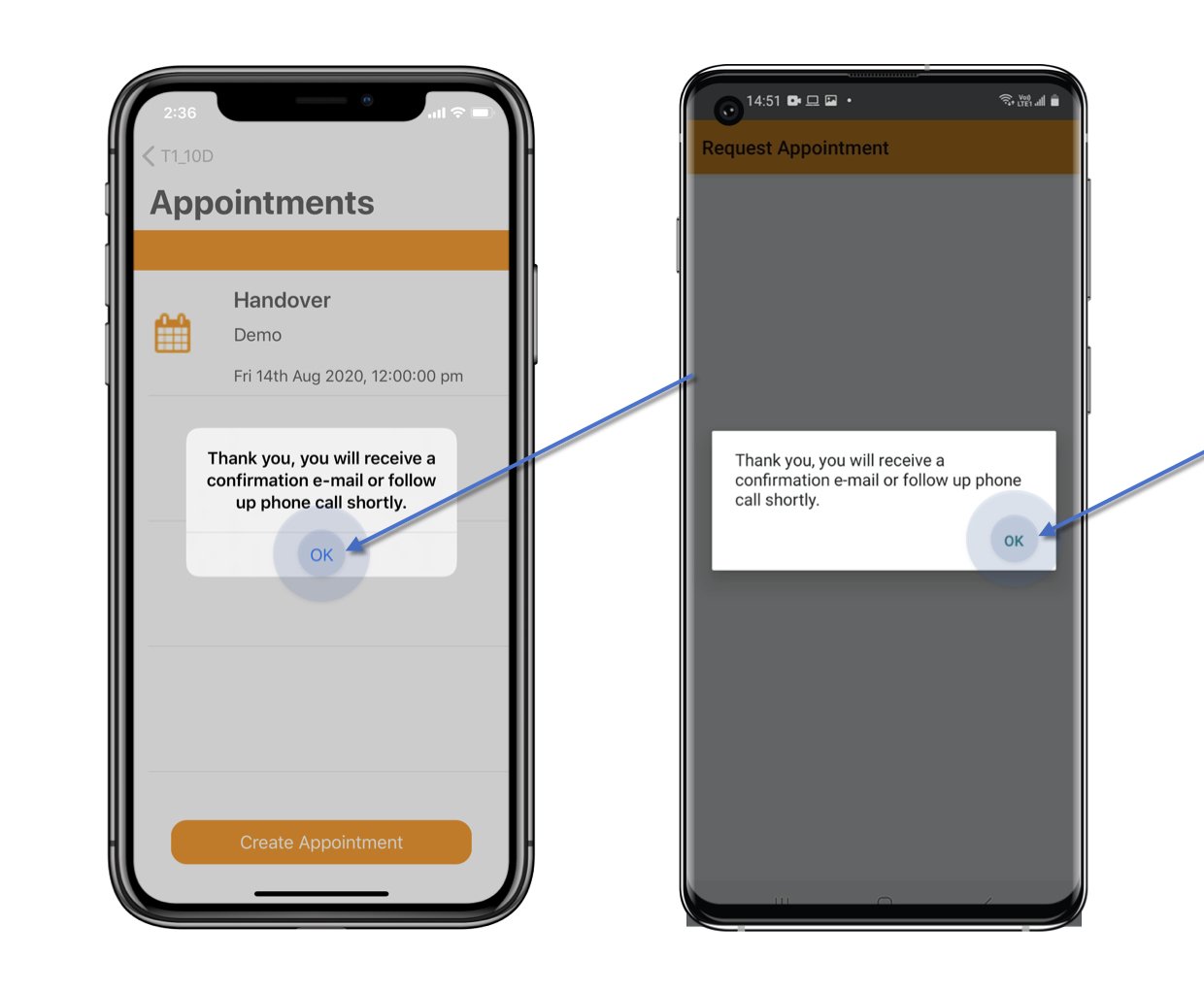
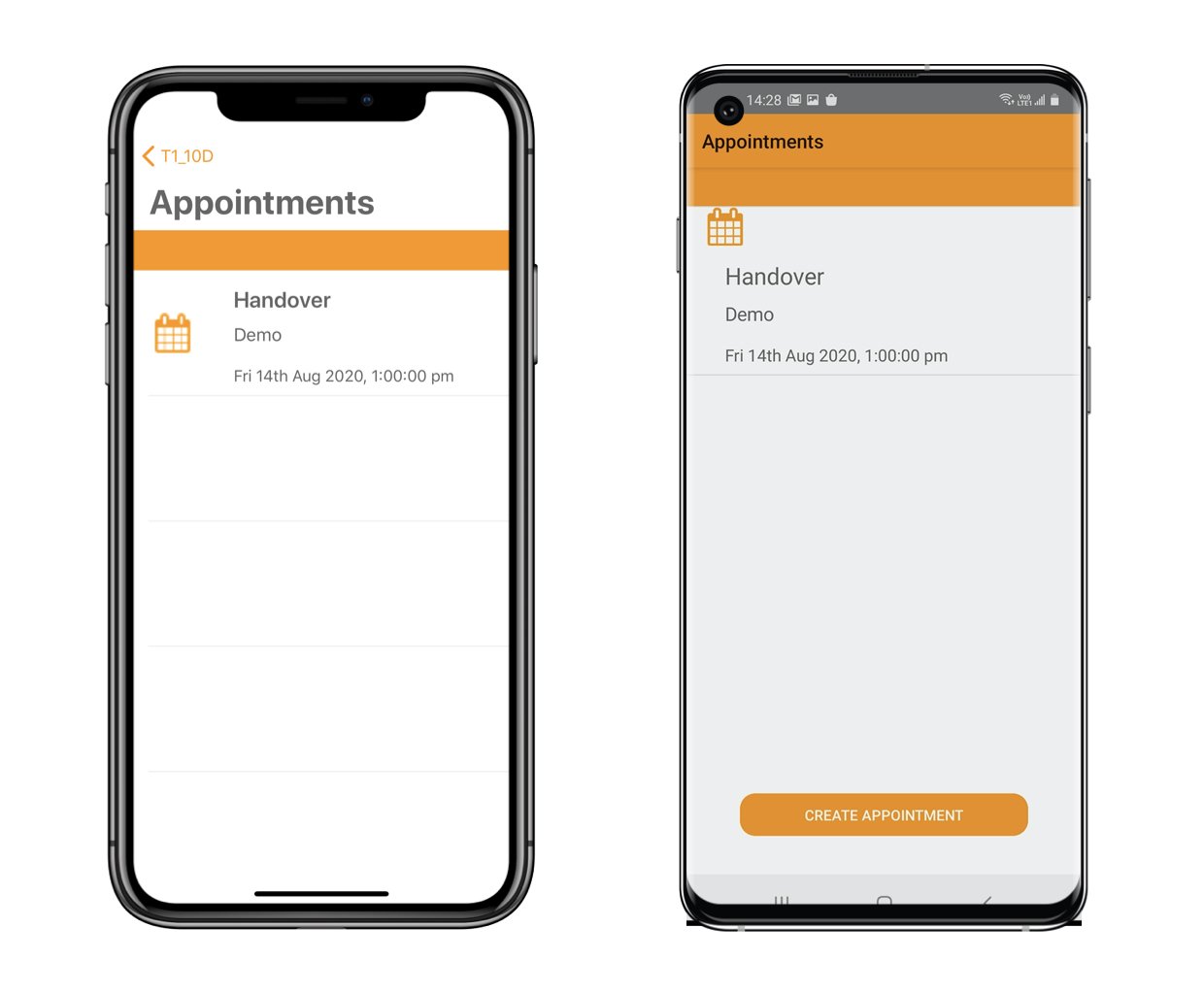
The appointment request received email will send to you.
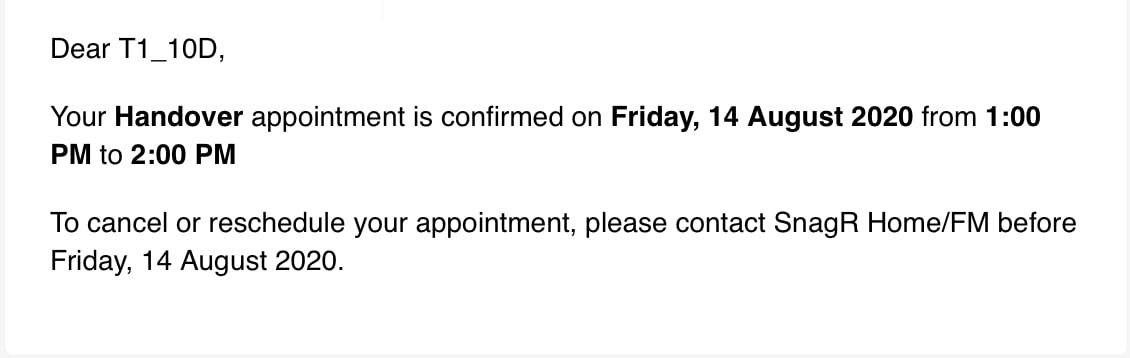
Sample as below.
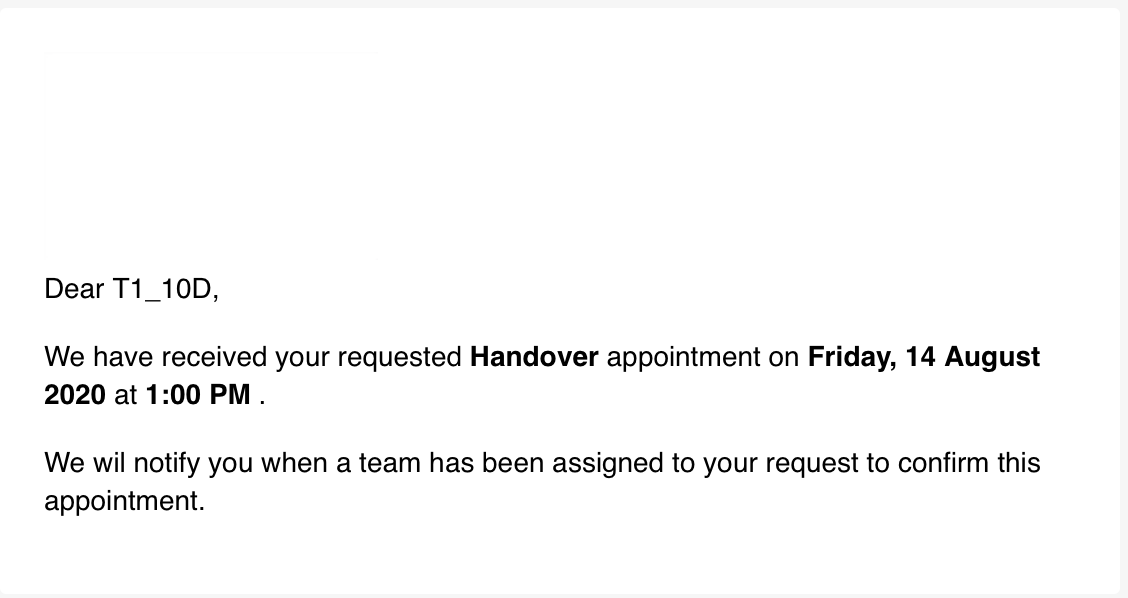
Sample as below.