

Appointment administrators can even assign appointments in batches.
 Website
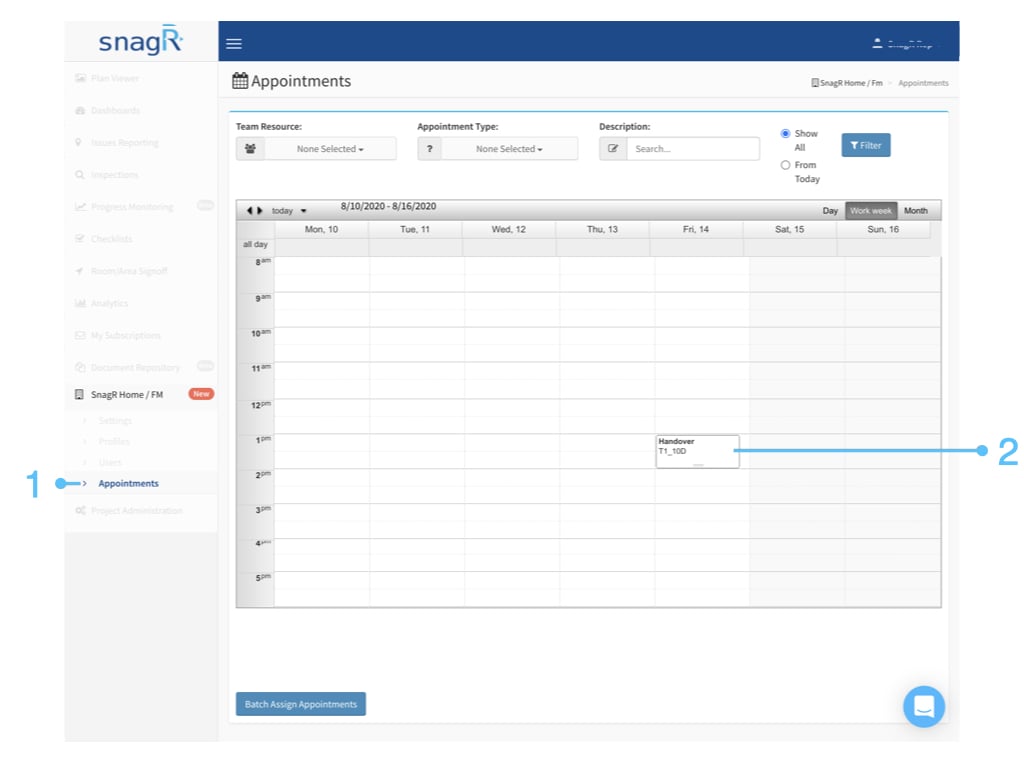
Login to the website, access the Appointment page in SnagR Home/FM.
Double click on the unassigned appointment.
Website
Login to the website, access the Appointment page in SnagR Home/FM.
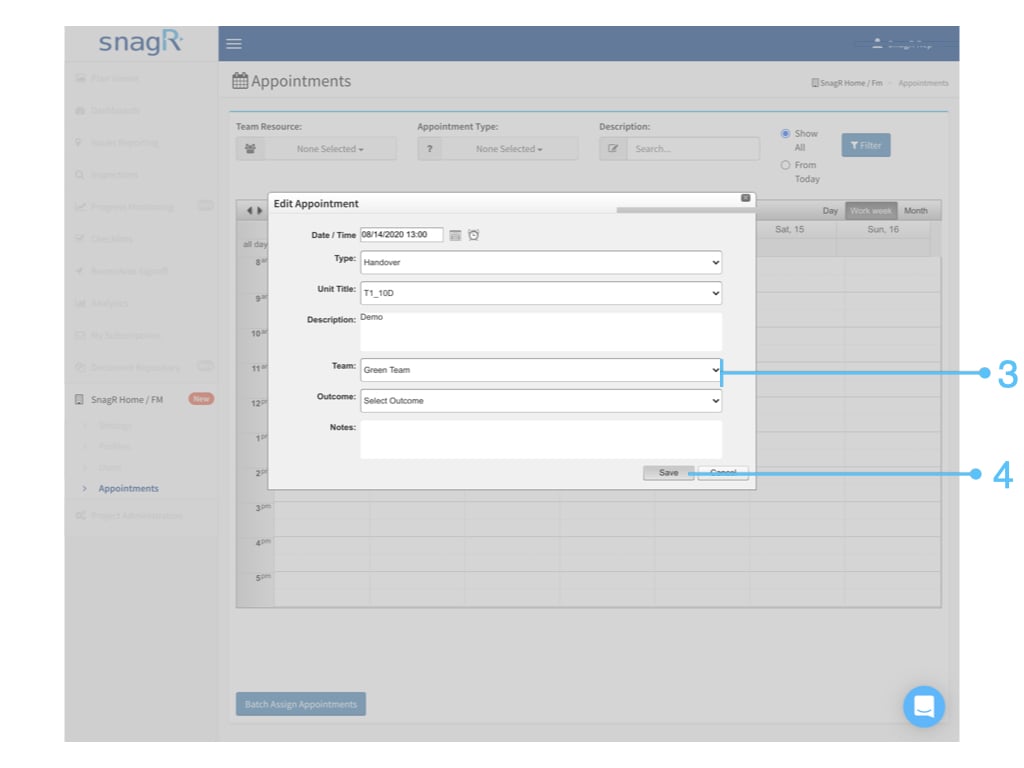
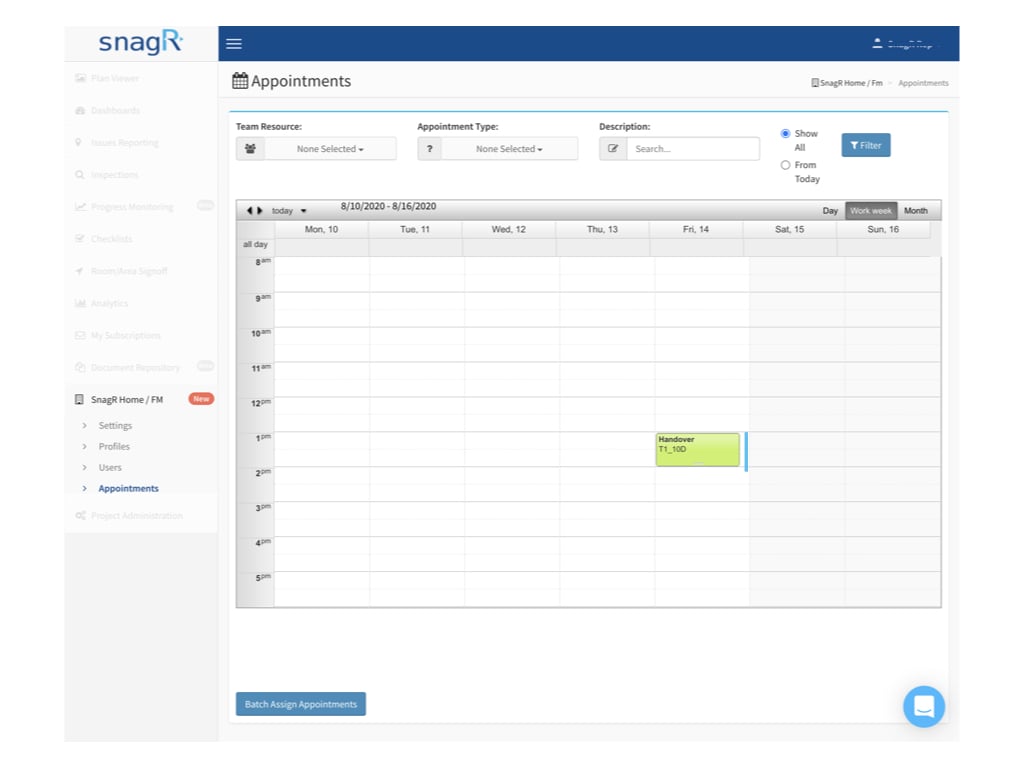
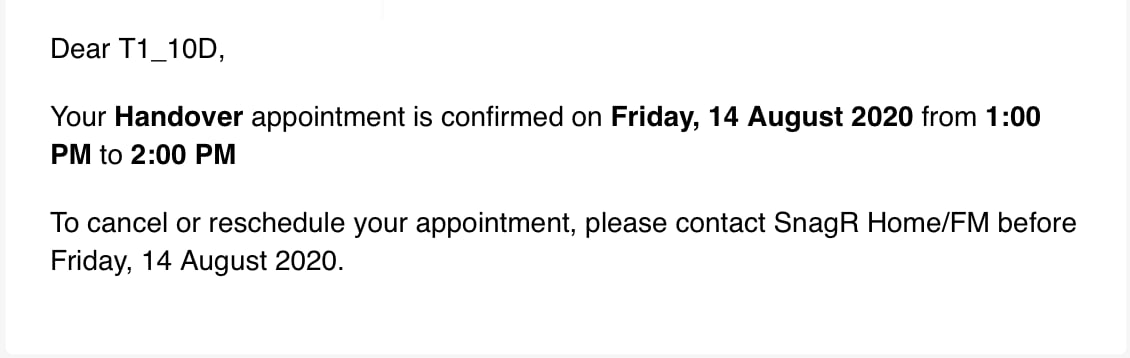
Double click on the unassigned appointment.Select the related team to assign.
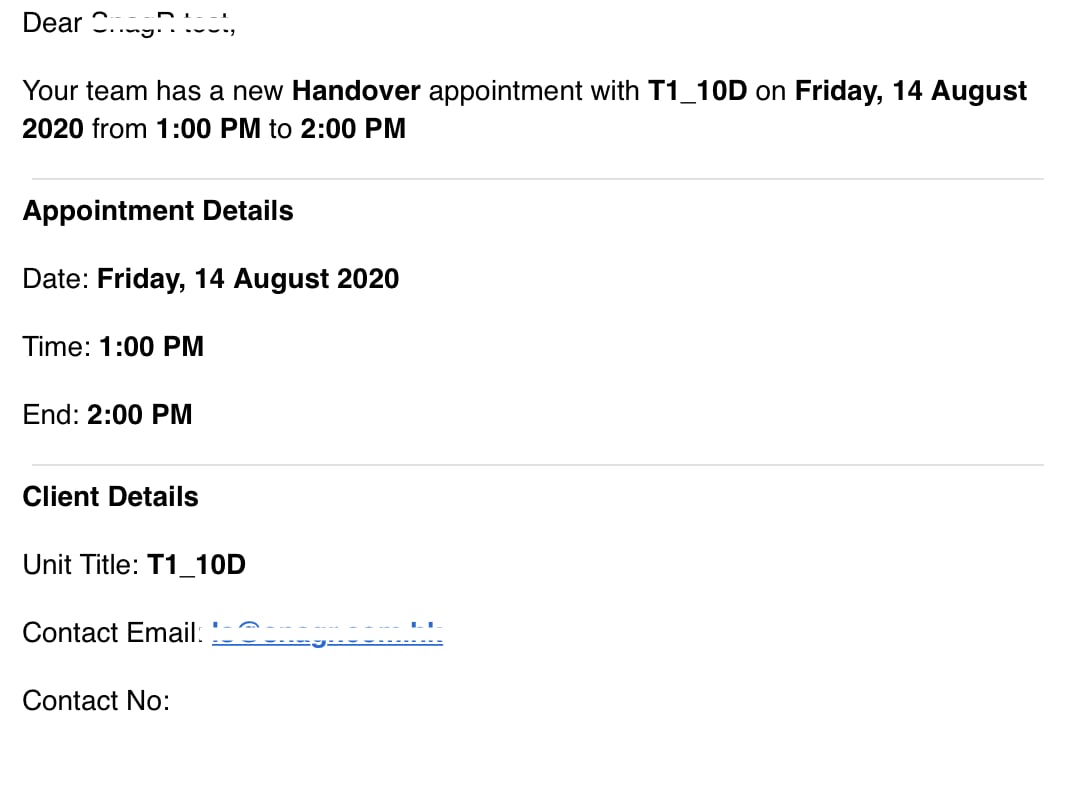 Website
Login to the website, access the Appointment page in SnagR Home/FM.
Double click on the unassigned appointment.
Website
Login to the website, access the Appointment page in SnagR Home/FM.
Double click on the unassigned appointment.