What were the challenges?
  1. Searching activity details from site diaries (papers or excel files) is extremely time consuming and tedious yet it is often required when processing claims from contractors
  2. Lack of visualisations to site diary reporting
  3. Increased admin workload as site diaries need to be compiled from various teams / contractors each day
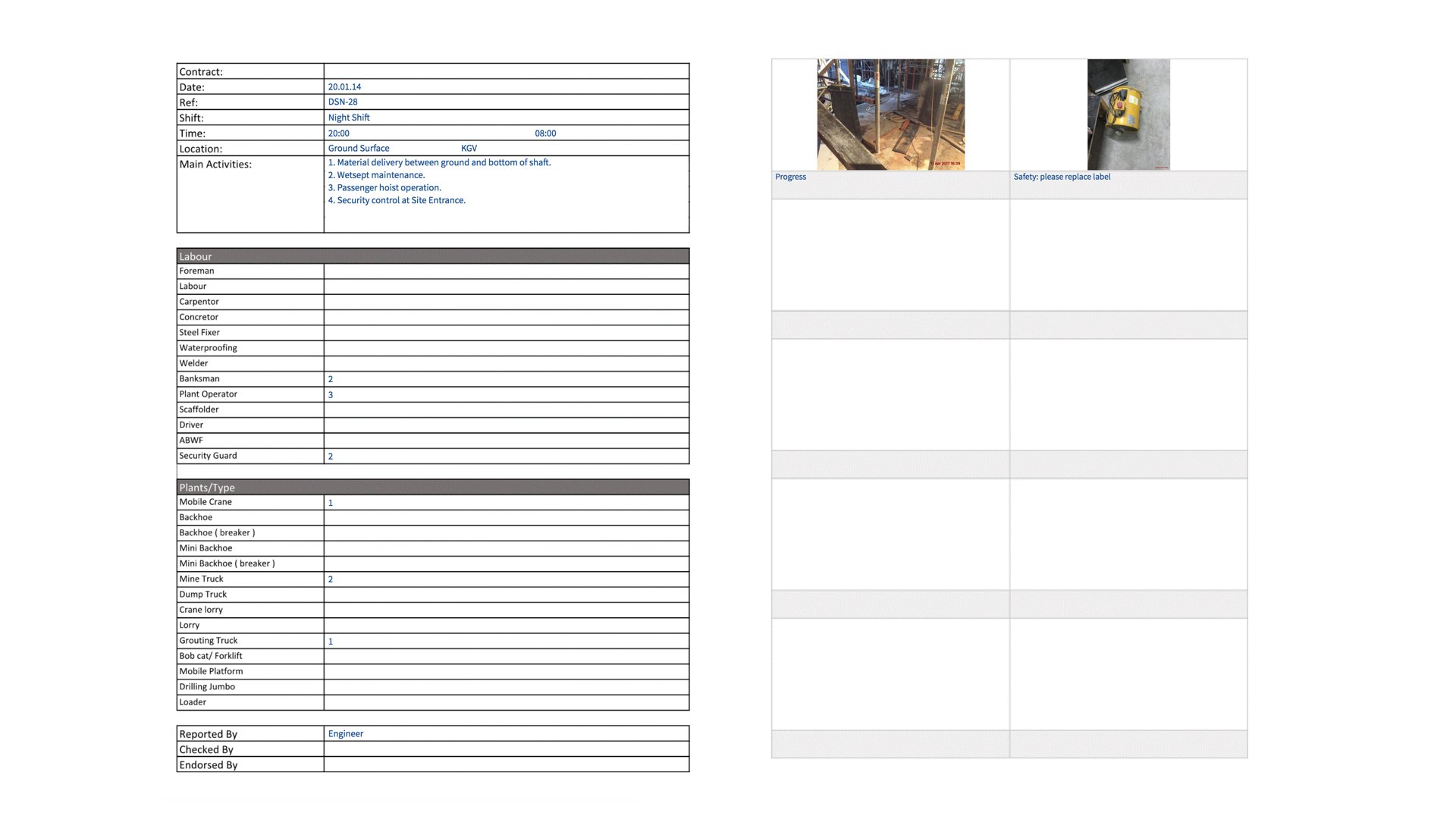
Report Before Implementing SnagR This is a site diary report completed each day. As time goes by, the pile stacks up / more Excel files are added to the site diary folder. Screen Shot 2018 05 14 at 4.40.50 PM How did SnagR help?
  1. Digitalise site diary submissions
  2. Utilise data captured by engineers each day to reporting needs
  3. Search for activity details by keyword search, submission date, location, etc.
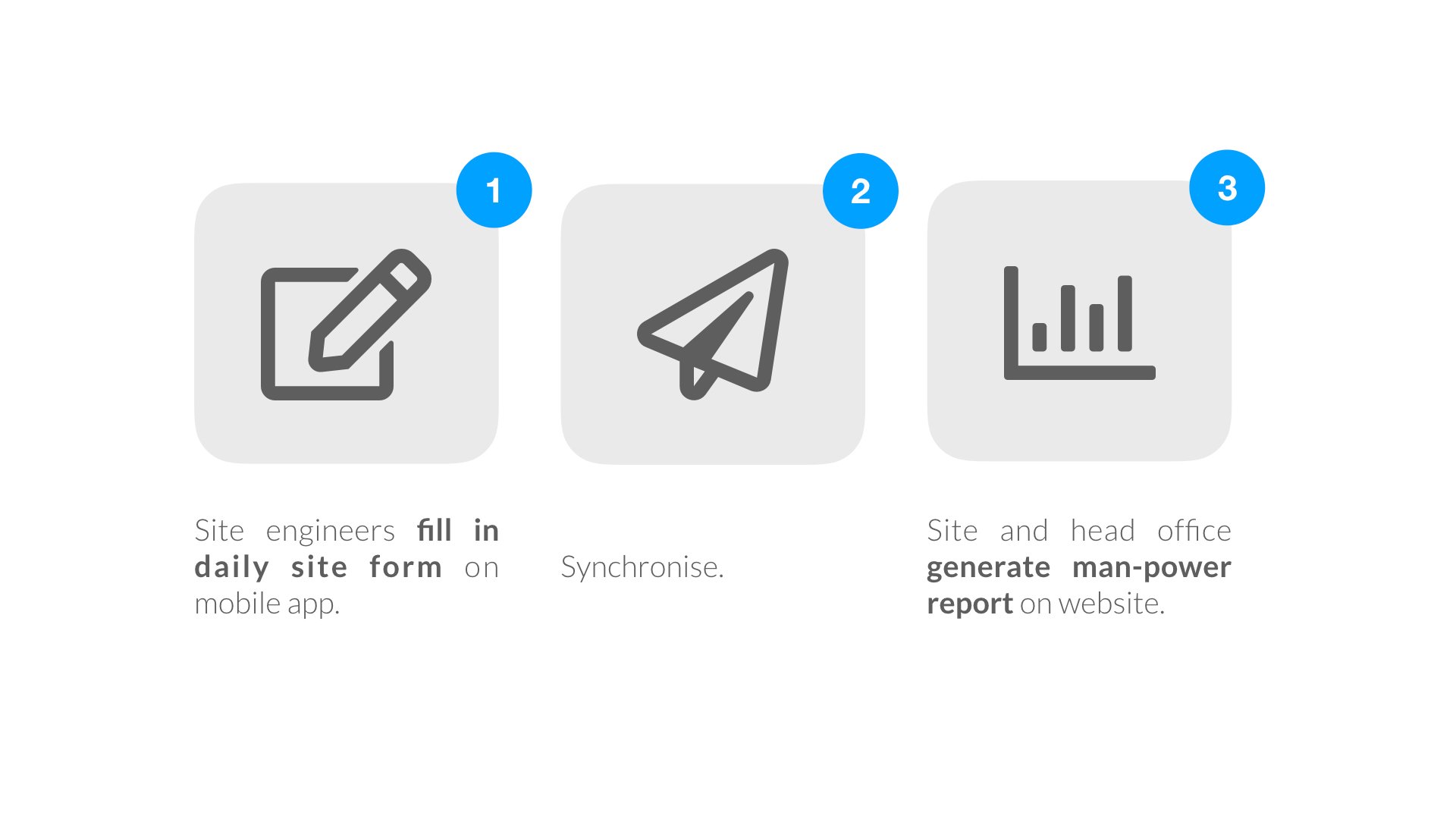
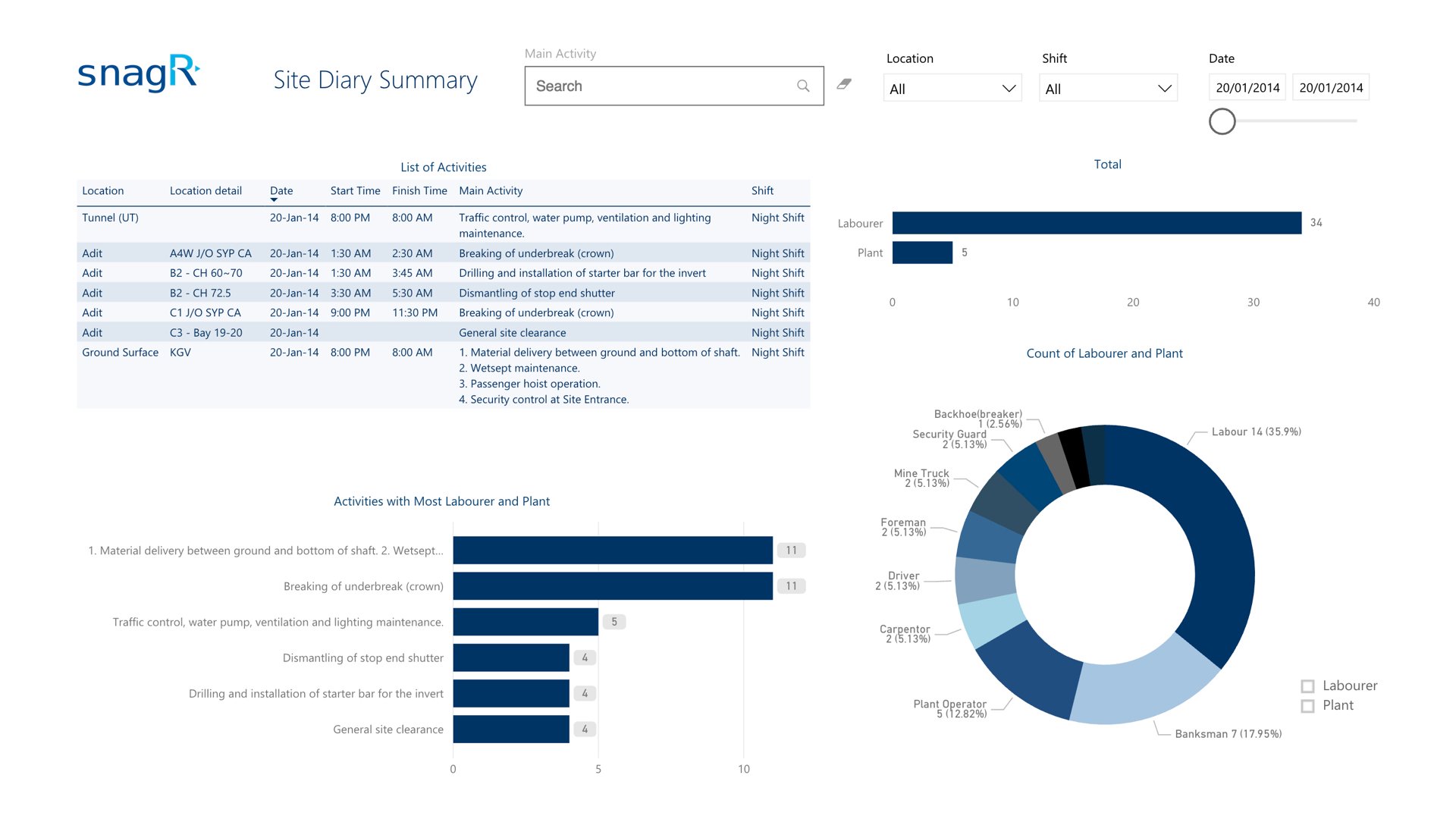
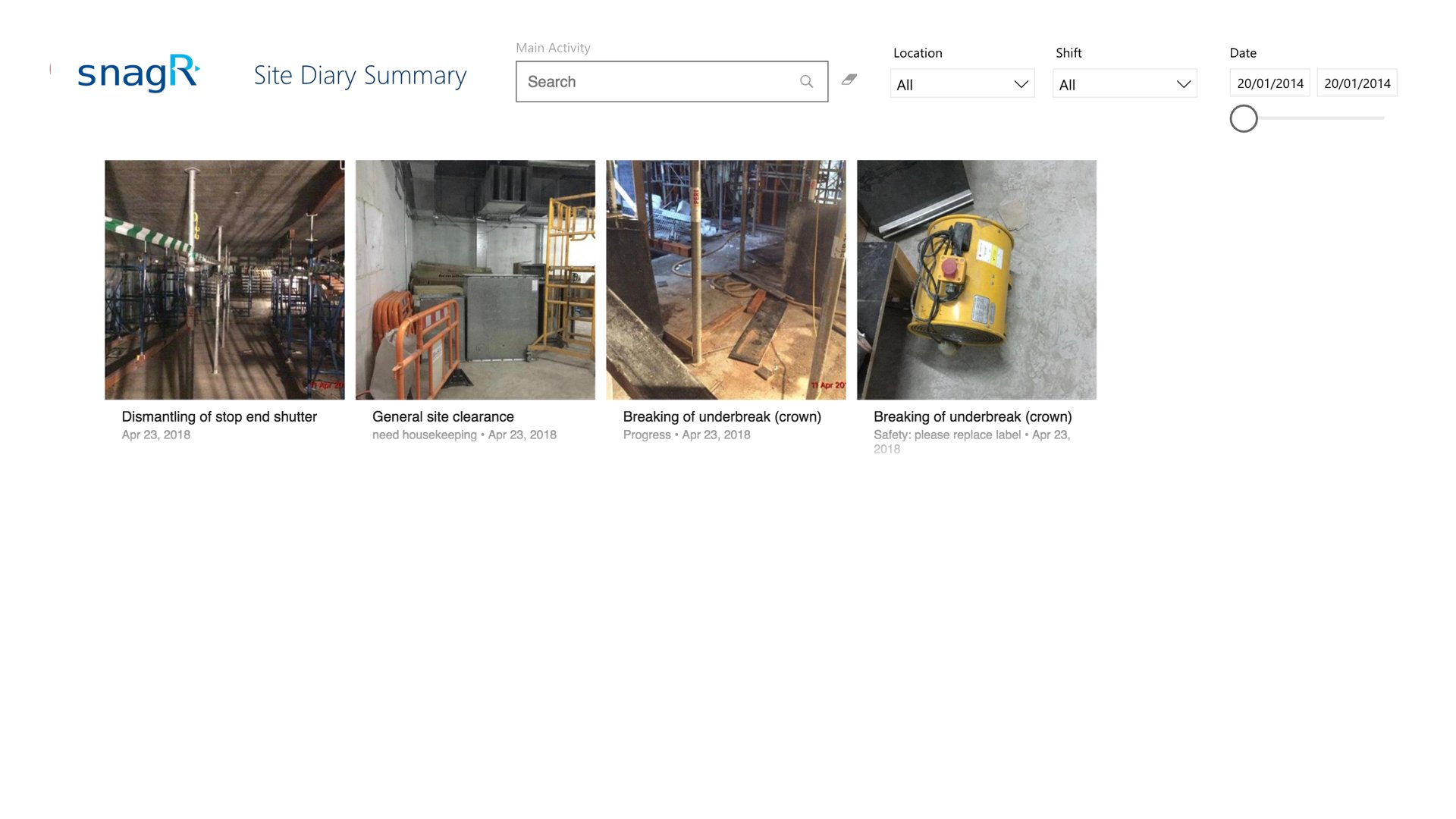
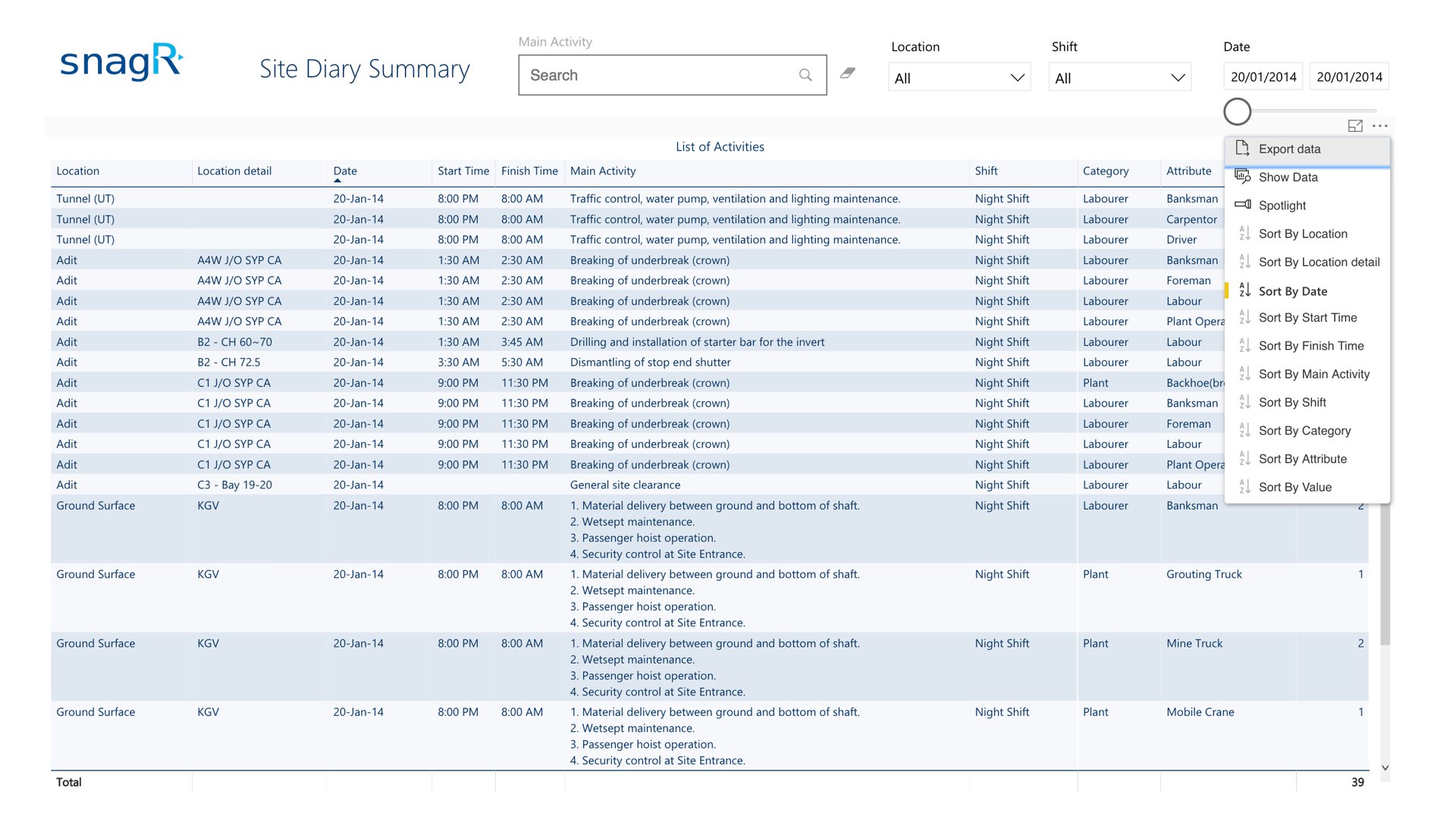
Process A****fter Implementing SnagR The daily site form is digitalised on SnagR. As soon as the engineers fill in the form on mobile app, the data feeds into an automated report that can be printed or exported as PDF in a click. Success Stories Handover to Purchaser.010 This is a typical site diary that records activities, labour return and site condition photo each day: Success Stories Handover to Purchaser.014 Report After Implementing SnagR Success Stories Handover to Purchaser.011 The summary above visualises the number of labourer returned and plants used of one day or during a specific period of time. It is also possible to look up for an activity by keyword search. Success Stories Handover to Purchaser.012 Success Stories Handover to Purchaser.013 It is possible to export site diaries data to Excel for other calculations or reporting purposes. What is required to set this up?
  1. Site diary form in PDF, png or jpeg
  2. List of users and contractors who will have to submit site diary
Note Here are the main features used in SnagR:
  1. Submit forms
  2. Custom Dashboard