How can I remove a form template from an inspection template?
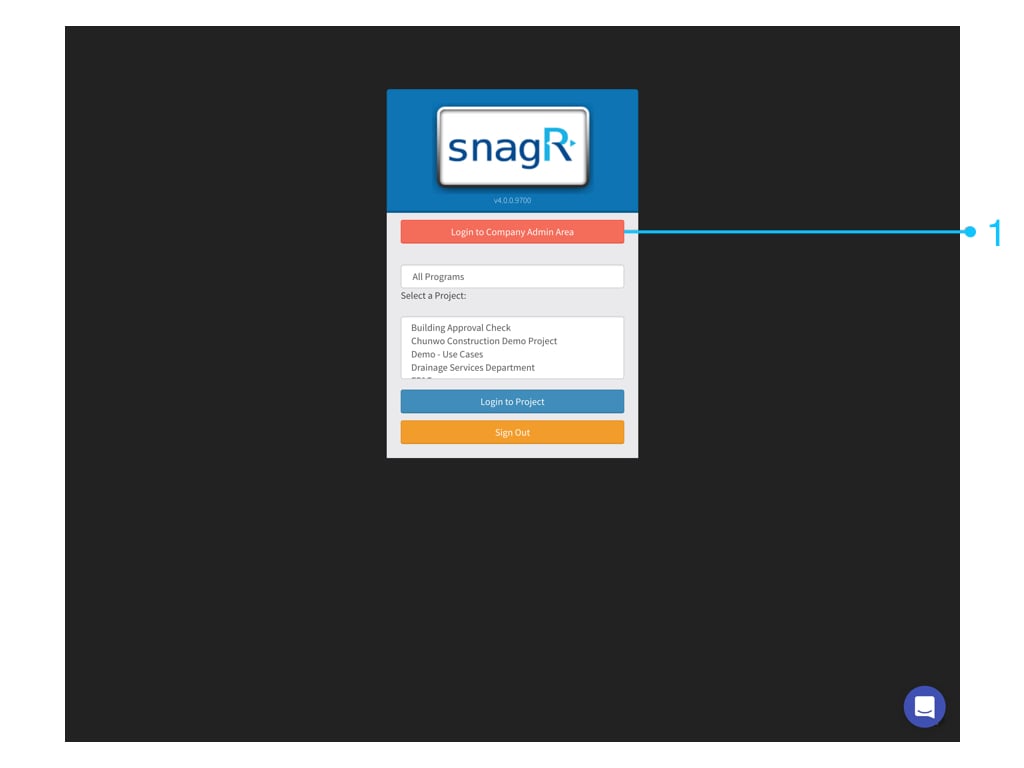
This is a company level feature.To delete a form from an inspection you have to login to the company level.WebsiteFirst, login to the Company Admin Area. Only Company admin can see this button.
Click on the “Edit” button from the inspection you want to edit.You see the different forms that are used in this inspectionTo remove a form, click on the remove button.Click “Remove” in the warning pop-up if you are sure that you want to delete this form from this inspection.
Assistant
Responses are generated using AI and may contain mistakes.


 Website
First, login to the Company Admin Area. Only Company admin can see this button.
Website
First, login to the Company Admin Area. Only Company admin can see this button.