

 Website
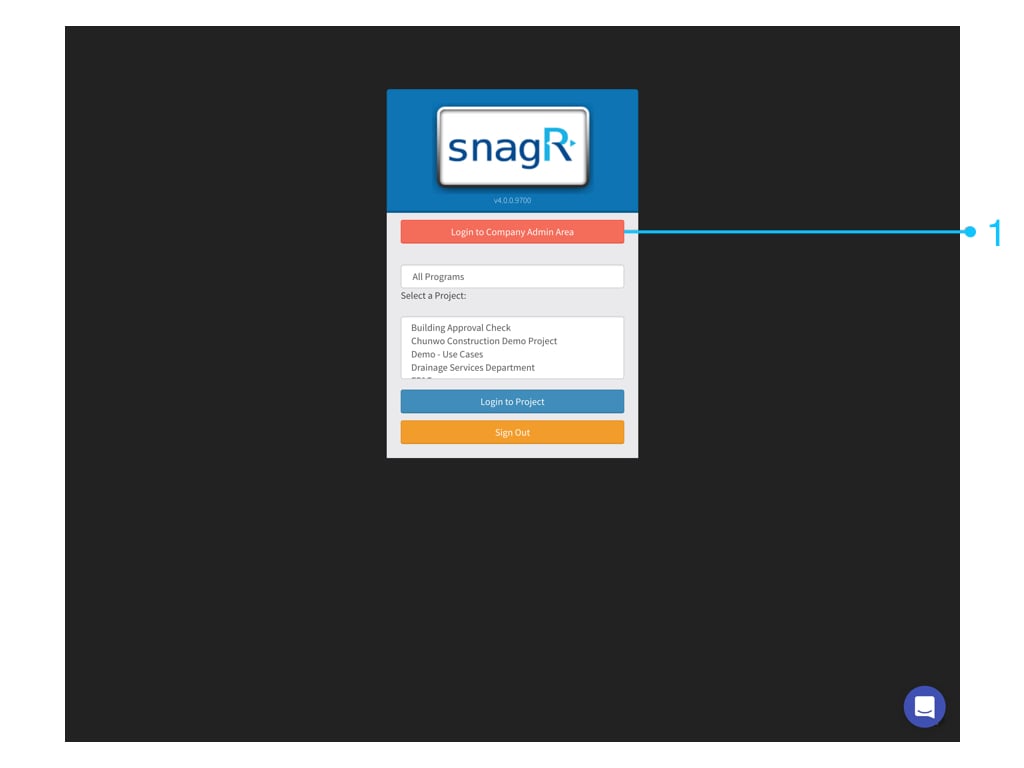
First, login to Company Admin Area. Only Company admin can see this button.
Website
First, login to Company Admin Area. Only Company admin can see this button.
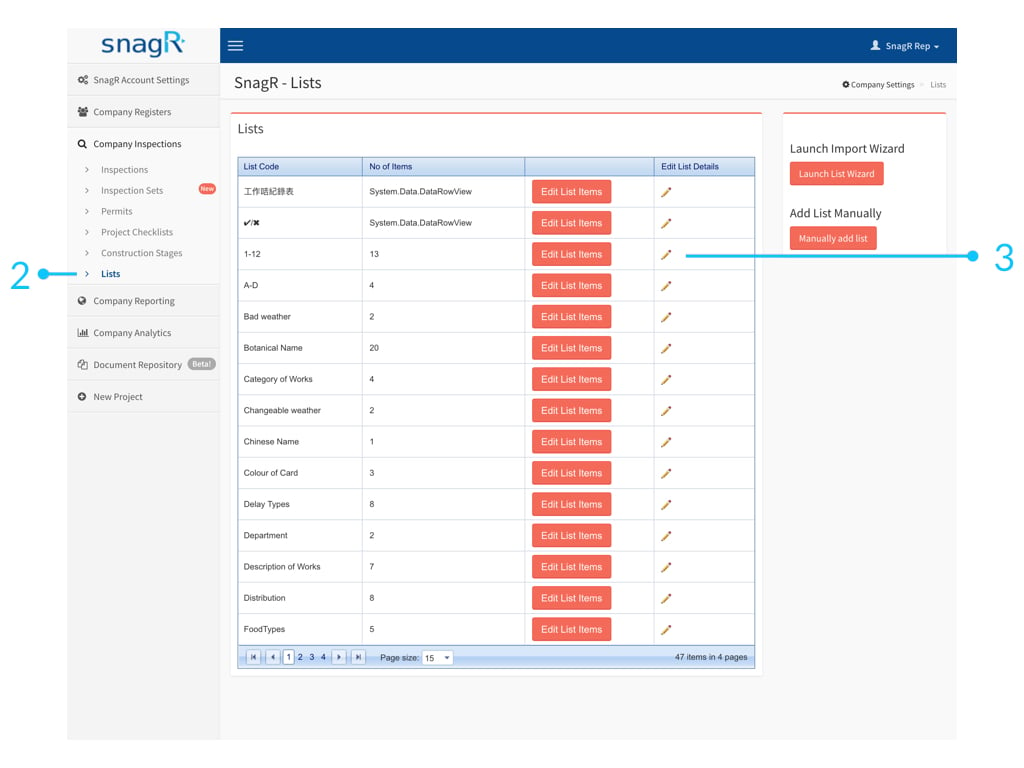
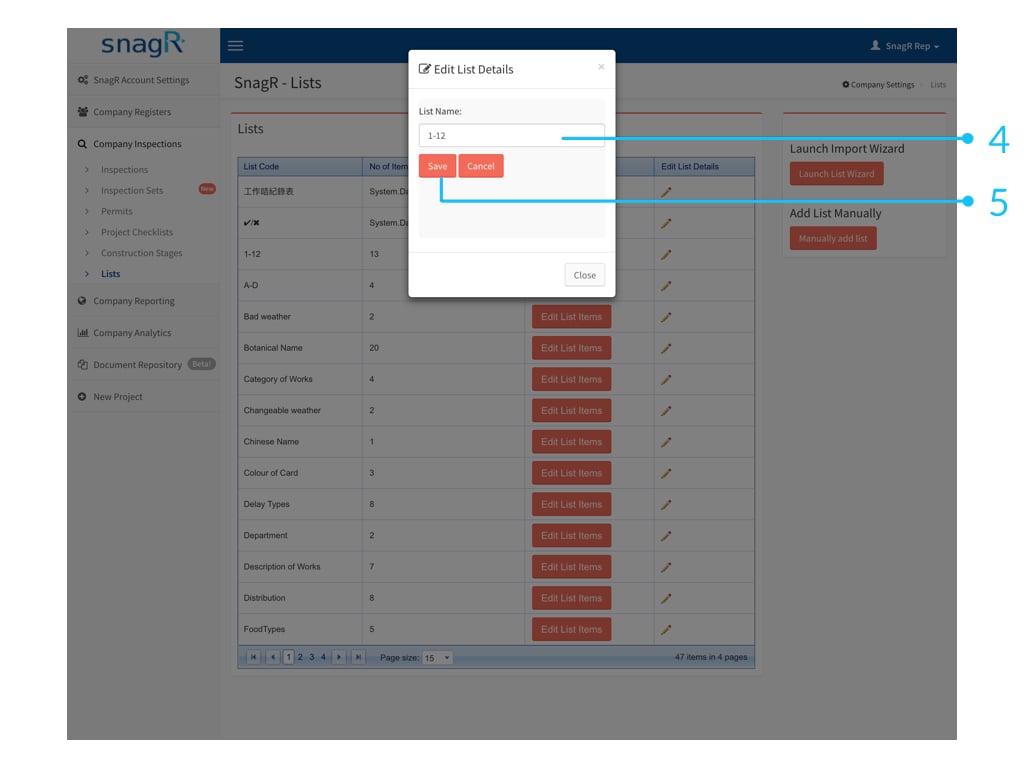
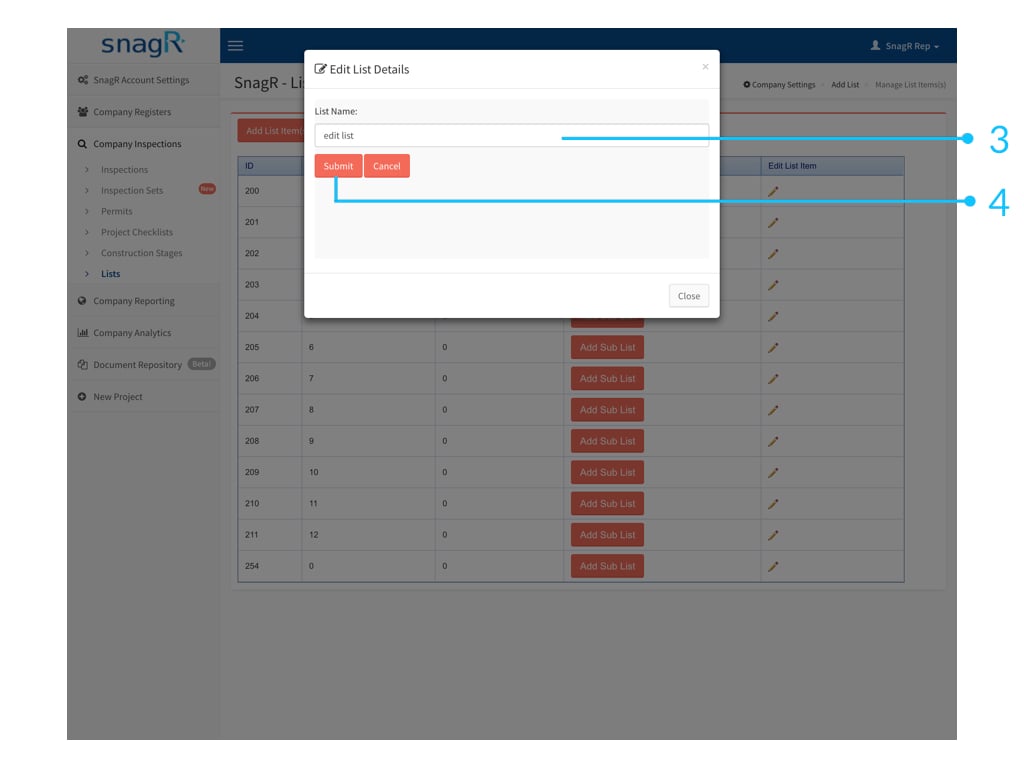
1. Edit list name
Click icon to edit List Code.
2. Edit list Items
Click Edit List Items.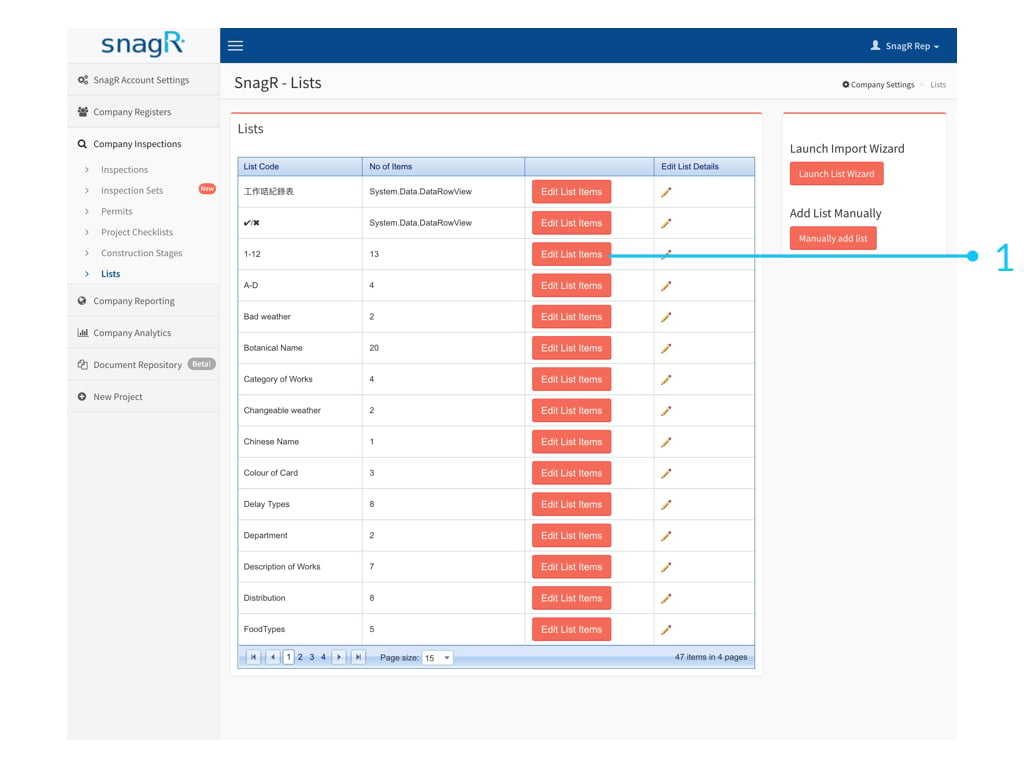 to edit item.

3. Add List Items
Click Add List Item(s) at the top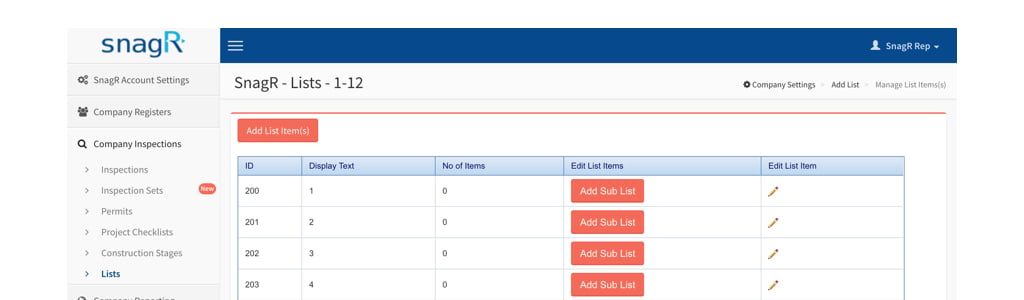
 Note that you can only rename items, you cannot delete items and cannot change the item sort order.