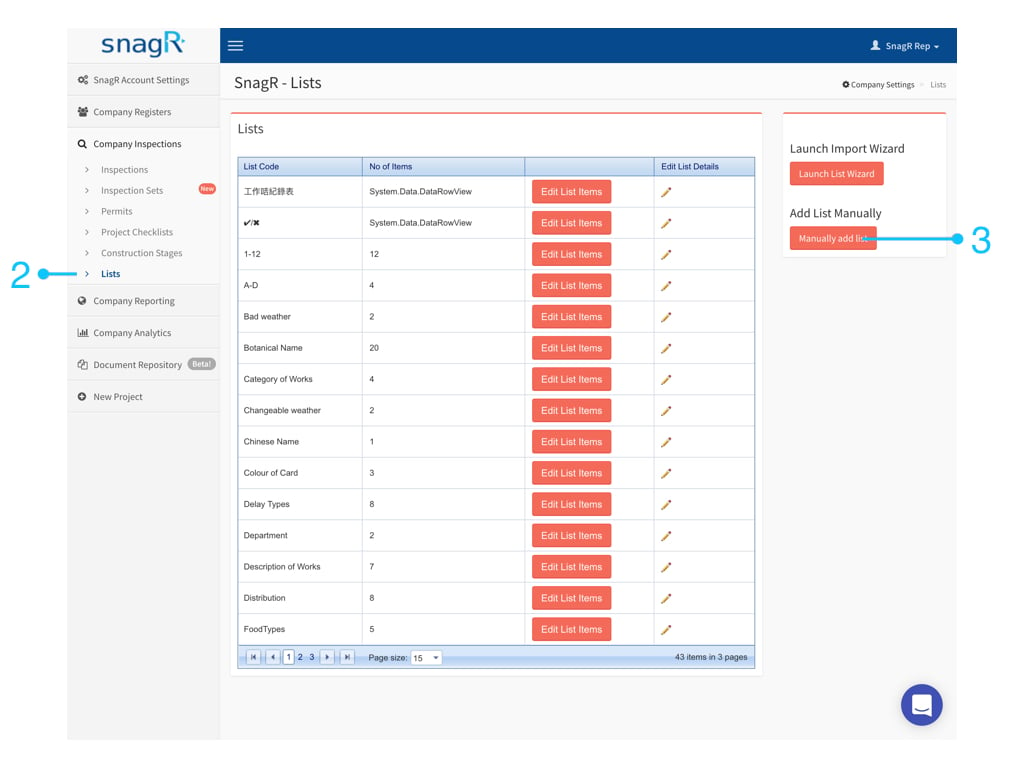
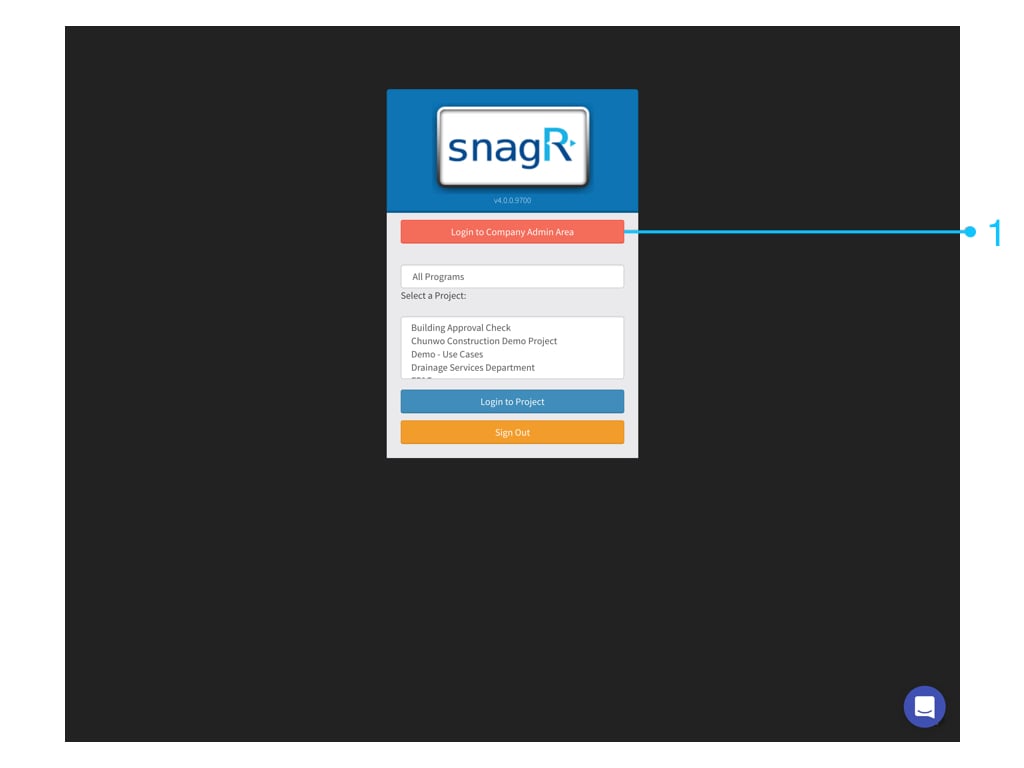
Custom list is a constrained drop down list. While it makes it easier for people to complete a form, it also allows your company to collect structured data from a form. if ic tv 48px 352186 Website First, login to Company Admin Area. Only company admin can see this button. Admin Website.001 Go to Company InspectionsLists You can choose Launch Import Wizard or Add List Manually. Note: If you have more than 10 items to add, please jump to Launch Import Wizard directly.
1. Option A - Add List Manually

Admin Website.002

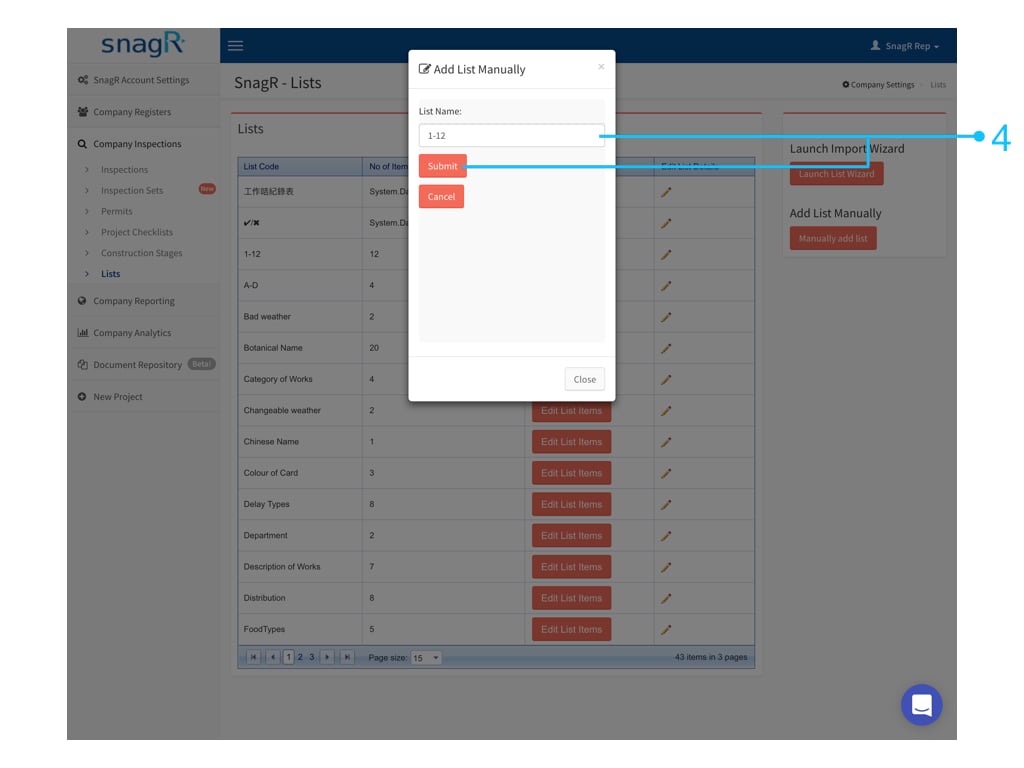
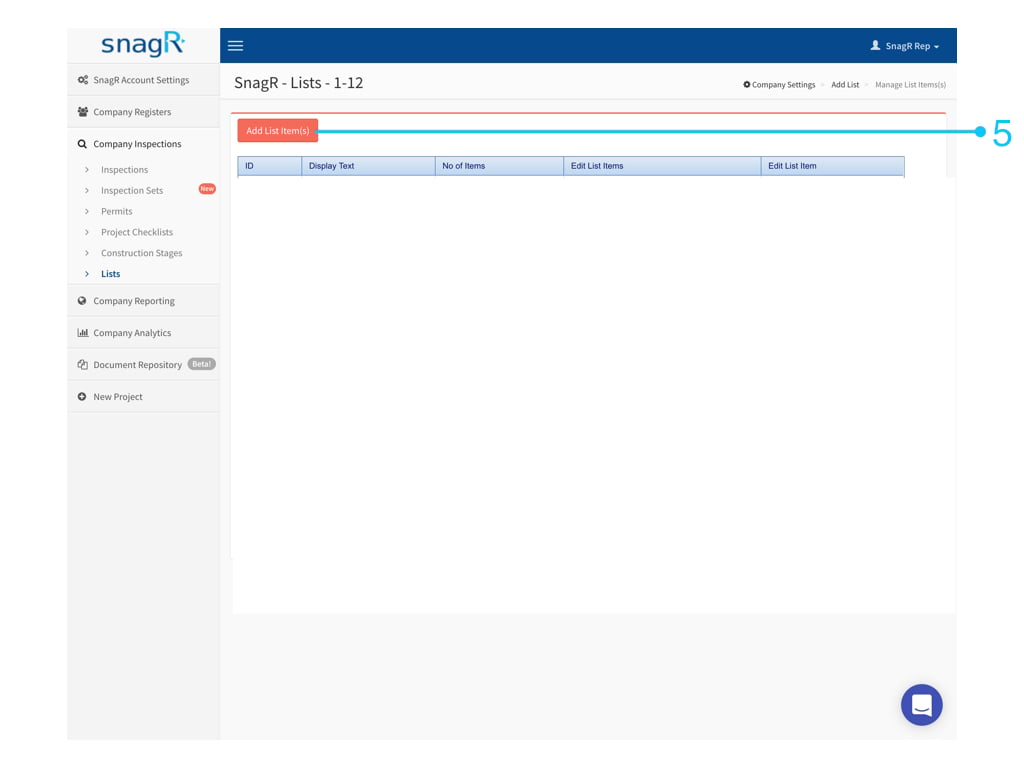
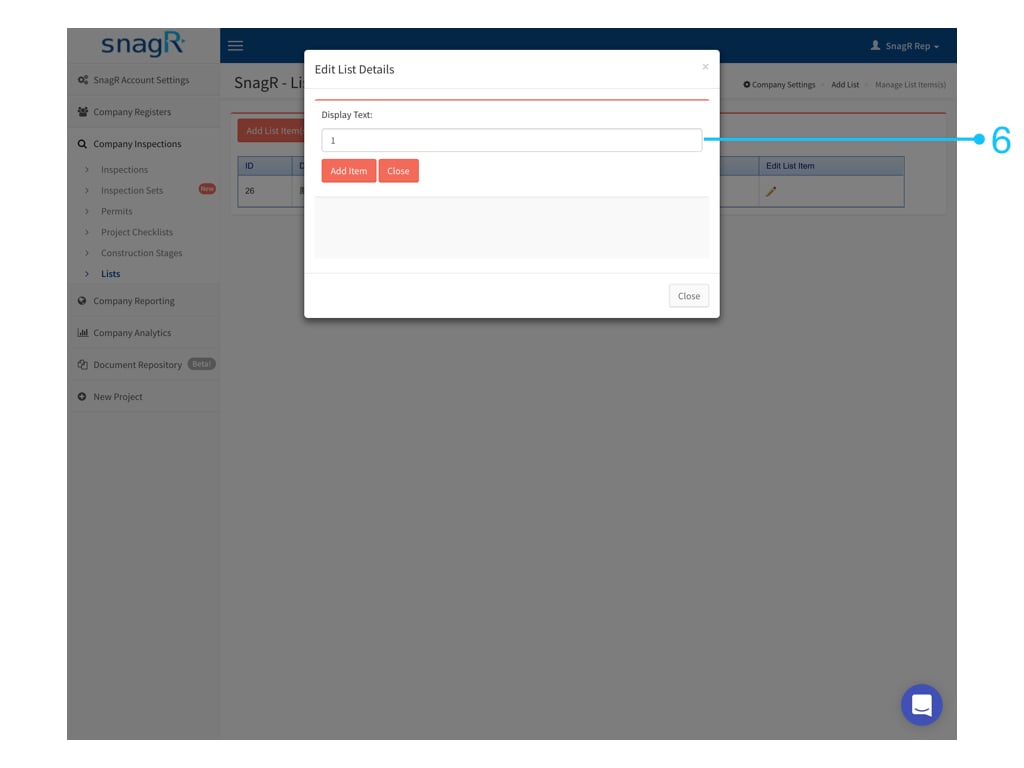
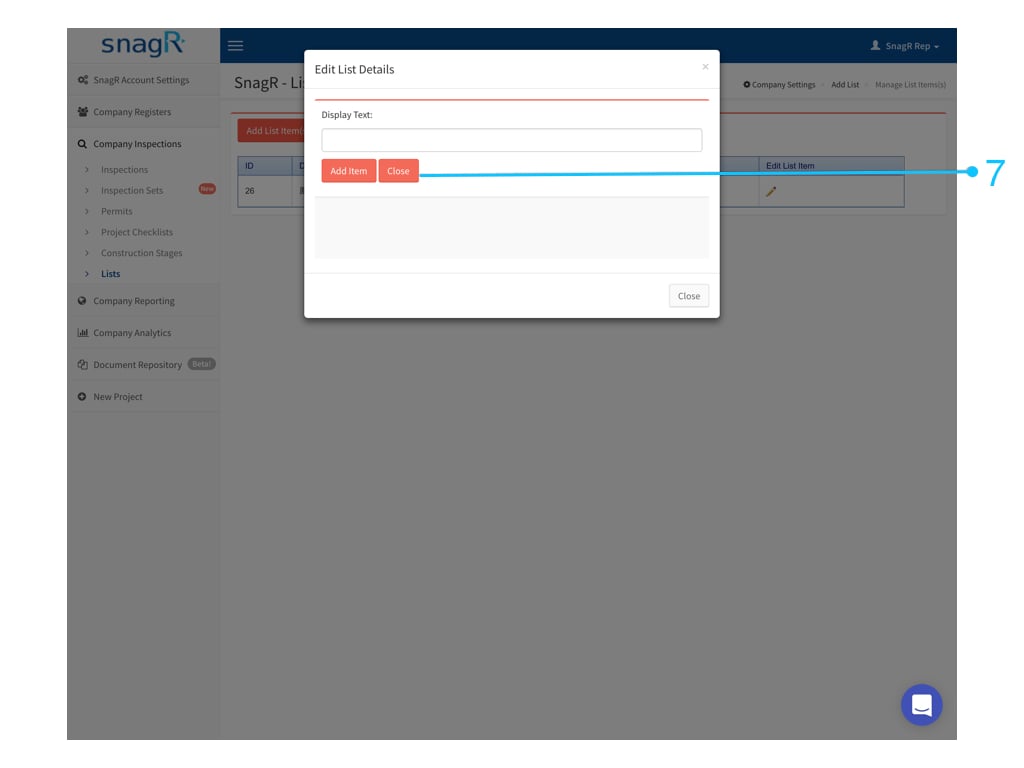
Input List Name > Submit Admin Website.003 Click Add List Item(s) Admin Website.004 Input the option one by one, click Add Item then input next option. Admin Website.005 Click Close if completed. Admin Website.006 Please scroll down further to see > Set form fields to show custom list.

1. Option B - Launch Import Wizard
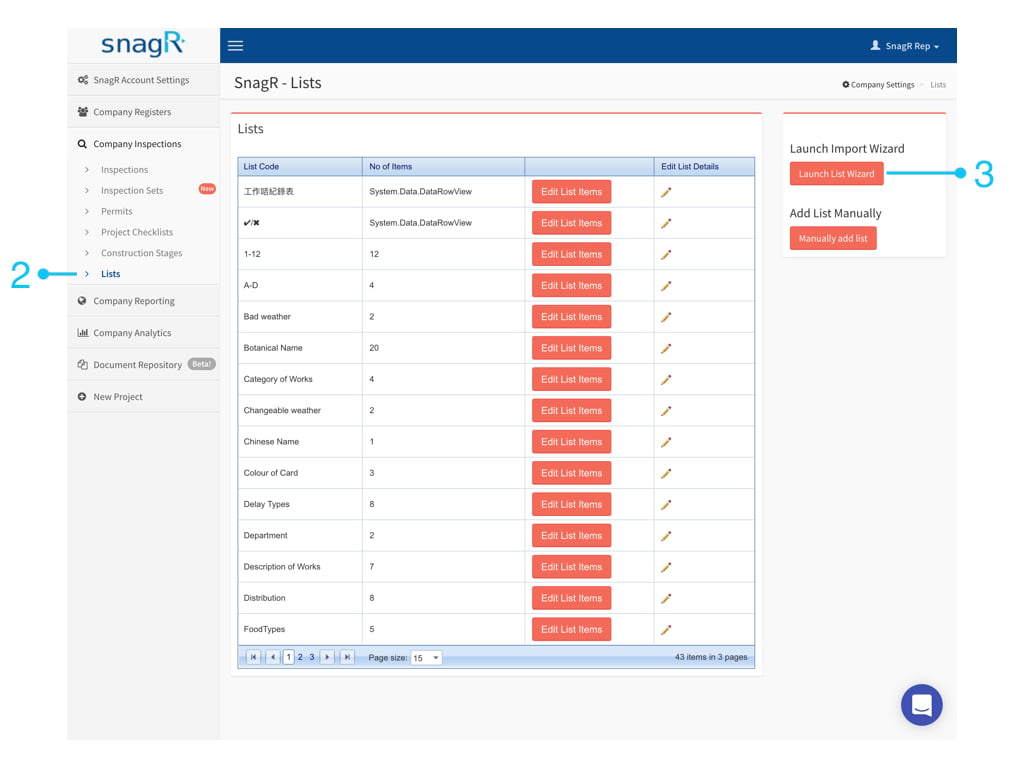
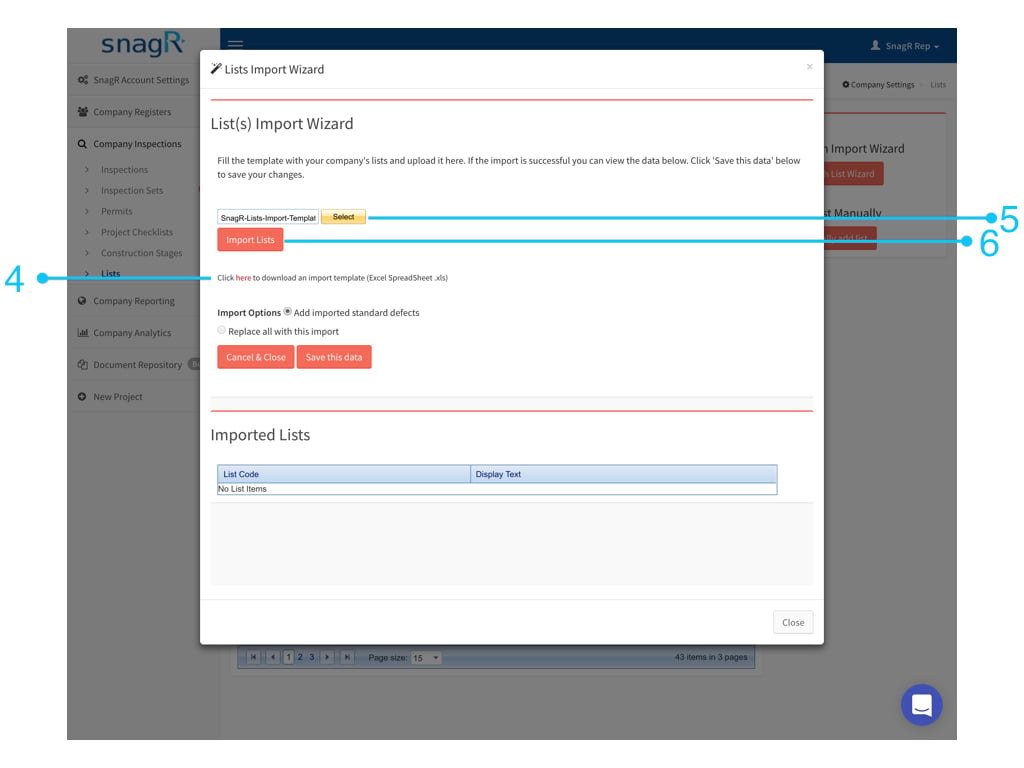
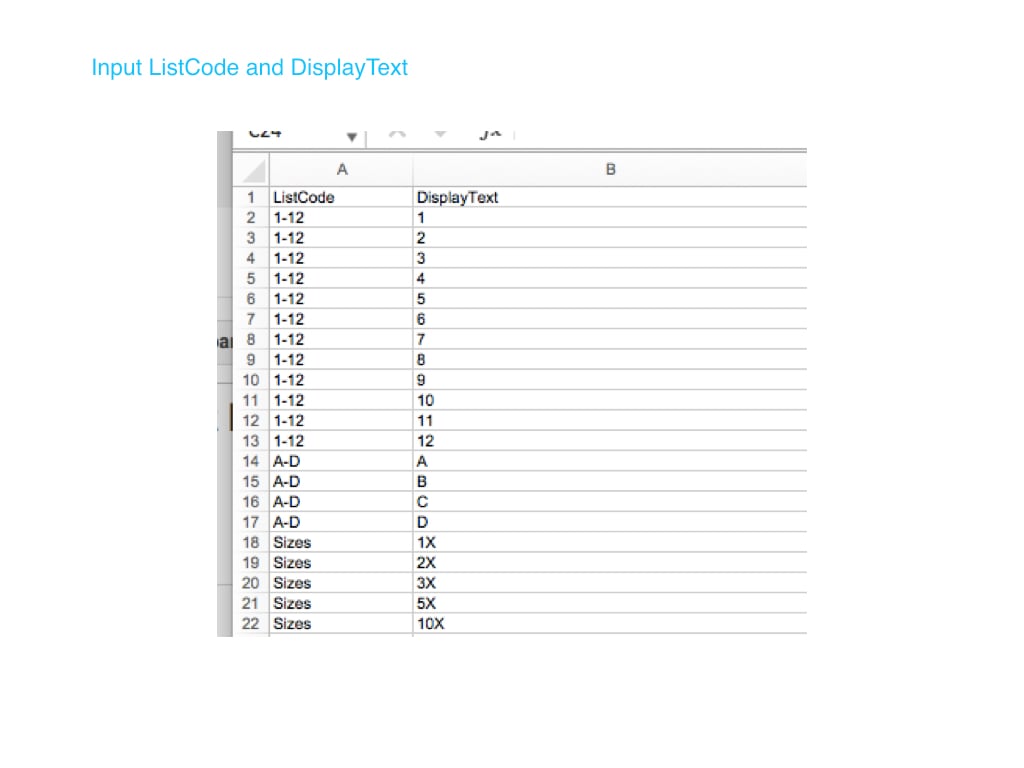
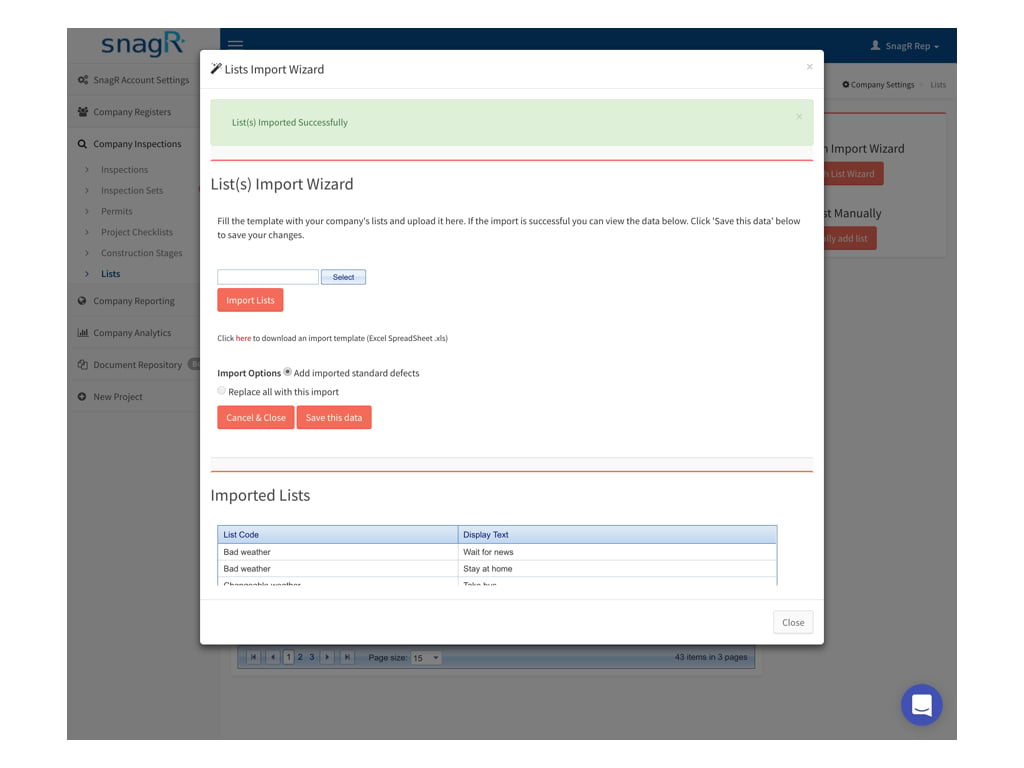
Admin Website.007 Download template > Create custom list in Excel > Upload template > Import Lists Admin Website.008 Your Excel file should look like this: Column A is the name of the custom list. Column B is the display text / options in the custom list. Admin Website.009 Admin Website.010

2. Set the form field to show custom list

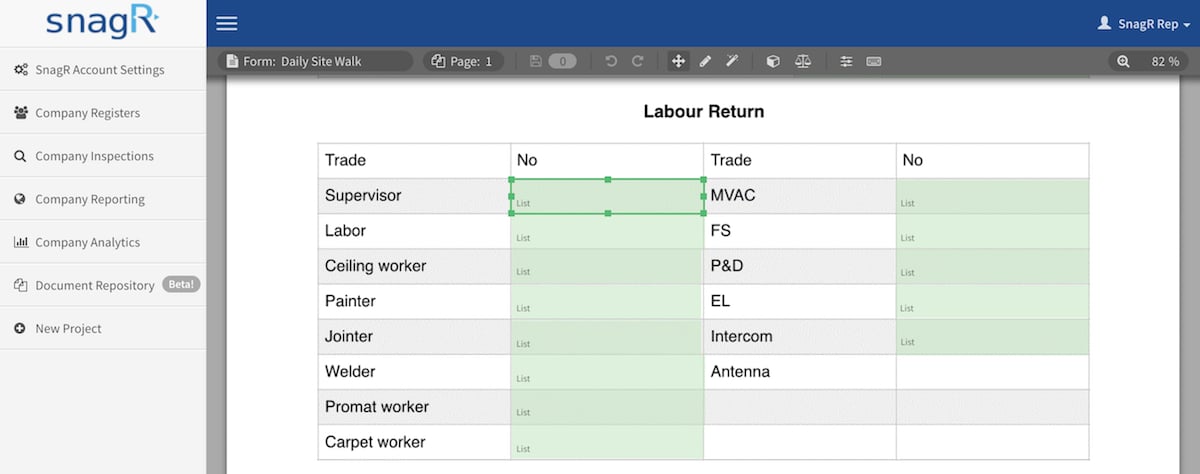
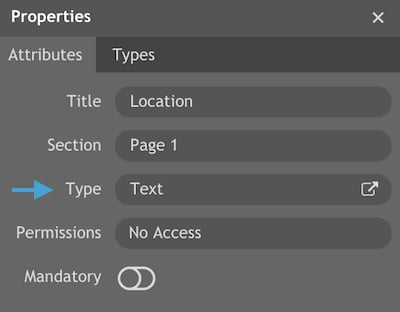
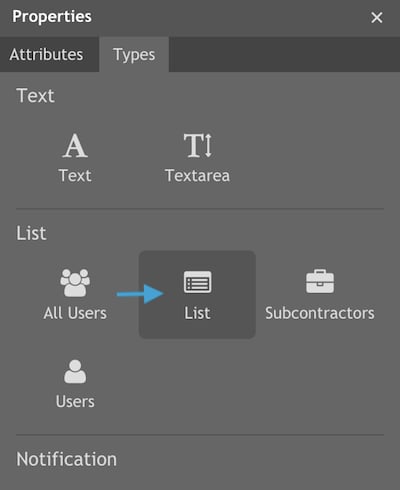
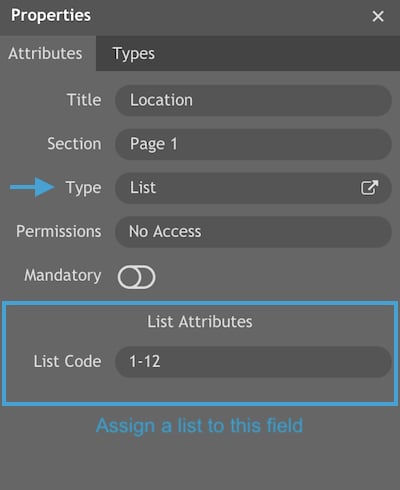
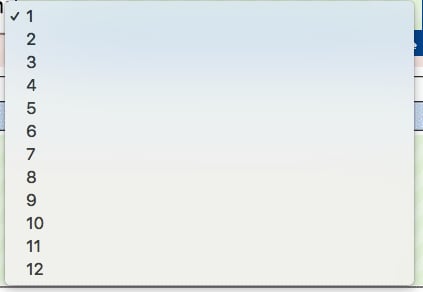
Return to the form wizard > Select a form field demo40.snagr.com.hk Admin form wizard (1) Click Command + 4 or Ctrl + 4 to bring up Properties. Go to Type, change Text to List. Screen Shot 2018 04 26 at 11.39.23 AM Screen Shot 2018 04 26 at 11.32.27 AM Afterwards, don’t forget to assign a list to the field. In this case, we choose 1-12 as this was the one we just created. Screen Shot 2018 04 26 at 11.33.34 AM Last, don’t forget to click Command + S or Ctrl + S to s****ave the changes you made in form wizard. When new forms are created, you should now see the list: Screen Shot 2018 03 16 at 11.34.36 AM