

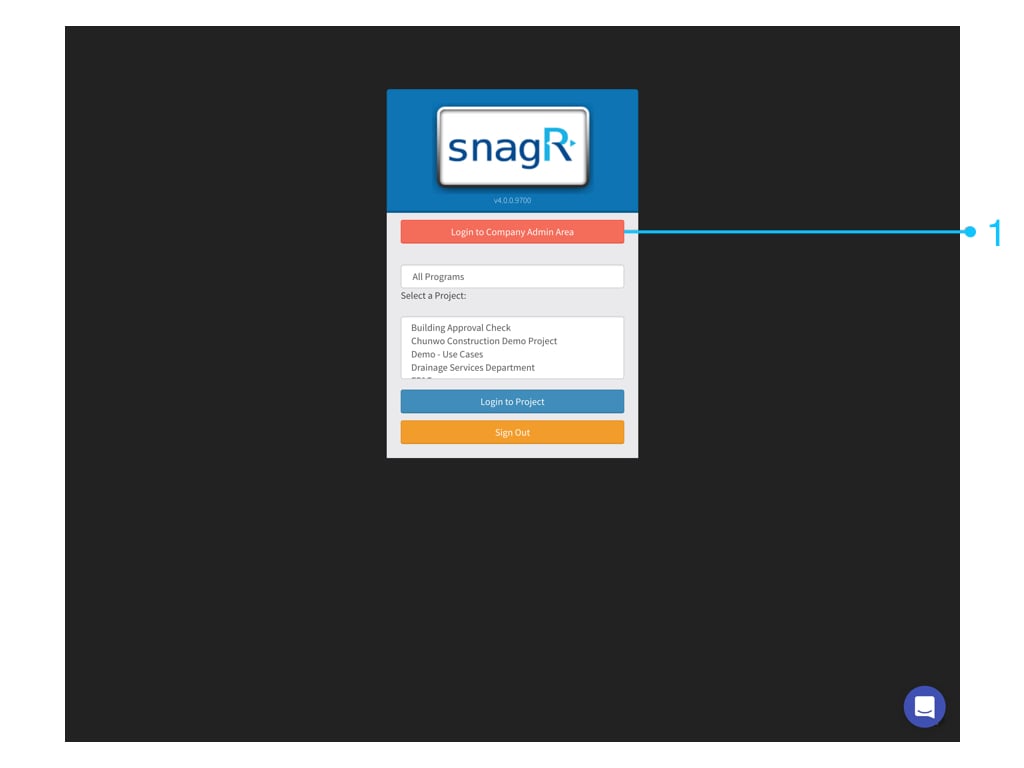
if ic tv 48px 352186 Website First, login to Company Admin Area. Only Company admin can see this button. Admin Website.001 Go to Company Inspections > Hierarchical List Click Add New List button, input the List name and Submit. Admin Website.002 Click Import List items then import the prepared excel list.
Click here to download an import template (Excel SpreadSheet .xls)
Admin Website.003 Admin Website.004 Press Save this data when everything’s okay (green). Admin Website.005 Done. You have created a Hierarchical List! Free feel to have a look of the sub list item by click in the Edit Sub List button. Level 1’s items: Admin Website.006 Level 2’s items: Admin Website.007 Level 3’s items Admin Website.008 Then, How can we set up the hierarchical list on the inspection form? I am going to show you now, follow me! First, Please go to the form wizard by the Screen Shot 2018 10 11 at 11.47.40 AM button on “Manage Inspection’s Forms” page! Screen Shot 2018 10 12 at 5.26.40 PM Select the fields and update the type to the HierarchicalList and choose a List Set (List Name). Admin Website.009 Admin Website.010 Named those field title. Click the level 2 field, select “Dependent” and “Parent List” to link with the level 1 and click the level 3 field, select “Dependent” and “Parent List” to link with the level 2. And Save. Admin Website2.001 Admin Website2.002 Like this: helpjuice production/uploads/upload/image/3577/direct/1539337138435 Oct 12 2018 16 31 17 exclamation markNote that you can only rename items, you should not delete items and cannot change the item sort order.