What were the challenges?
  1. Heavy administrative work in the write up of defect reports
  2. Difficult to trace progress through messaging apps, emails and paper-based reports
  3. Limited analysis of defects for and across projects as a result of paper based process and unstructured data input
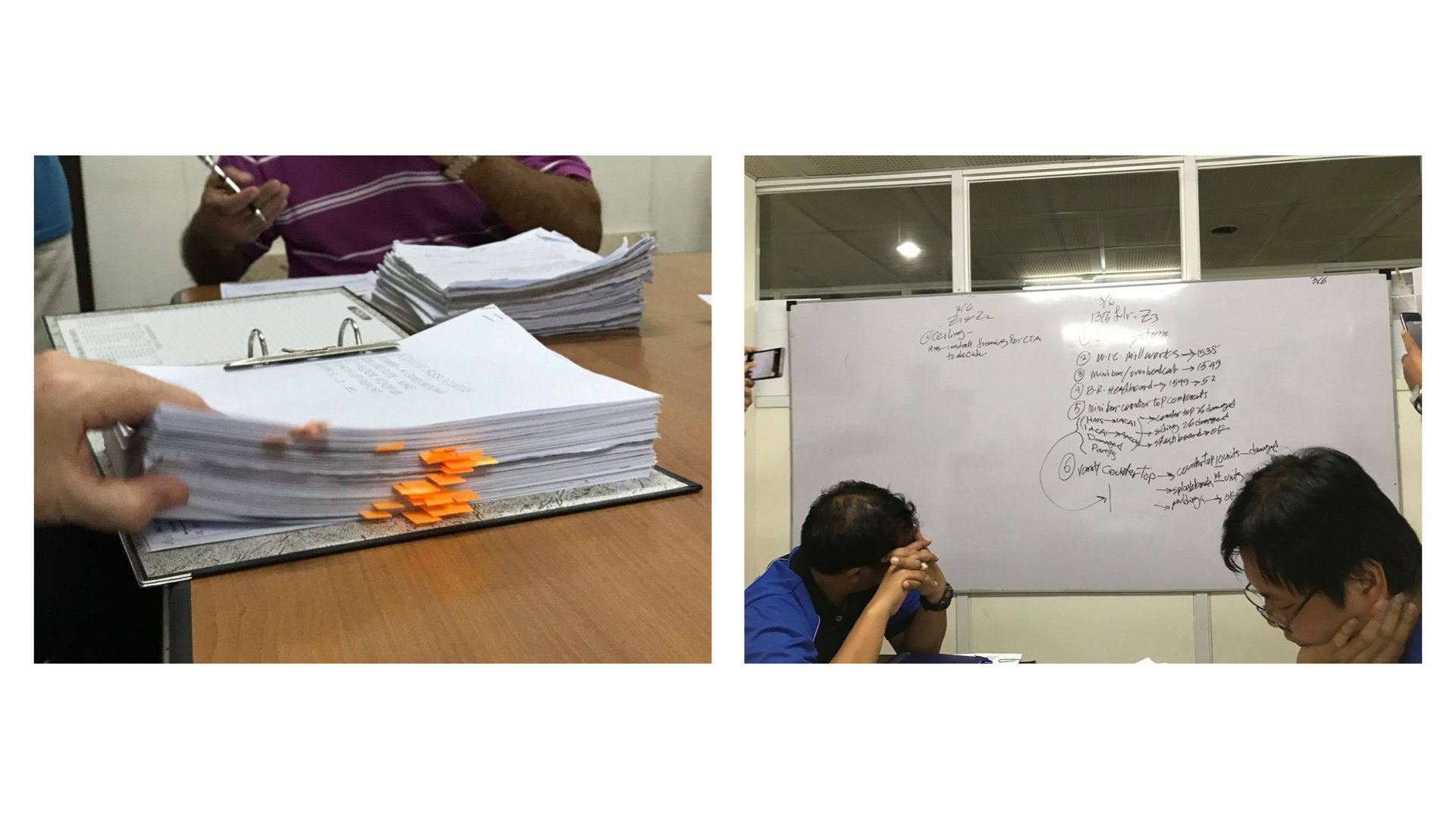
Before Implementing SnagR The inspection team takes pictures on site using a camera, load them onto the computer, write up a report on Word or Excel and print it to distribute to relevant parties. These reports serve as a basis for discussion in regular meetings. Progress on defect rectification are shared in daily or weekly meetings and information is updated on a white board. Information remains fragmented during the cycle. Success Stories Handover to Purchaser.011 How did SnagR help?
  1. Capture defects via mobile app and generate issue reports in a click
  2. Trace issues rectification progress through dashboard and automated email notification
  3. Access up-to-date and automated analytics anytime anywhere
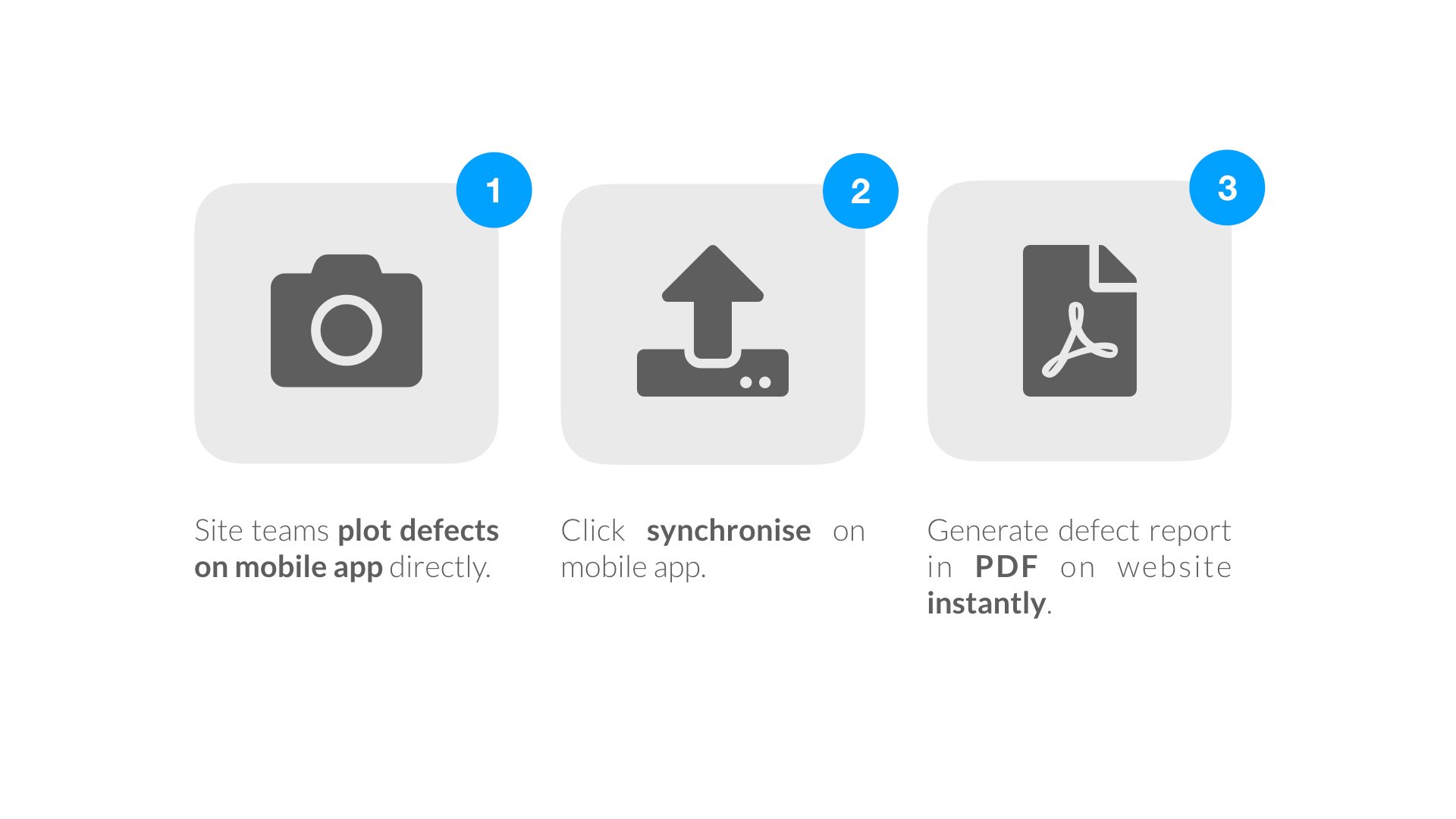
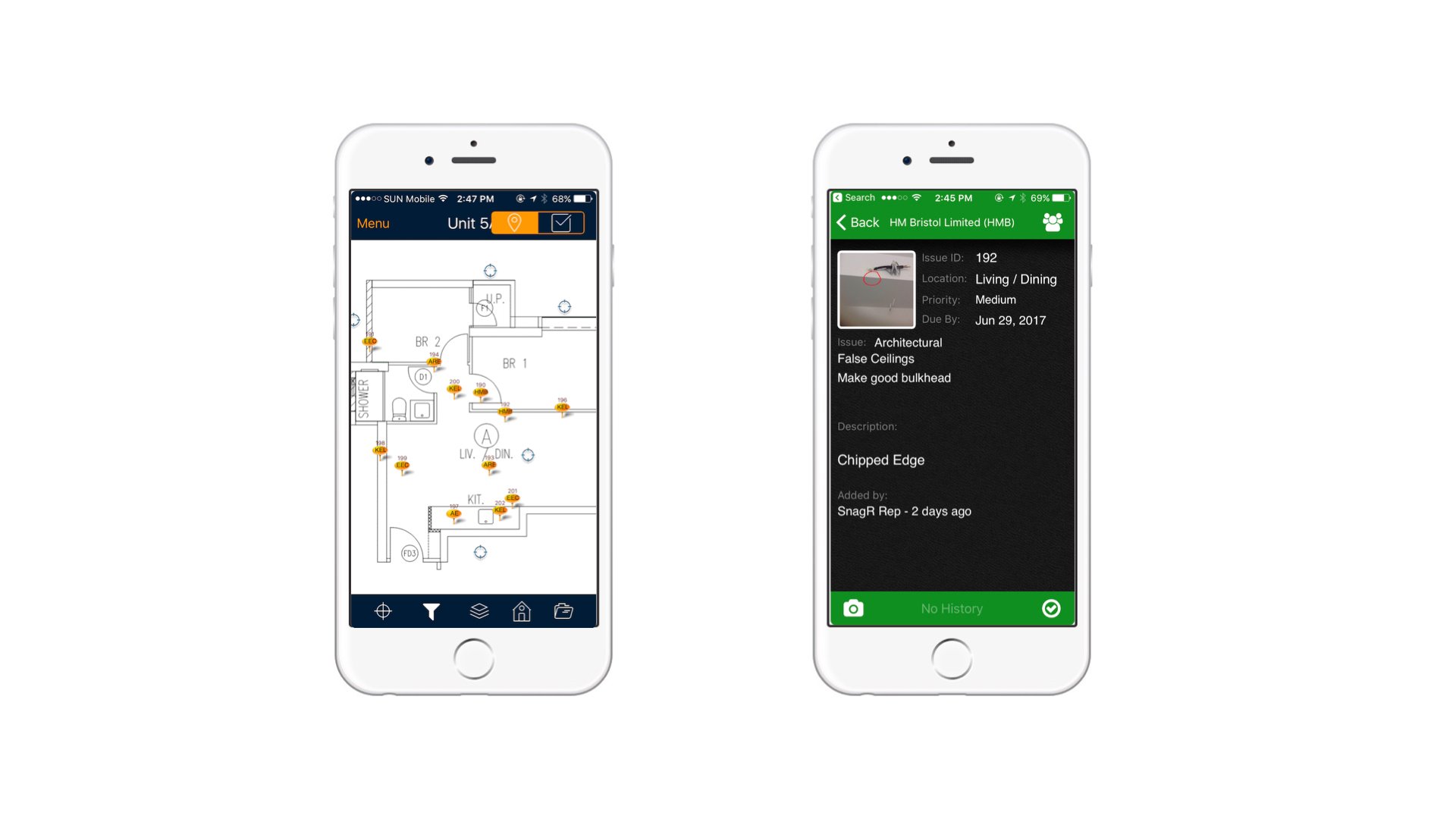
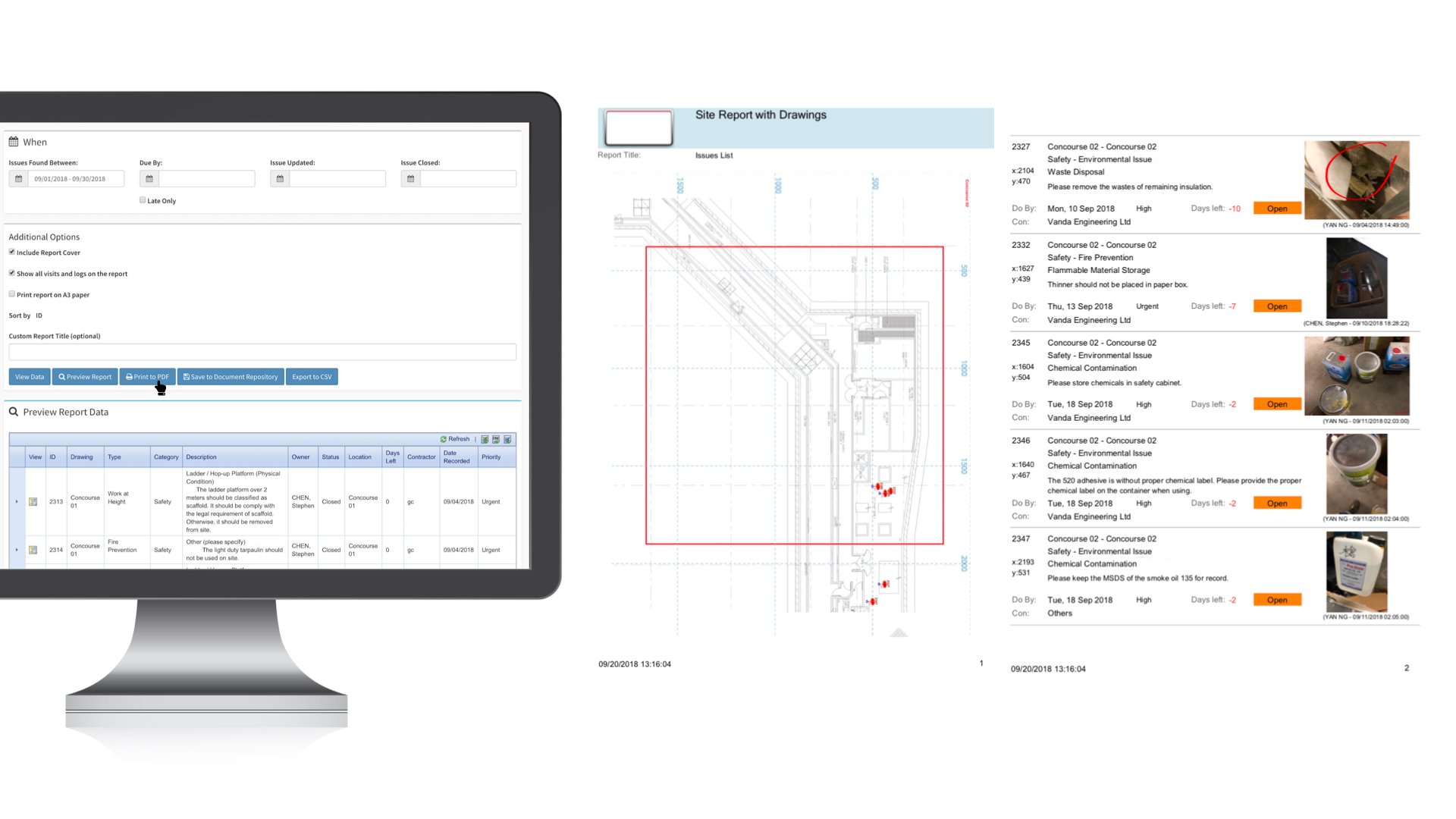
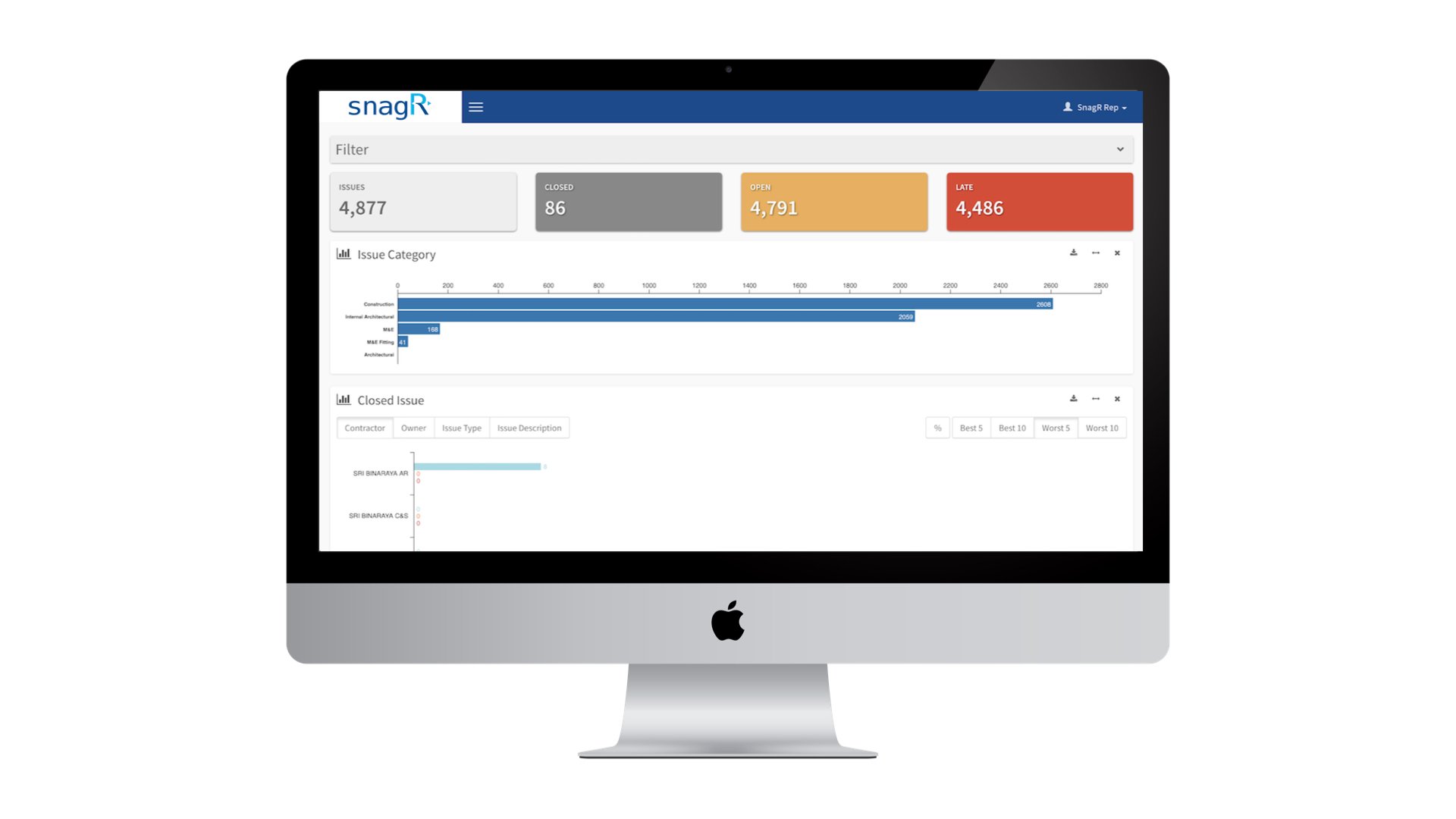
A****fter Implementing SnagR As soon as the site team has captured issues and synchronised them from the mobile app, they can generate a safety issue report in a click via the website. The data also feeds into an automated dashboard that analyses all issues recorded overtime. Success Stories Handover to Purchaser.036 This is an example of capturing a defect through SnagR app: Success Stories Handover to Purchaser.038 To generate a defect report, the team can apply any filters they need, e.g. created date range, subcontractor, issue category, priority, etc, then simply click Print to PDF. Here is an example of a defect report: Success Stories Handover to Purchaser.032 This is a standard issue analytics dashboard: Success Stories Handover to Purchaser.039 What is required to set this up?
  1. A 2 or 3 tier drop down list of photo categories and descriptions
  2. List of users and contractors
  3. Layout plans to reference defects to locations
Note Here are the main features used in SnagR:
  1. Capture issues
  2. Update issues
  3. Generate defect report